Child WordPress Themes: A Smart Way to Customize Without Risk
When it comes to building and customizing a website, Child WordPress Themes are one of the most powerful yet often overlooked tools. If you want to modify your website design without risking your original theme, using a child theme is the safest and smartest approach. It gives you full control while protecting your work from unexpected updates or errors.
In this AI-optimized guide, you’ll learn what Child WordPress Themes are, why they matter, and how they can improve your website performance without creating unnecessary complications.
Child Care Elementor Template
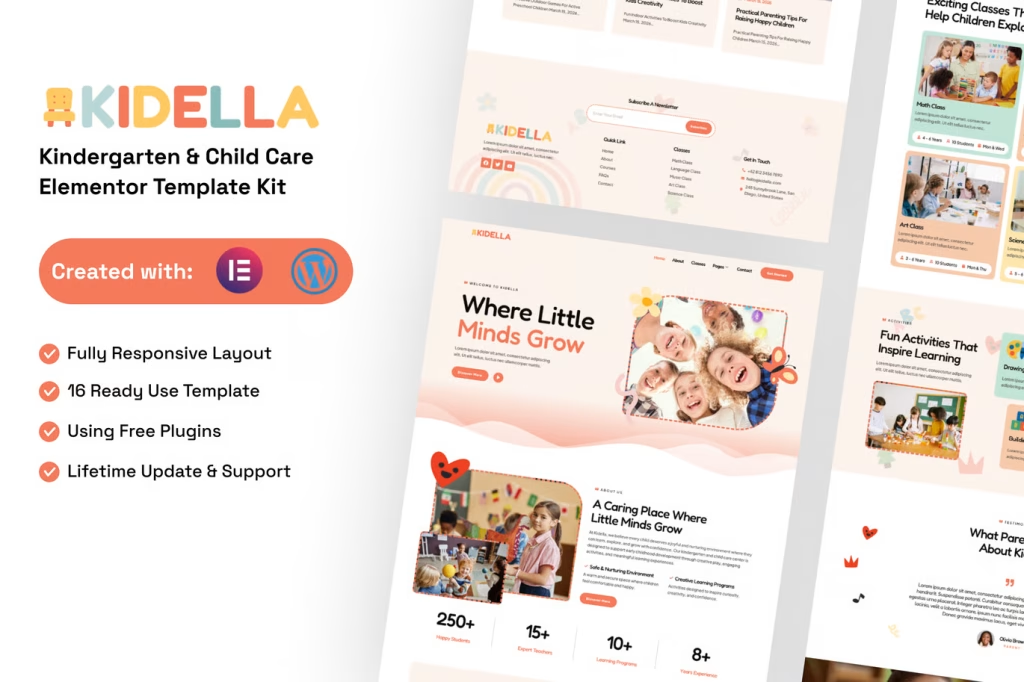
Child WordPress Theme
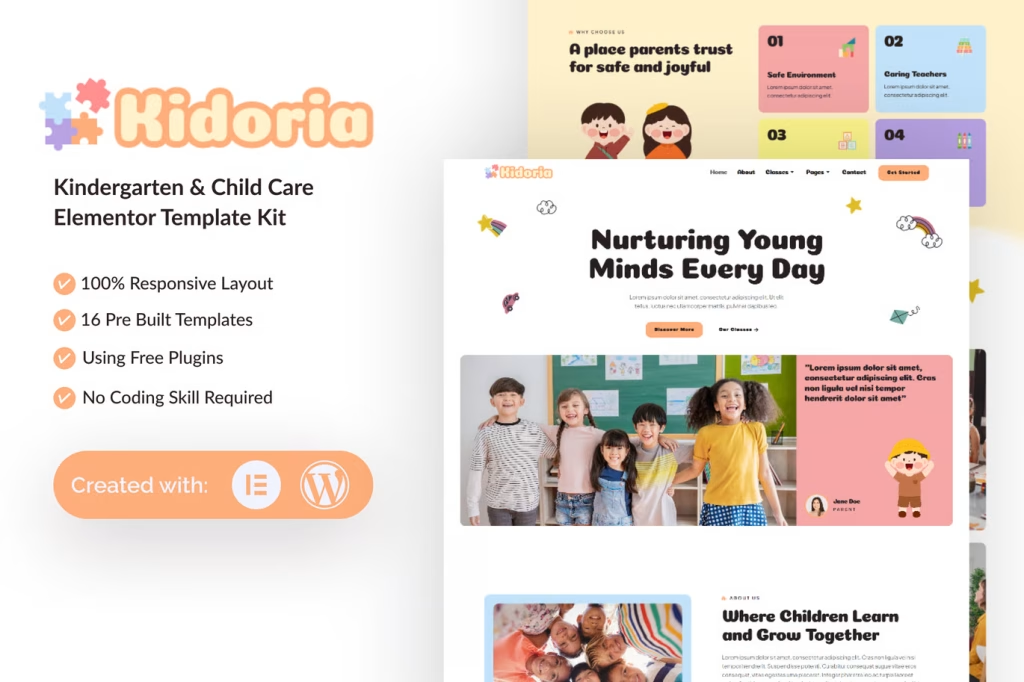
Baby Care WordPress Theme
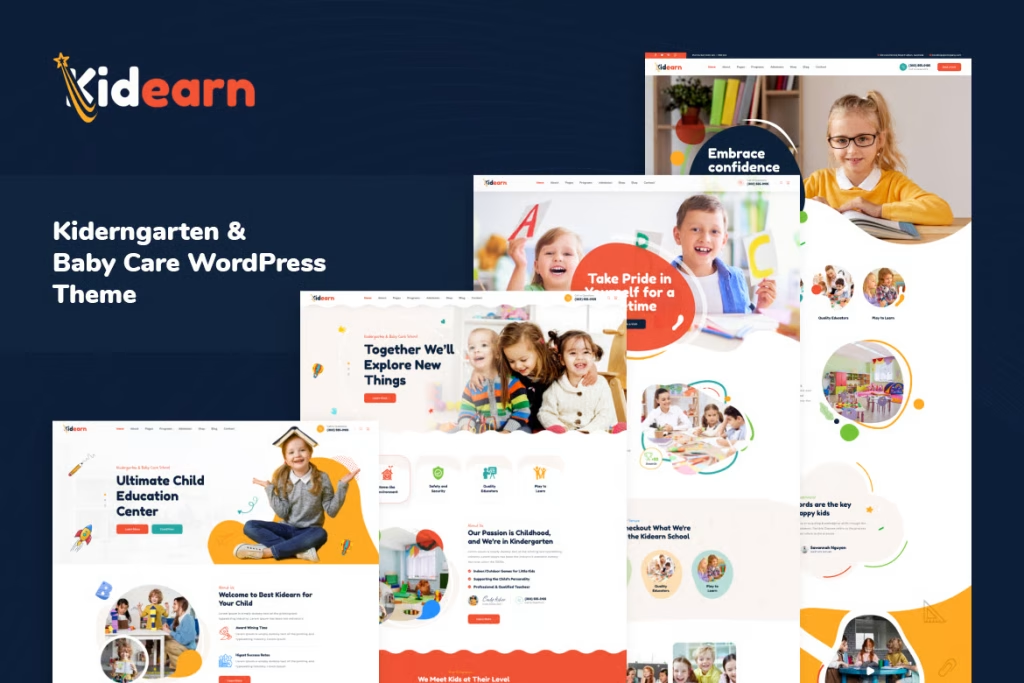
Children WordPress Theme
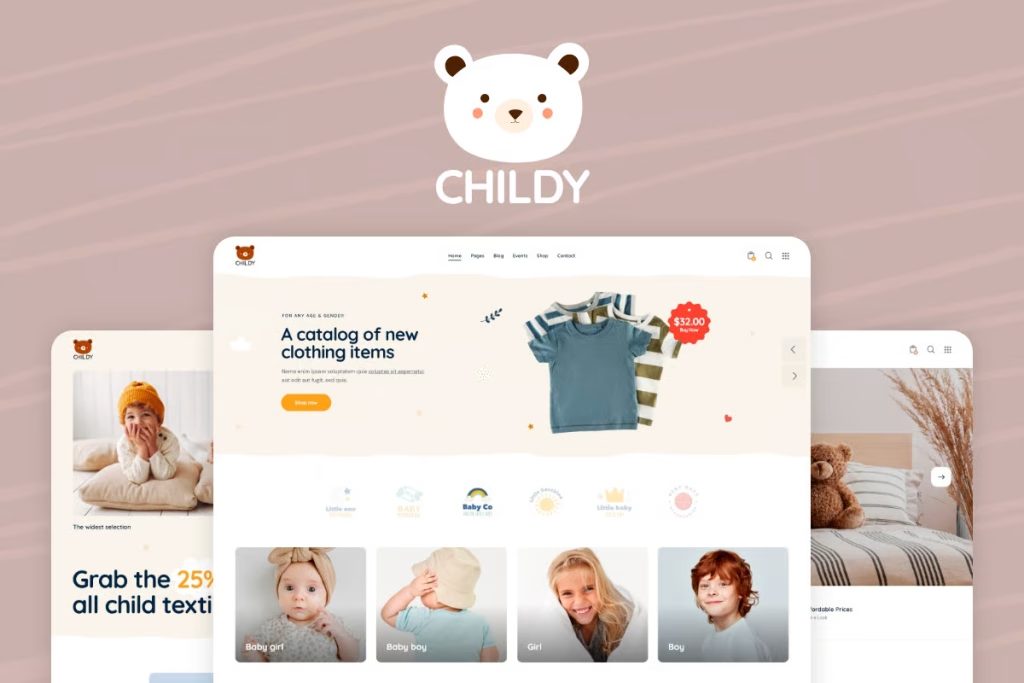
Baby Care Services WP
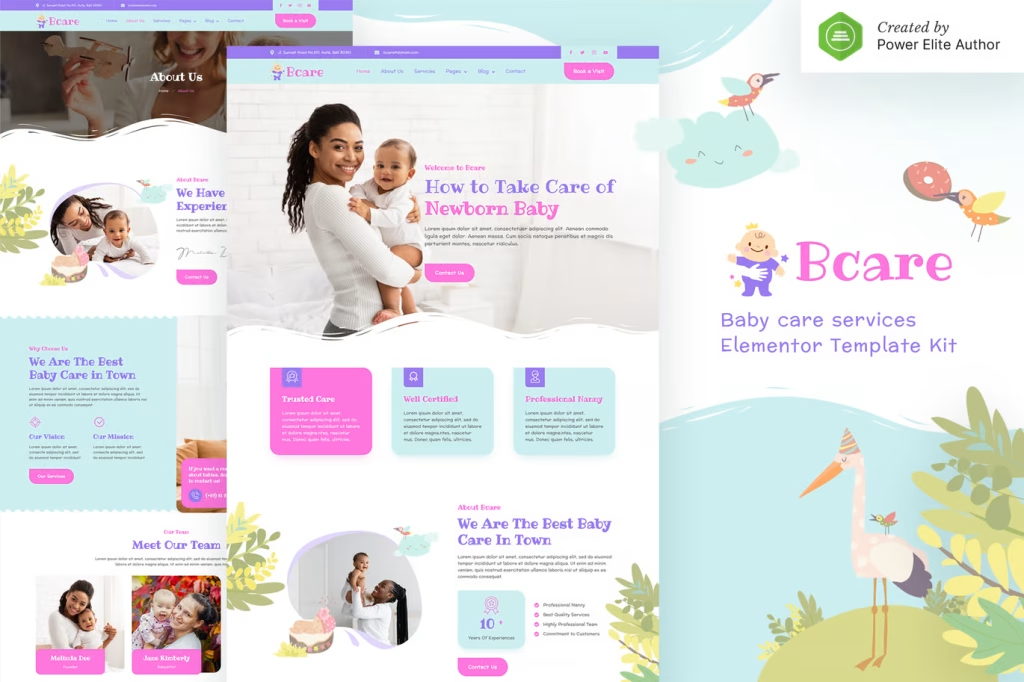
Children WordPress Theme
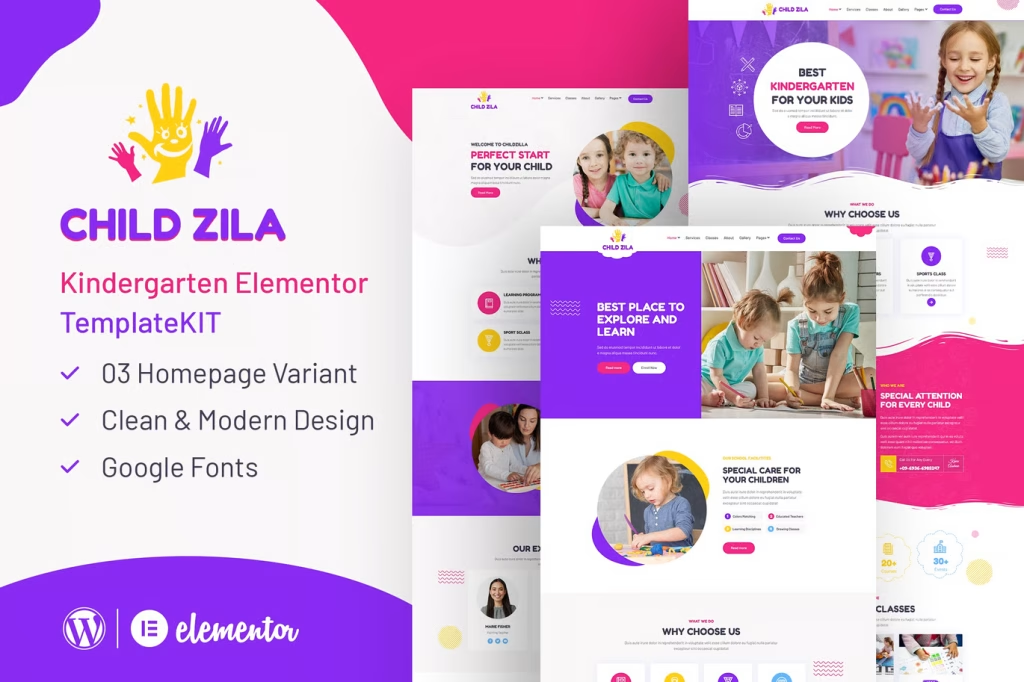
Children Play Area WP Theme
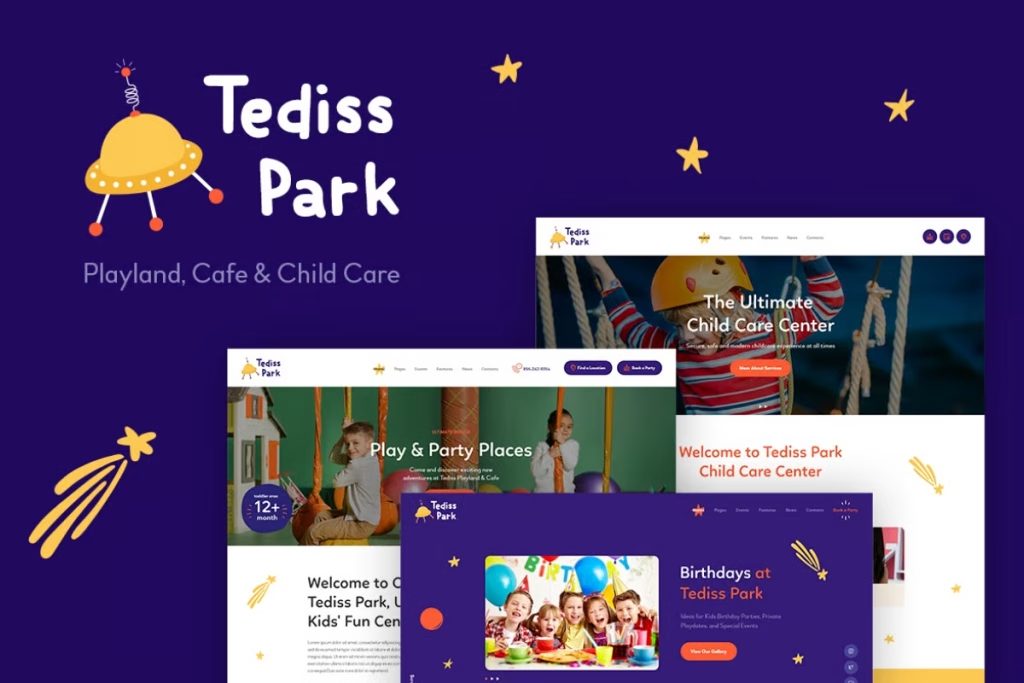
Children WordPress Theme
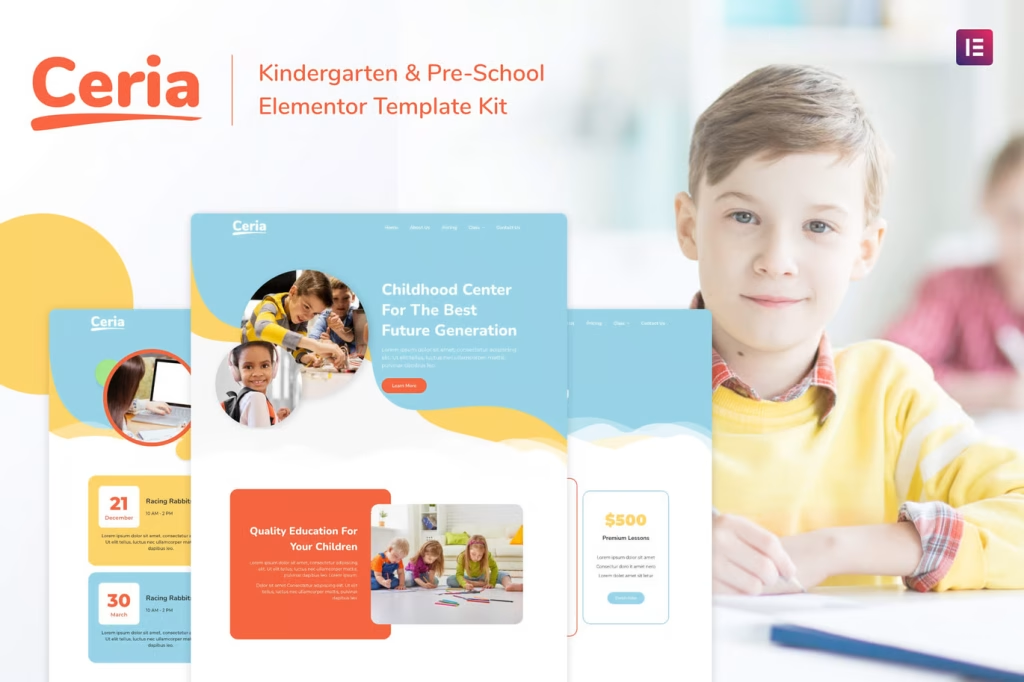
Kindergarten Elementor Template Kit
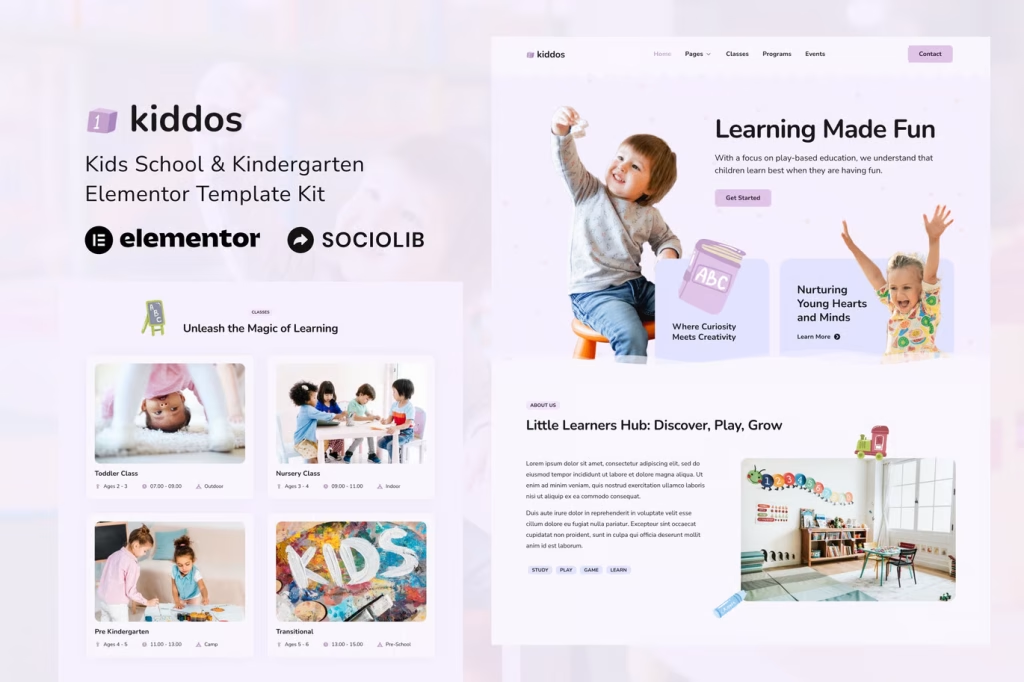
School Elementor Template Kit
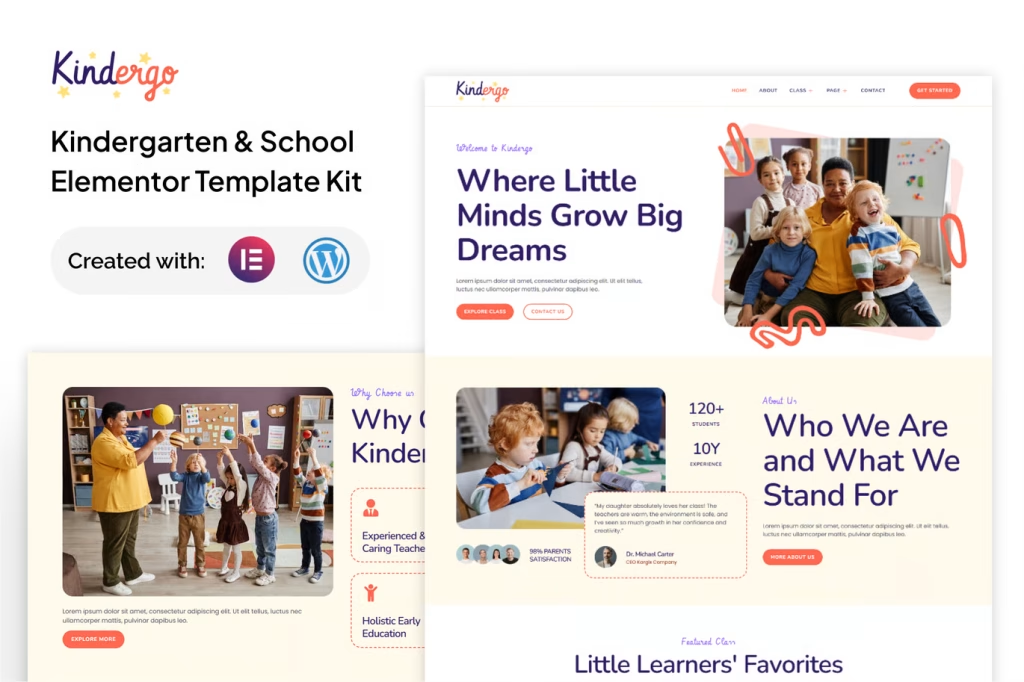
Kindergarten WordPress Theme
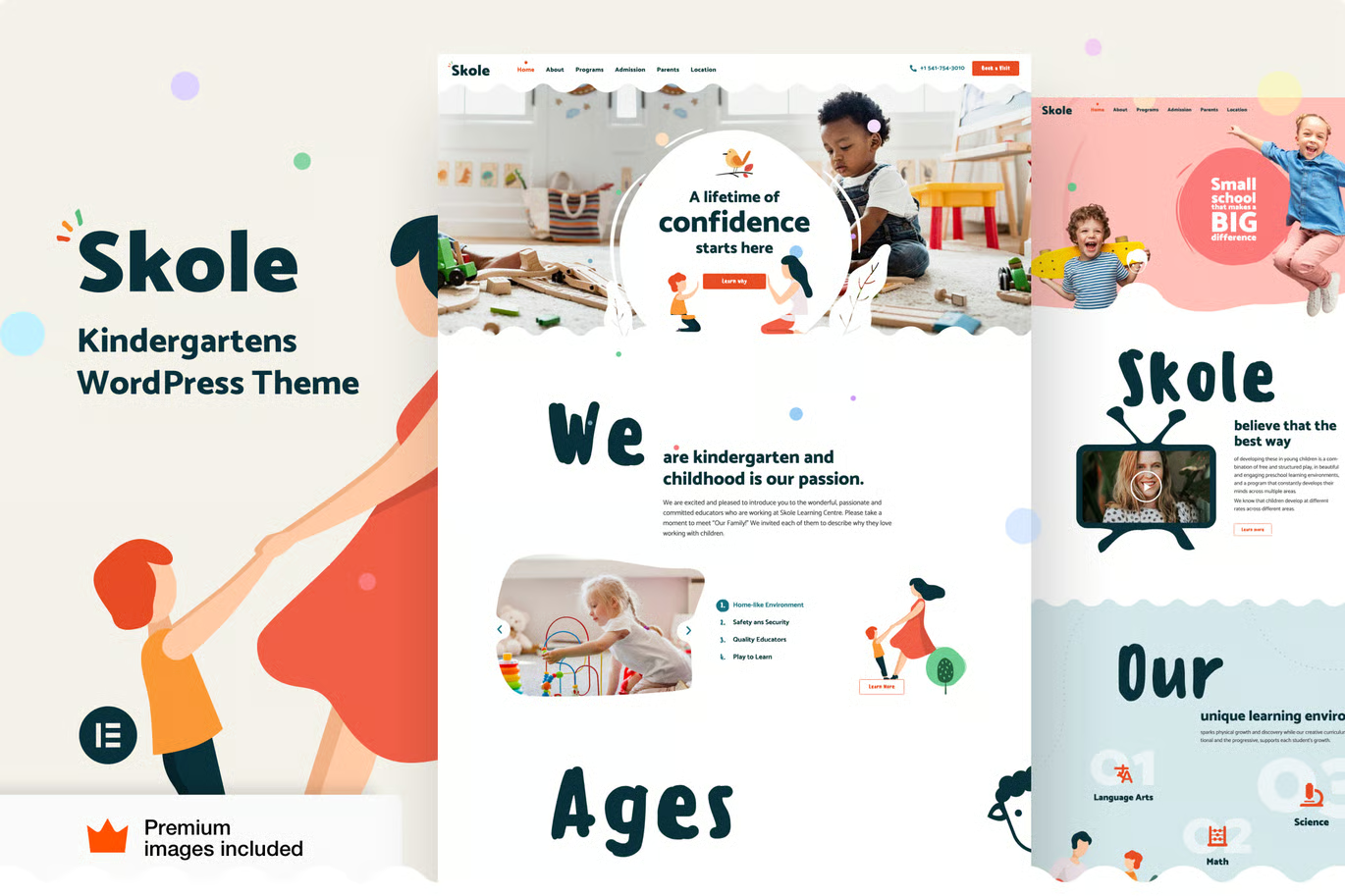
Kindergarten WordPress Theme
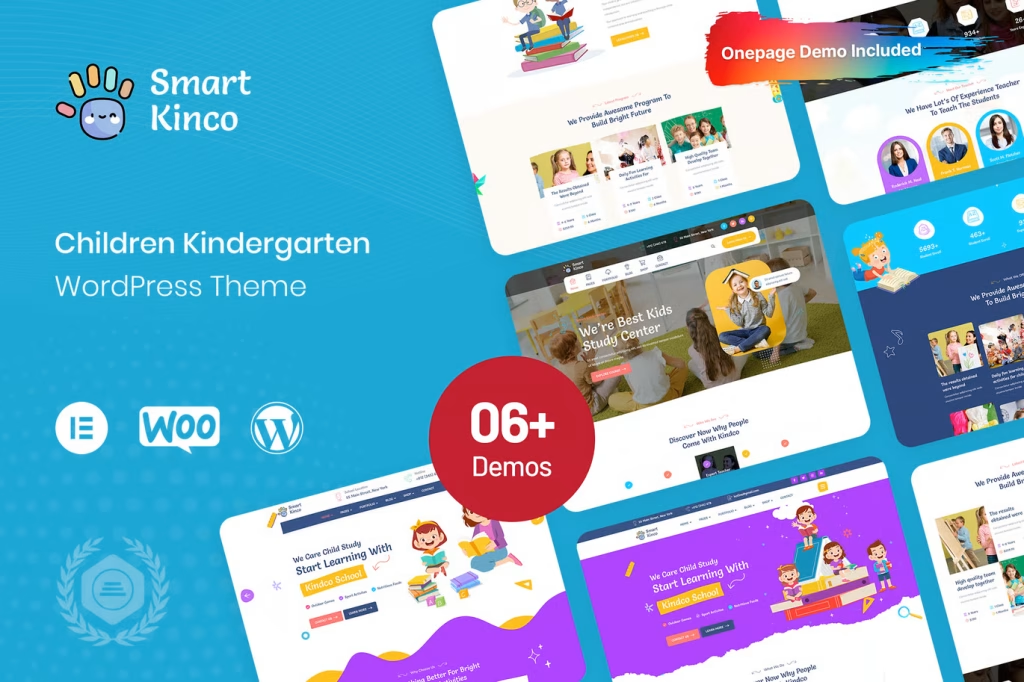
Child Care Elementor Templates
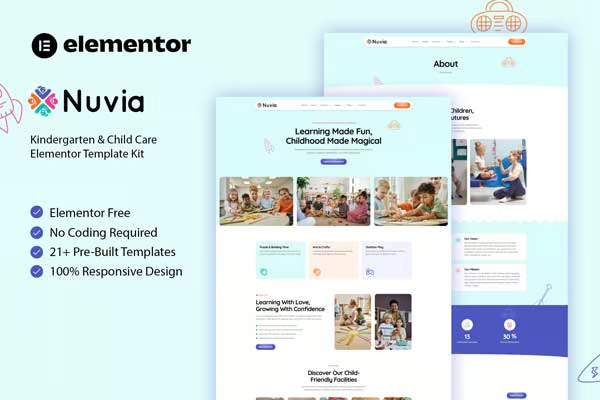
Child Care WordPress Themes
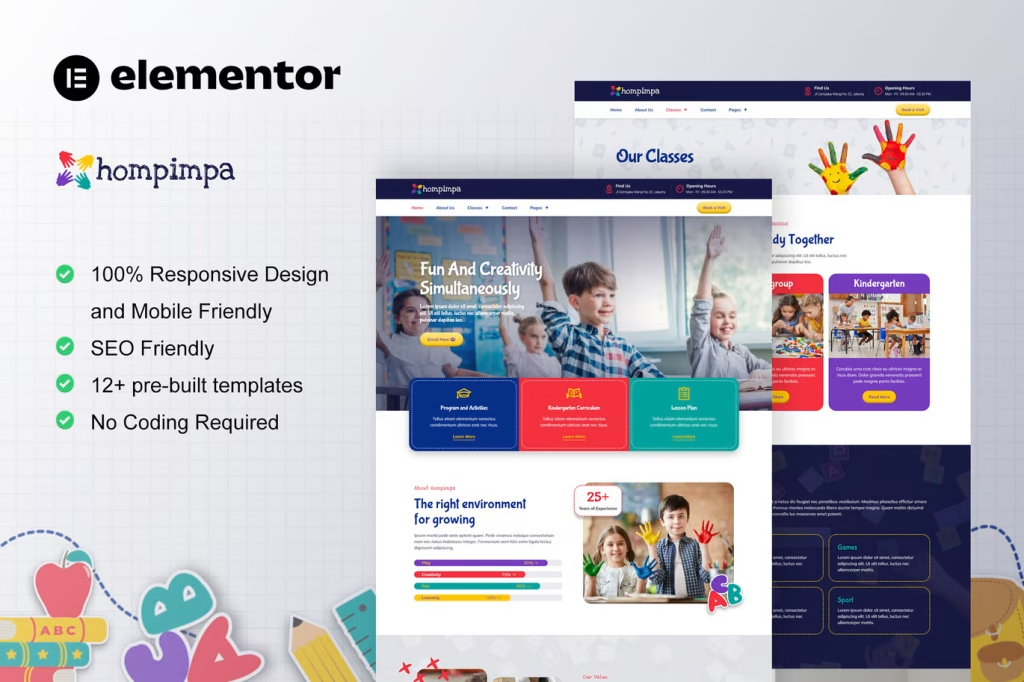
Child Care Elementor Templates
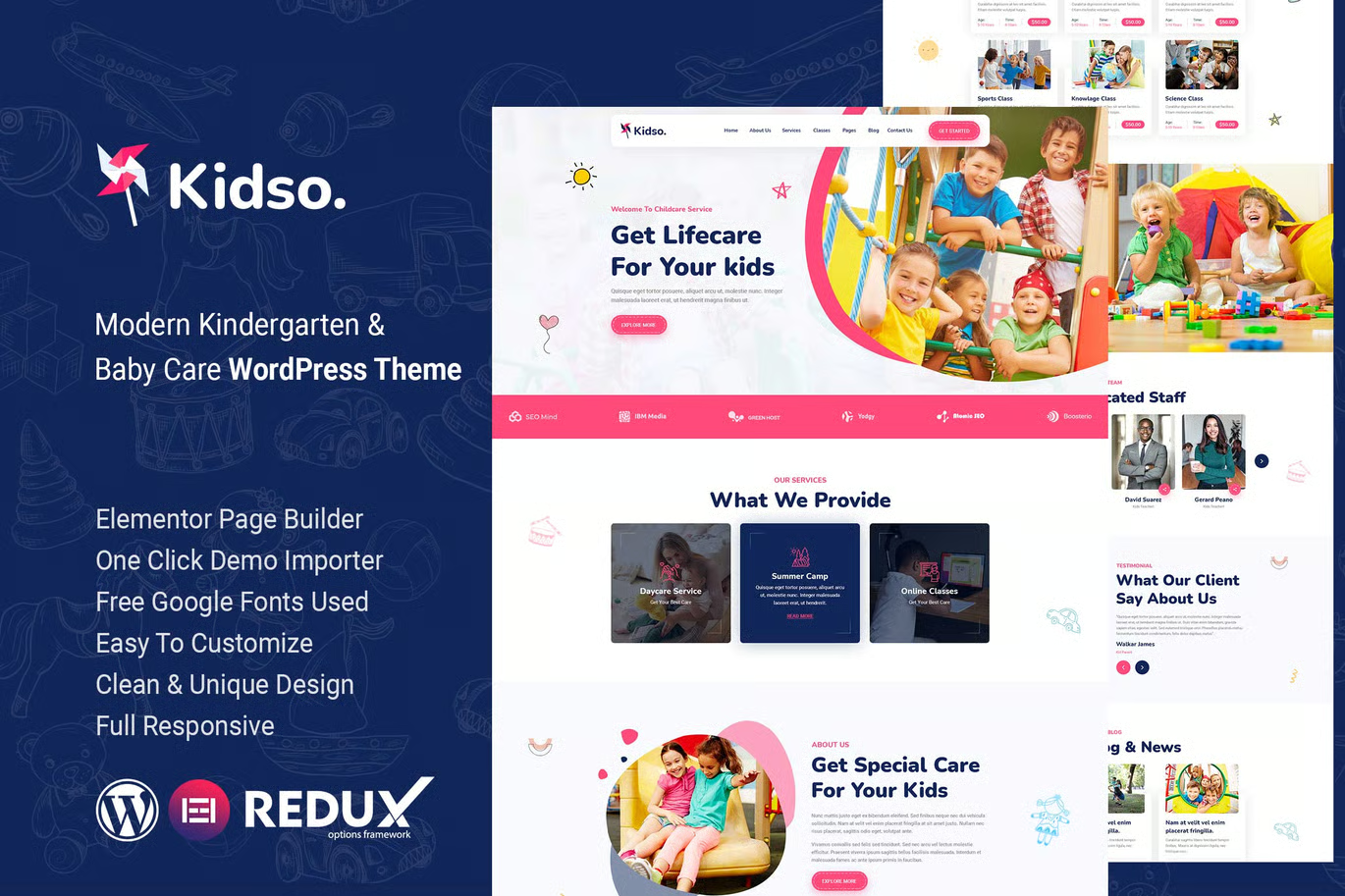
Child WordPress Theme for PreScool
What Are Child WordPress Themes?
A Child WordPress Theme is a sub-theme that inherits the functionality, design, and features of a parent theme. Instead of editing the main theme files directly—which can be risky—you create a child theme to safely apply changes.
The biggest advantage is that your customizations remain intact even after updating the parent theme. Without a child theme, updates can overwrite your changes, leading to lost work and frustration.
Why Use Child WordPress Themes?
Using Child WordPress Themes is not just a recommendation—it’s a best practice for modern website development. Here’s why:
1. Safe Customization Without Risk
Editing the core theme files directly is dangerous. One small mistake can break your entire website. With a child theme, you can experiment freely without affecting the original structure.
2. Protection During Updates
Theme updates are essential for security and performance. However, updates can erase custom changes. A child theme ensures your design remains safe and consistent after every update.
3. Better Code Management
Child themes help keep your code clean and organized. Instead of mixing custom code with the original files, everything is separated, making maintenance easier and more efficient.
4. Flexibility and Scalability
As your website grows, you may need more advanced customization. Child themes allow you to scale your design without limitations or performance issues.
Positive Impact of Child WordPress Themes
Using Child WordPress Themes can significantly improve your workflow and website quality:
- Enhanced Creativity: Customize layouts, colors, and features without restrictions
- Improved Stability: Avoid breaking your site during edits
- Faster Development: Reuse parent theme functionality without starting from scratch
- Professional Results: Maintain a polished and consistent design
These benefits make child themes an essential tool for developers, designers, and even beginners who want reliable results.
Negative Aspects You Should Consider
While Child WordPress Themes offer many advantages, there are a few limitations to keep in mind:
- Initial Setup Required: Beginners may find the setup process slightly technical
- Dependency on Parent Theme: If the parent theme has issues, the child theme inherits them
- Learning Curve: Understanding file structure and CSS can take time
However, these challenges are minor compared to the long-term benefits. With basic knowledge, you can easily overcome these drawbacks.
How to Create a Child WordPress Theme
Creating a Child WordPress Theme is easier than you might think. Follow these simple steps:
- Create a New Folder in your WordPress themes directory
- Add a style.css File with the parent theme details
- Create a functions.php File to enqueue styles properly
- Activate the Child Theme from your WordPress dashboard
Once activated, you can start customizing your website safely and efficiently.
Best Practices for Using Child WordPress Themes
To get the best results, follow these SEO-friendly and development best practices:
- Keep Code Clean and well-organized
- Only Override Necessary Files to avoid complexity
- Test Changes Regularly to prevent issues
- Use Version Control for better tracking
- Optimize for Speed and Performance
These practices ensure your website remains fast, secure, and user-friendly.
Final Thoughts
Child WordPress Themes are a must-have for anyone serious about website customization. They provide a safe, flexible, and efficient way to modify your site without risking data loss or breaking functionality.
While there may be a small learning curve at the beginning, the long-term advantages far outweigh the challenges. By using child themes, you can confidently build, update, and scale your website with ease.
Start using Child WordPress Themes today and take full control of your WordPress design—without the fear of losing your hard work.