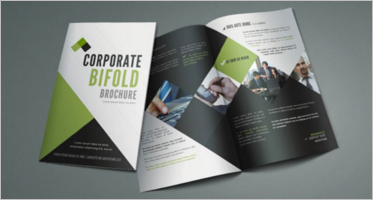
The Ultimate Guide to Choosing the Perfect Tumblr Themes for Your Blog
In the world of creative expression, Tumblr remains one of the most versatile and aesthetic blogging platforms. From writers and photographers to designers and fandom enthusiasts, everyone loves how easily they can personalize their Tumblr space. One of the main reasons Tumblr stands out is its ability to let users customize the look and feel of their blogs using Tumblr themes.
Whether you’re building a personal diary, a photography showcase, or a portfolio, the right Tumblr theme can completely transform your blog’s visual identity. In this article, we’ll explore everything you need to know about choosing, customizing, and optimizing Tumblr themes for the best user experience.
Why Tumblr Themes Matter
Your theme is the first thing visitors notice when they land on your page. It sets the mood, tone, and overall perception of your brand or personality. A clean, well-structured Tumblr theme improves readability, keeps your audience engaged, and even helps boost your credibility.
The right theme not only showcases your content beautifully but also ensures smooth navigation and accessibility. A poorly designed theme, on the other hand, can drive away readers—even if your content is great. That’s why selecting a theme that complements your content style is essential for success on Tumblr.
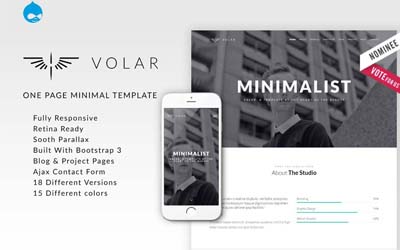
Simple Tumblr Theme

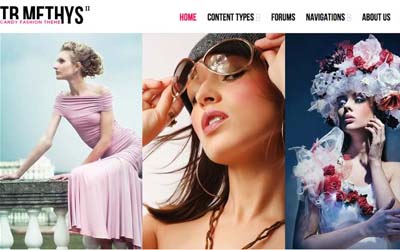
Cute Tumblr Theme

Stunning Blogging Tumblr Theme
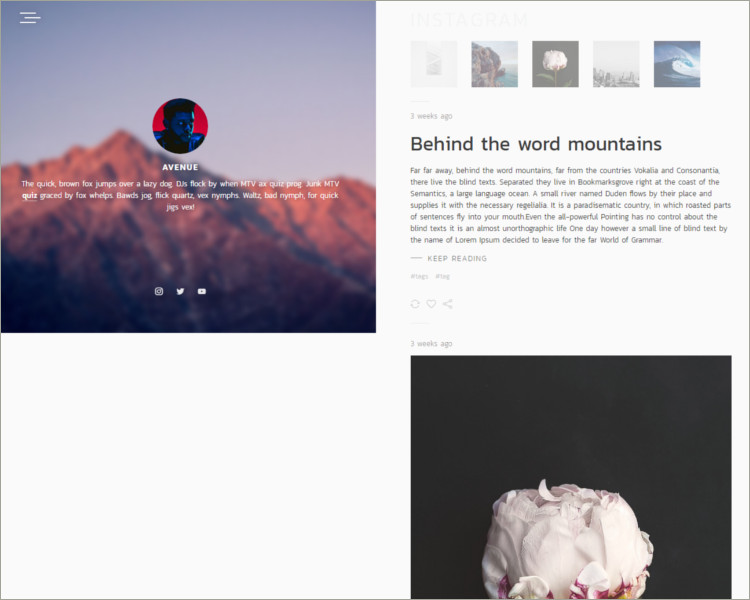
Travelling Blog Tumblr Theme

Minimal Grid Tumblr Theme

Modern & Responsive Tumblr Theme

Cool Tumblr Theme
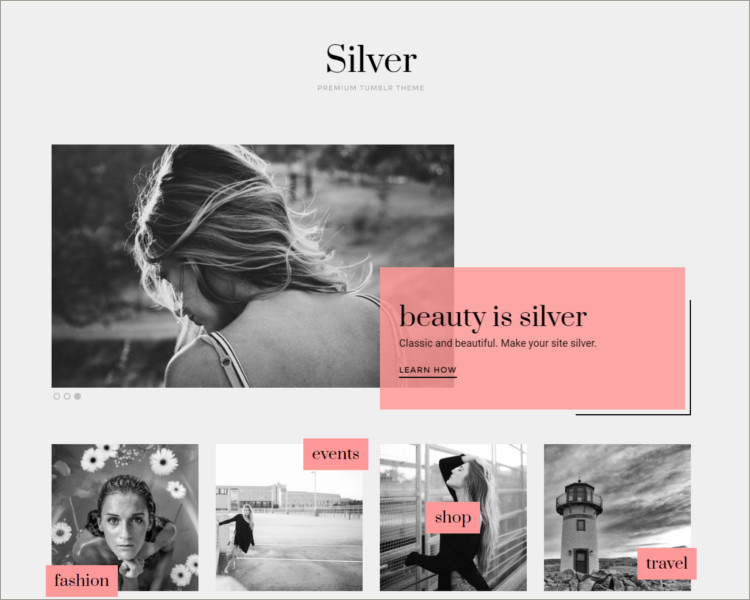
Gradient Grid Tumblr Theme

Responsive Sidebar Tumblr Theme

Responsive Gallery Tumblr Theme

Tumblr Portfolio Theme

Unique Tumblr Theme

Minimal Grid Based Tumblr Theme

Tumblr Portfolio Theme

Fastest Tumblr Theme

Good Tumblr Theme

Delightful Portfolio Tumblr Theme
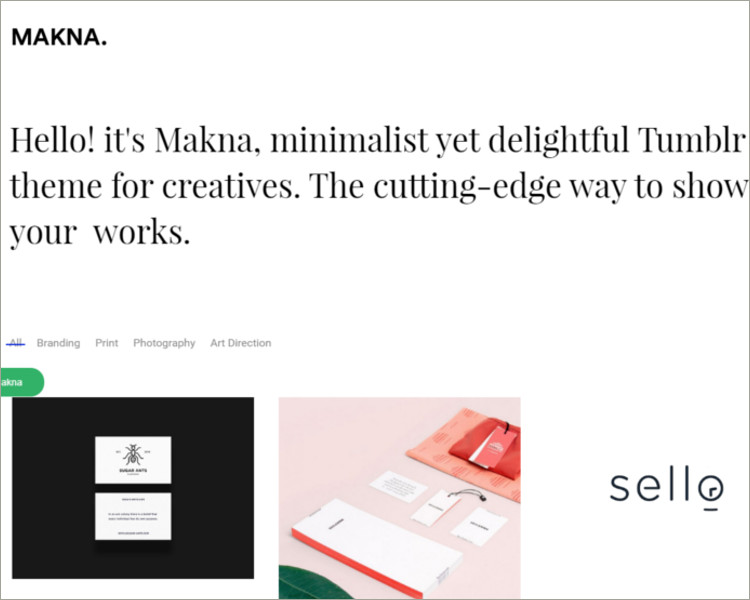
Minimal Grid Tumblr Theme
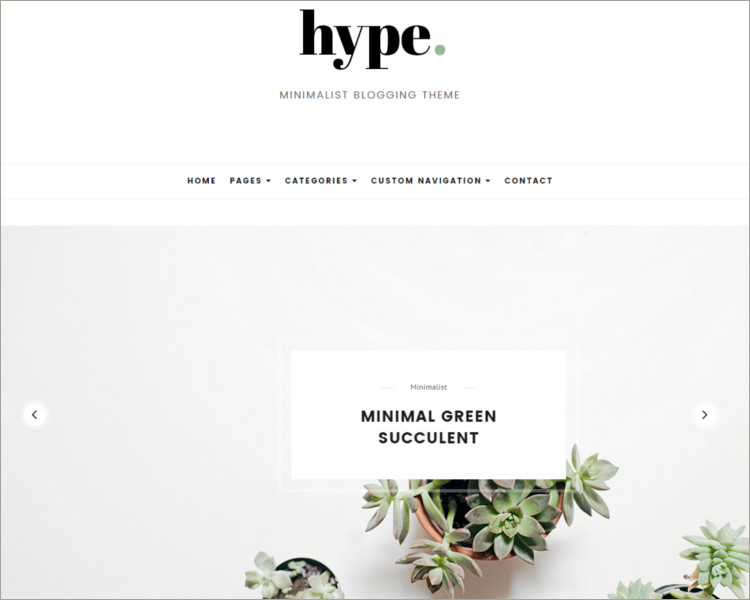
Personal Blog Tumblr Theme

Tumblr Theme For Writers

Elegant Tumblr Theme
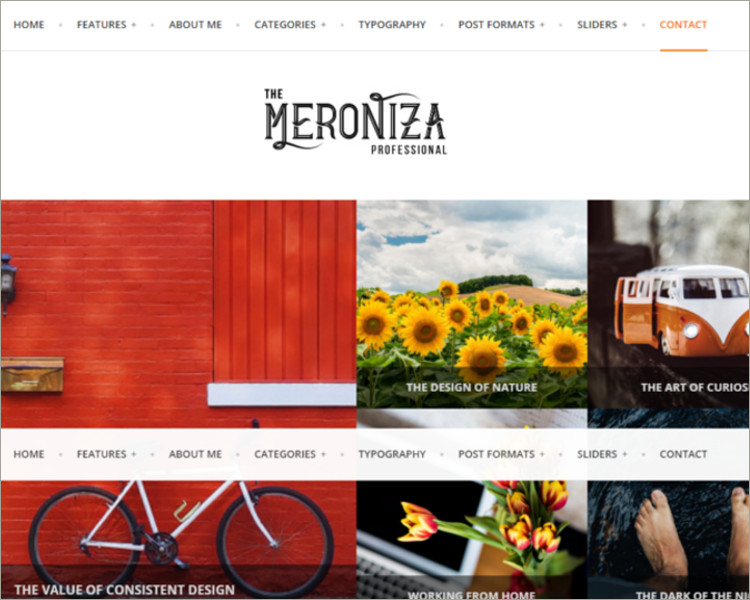
Responsive Blog Tumblr Theme
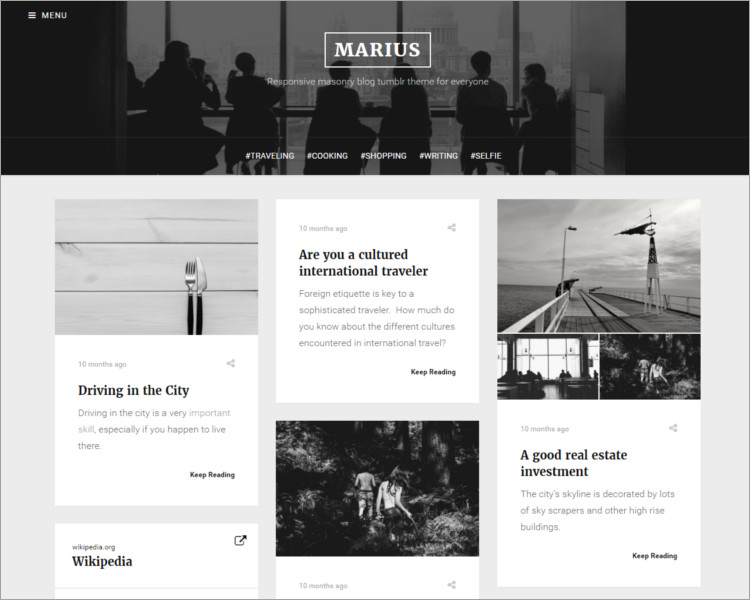
Masonry Blog Tumblr Theme
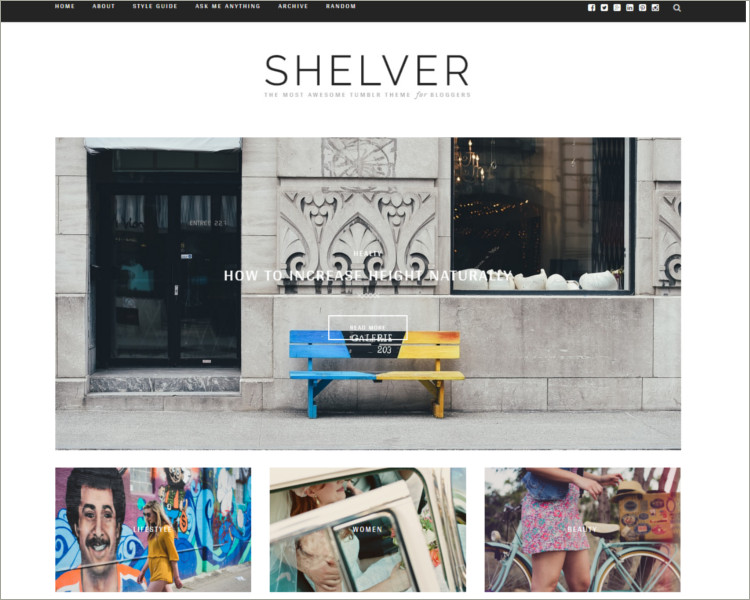
Single Column Sidebar Tumblr Theme

Tumblr Themes
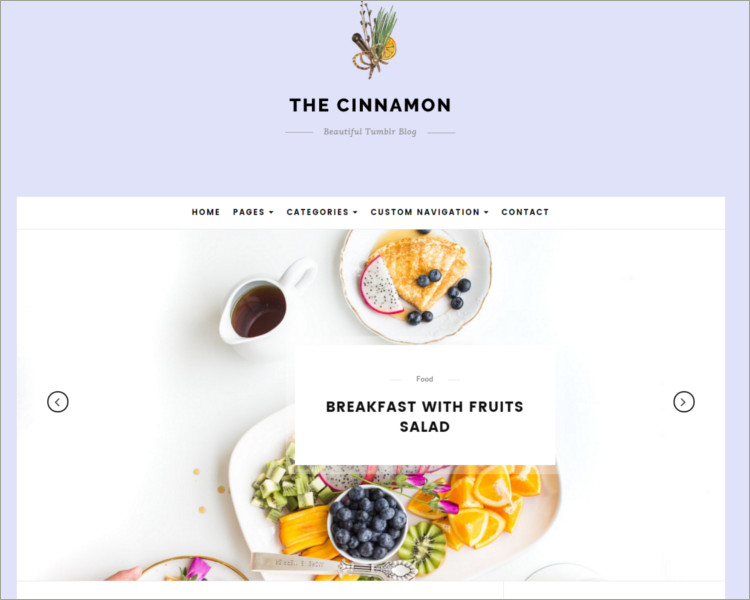
Creative Portfolio Tumblr Theme

Contemporary Tumblr Theme

Responsive Full-Screen Grid Tumblr Theme

Tumblr Dark Photo Gallery Theme


Grunge Dark Tumblr Template
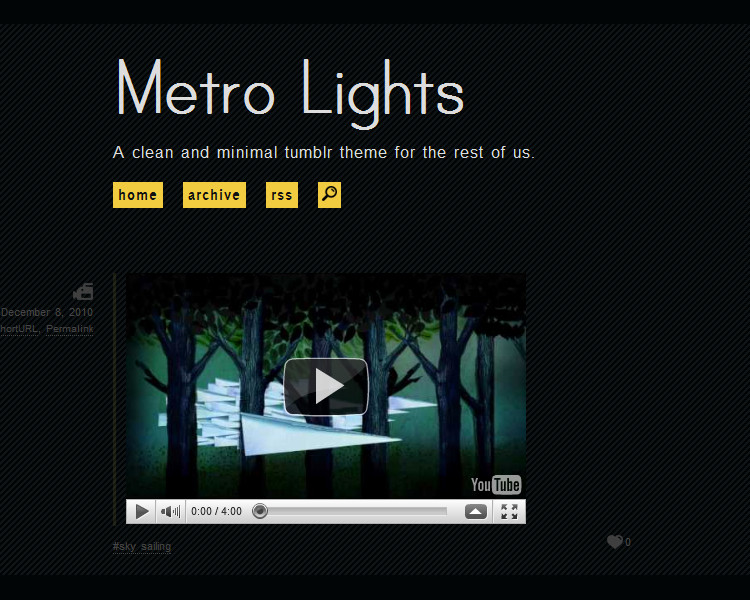


Tumblr Dark Portfolio Theme

Portfolio WordPress Dark Tumblr Theme

Minimal Dark Tumblr Theme

Minimalist Dark Grid Tumblr Theme
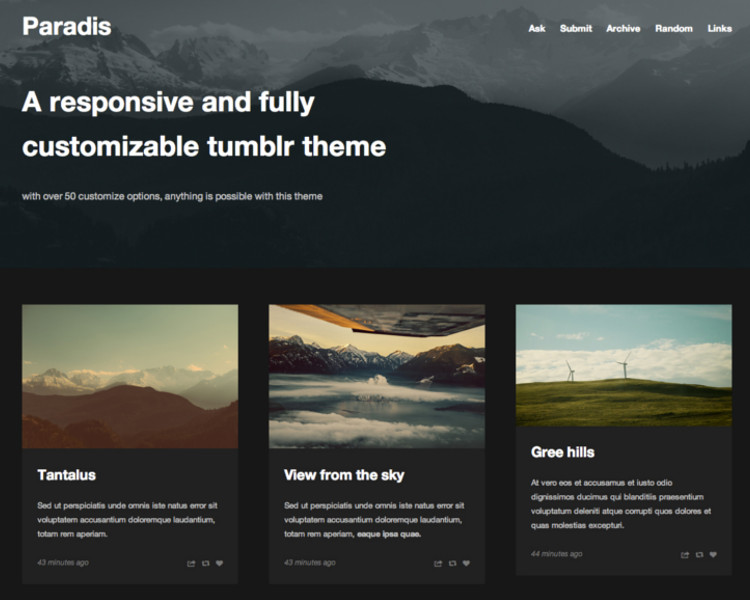
Photo Portfolio Sidebar WordPress Tumblr Theme

Download Responsive Dark Tumblr Theme

Custom Dark Tumblr Theme

Premium Dark Tumblr Responsive Theme

Plain Tumblr Blog Theme

Cool Dark Tumblr Theme

Black Sakura Tumblr Dark Theme

Magazine Responsive Dark Tumblr Theme

Unique Responsive Dark Tumblr Theme
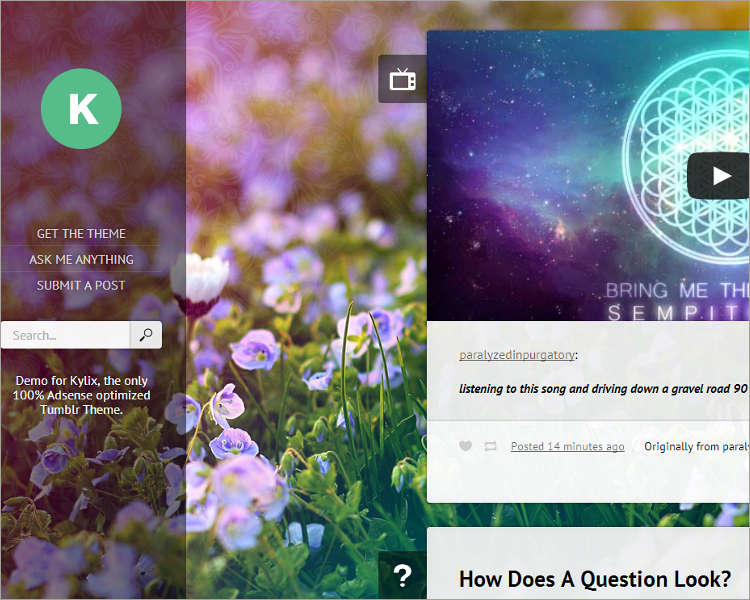
Nature Dark Responsive Tumblr Theme

Graphic Studio Dark Tumblr Template

Custamizable Portfolio Tumblr Theme

Personal Blog Dark Tumblr Template

Magazine Responsive Tumblr Theme

Tumblr Dark Photography Template

Simple Dark Tumblr Theme
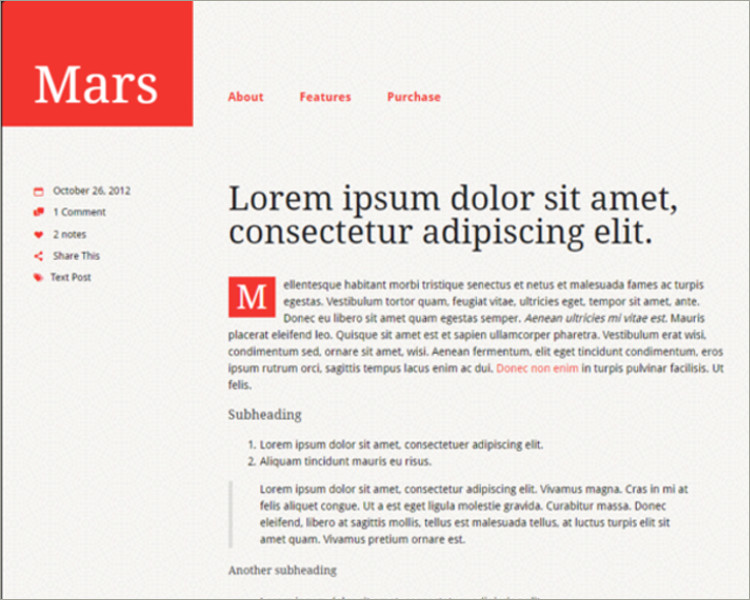
Key Elements of a Great Tumblr Theme
When searching for the ideal Tumblr theme, consider these must-have features:
1. Responsive Design
A responsive design ensures your Tumblr blog looks perfect on all devices—desktop, tablet, and mobile. Since a large portion of Tumblr’s audience accesses the platform via mobile, responsiveness is non-negotiable. Look for themes that automatically adjust layouts and image sizes for every screen.
2. Fast Loading Speed
Page speed is a crucial factor in both SEO and user experience. Lightweight Tumblr themes with optimized code and minimal use of heavy scripts help your blog load faster. A fast theme not only keeps readers engaged but also improves your visibility on search engines.
3. Customizable Layout
A good Tumblr theme should offer flexibility in layouts. Whether you prefer a grid-based gallery, a single-column feed, or a magazine-style layout, choose one that fits your content type. The ability to adjust fonts, background colors, and sidebar elements is also important for maintaining a consistent aesthetic.
4. Support for High-Resolution Images
If you’re a photographer, designer, or artist, you’ll want a theme that supports high-quality visuals. Tumblr themes with retina-ready and HD display options make your artwork or photos stand out while maintaining sharpness and detail.
5. Built-in Social Sharing
Social integration plays a huge role in Tumblr’s community-driven ecosystem. A theme that includes social media icons, reblog buttons, and comment sections enhances user interaction and helps your content reach a wider audience.
How to Choose the Right Tumblr Theme for Your Blog
Finding the right theme isn’t just about design—it’s about functionality, compatibility, and alignment with your goals. Start by defining the purpose of your Tumblr page.
For personal blogs: Choose simple, minimalist themes that highlight text and storytelling.
For creative portfolios: Opt for grid or masonry-style themes that showcase visuals beautifully.
For brand promotion: Look for clean, professional designs with logo placement and call-to-action areas.
For fandom or meme blogs: Themes with bold colors, infinite scrolling, and easy navigation work best.
Always preview your chosen theme before applying it. Check how it handles posts, tags, and media. Make sure all elements—like menus, links, and images—display properly on both mobile and desktop.
Free vs. Premium Tumblr Themes
Tumblr offers a wide range of free and premium themes.
Free Tumblr themes are great for beginners or casual users who want to experiment with customization. They offer basic functionality, clean layouts, and easy setup.
Premium Tumblr themes, on the other hand, provide advanced customization, exclusive layouts, and dedicated support. These themes are ideal for professionals, businesses, or anyone looking to create a unique, branded Tumblr experience. The extra investment often pays off in terms of flexibility and long-term stability.
Customizing Tumblr Themes for Better SEO
While Tumblr’s built-in SEO features are limited compared to traditional websites, you can still optimize your blog for better visibility.
Here’s how:
Use descriptive titles and meta descriptions: Customize your blog title and description to include relevant keywords like “Tumblr Themes” or your niche-specific terms.
Add alt text to images: Help search engines understand your visuals by adding descriptive alt text.
Keep your layout clean: Avoid clutter and focus on user-friendly navigation.
Link your social accounts: Adding links to your Twitter, Instagram, or website helps search engines connect your online identity.
Post consistently: Regular updates signal search engines that your blog is active and valuable.
A well-optimized theme enhances your chances of appearing in search results and helps build a loyal reader base.
Tips for Maintaining a Consistent Tumblr Aesthetic
Once you’ve installed and customized your Tumblr theme, maintain a cohesive visual identity across your posts. Use a consistent color palette, font style, and image format. This helps establish your blog’s brand and makes it instantly recognizable.
If you’re using custom HTML or CSS edits, ensure your design remains clean and compatible with Tumblr updates. Test your theme periodically to make sure everything functions as expected.
Final Thoughts
Tumblr themes are more than just templates—they’re tools for self-expression and digital creativity. Whether you want to showcase your art, share personal stories, or build a professional portfolio, the right theme can make all the difference.
Invest time in exploring different options, focus on usability, and don’t hesitate to personalize your theme to reflect your unique voice. With the right combination of design, customization, and SEO, your Tumblr blog can become a standout space that attracts and inspires visitors every day.