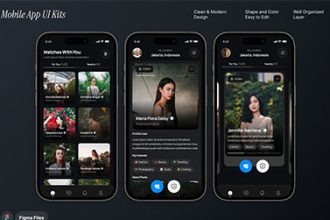
Agriculture Mobile App UI Kit – Design Smarter Farming Applications with Ease
In the rapidly evolving world of agriculture technology, mobile apps are transforming the way farmers, agribusinesses, and agricultural service providers operate. A well-designed Agriculture Mobile App UI Kit can make a huge difference in how users interact with your app — delivering not only visual appeal but also an intuitive user experience. Whether you’re building a farm management platform, crop monitoring app, or weather tracking solution, a professional UI Kit helps you design faster, smarter, and more efficiently.
What Is an Agriculture Mobile App UI Kit?
An Agriculture Mobile App UI Kit is a pre-designed collection of user interface elements tailored for agriculture-related applications. These kits include ready-to-use components such as buttons, icons, charts, menus, dashboards, and forms that match the theme of modern farming apps. They are specifically designed for developers and UI/UX designers who want to speed up their design workflow without compromising quality.
With a well-crafted UI kit, designers can focus on functionality and user flow rather than spending hours designing each screen from scratch. It ensures design consistency and allows teams to prototype and launch agricultural apps much faster.
Agriculture Mobile App UI Kit
Agriculture E-commerce Mobile App UI Kit
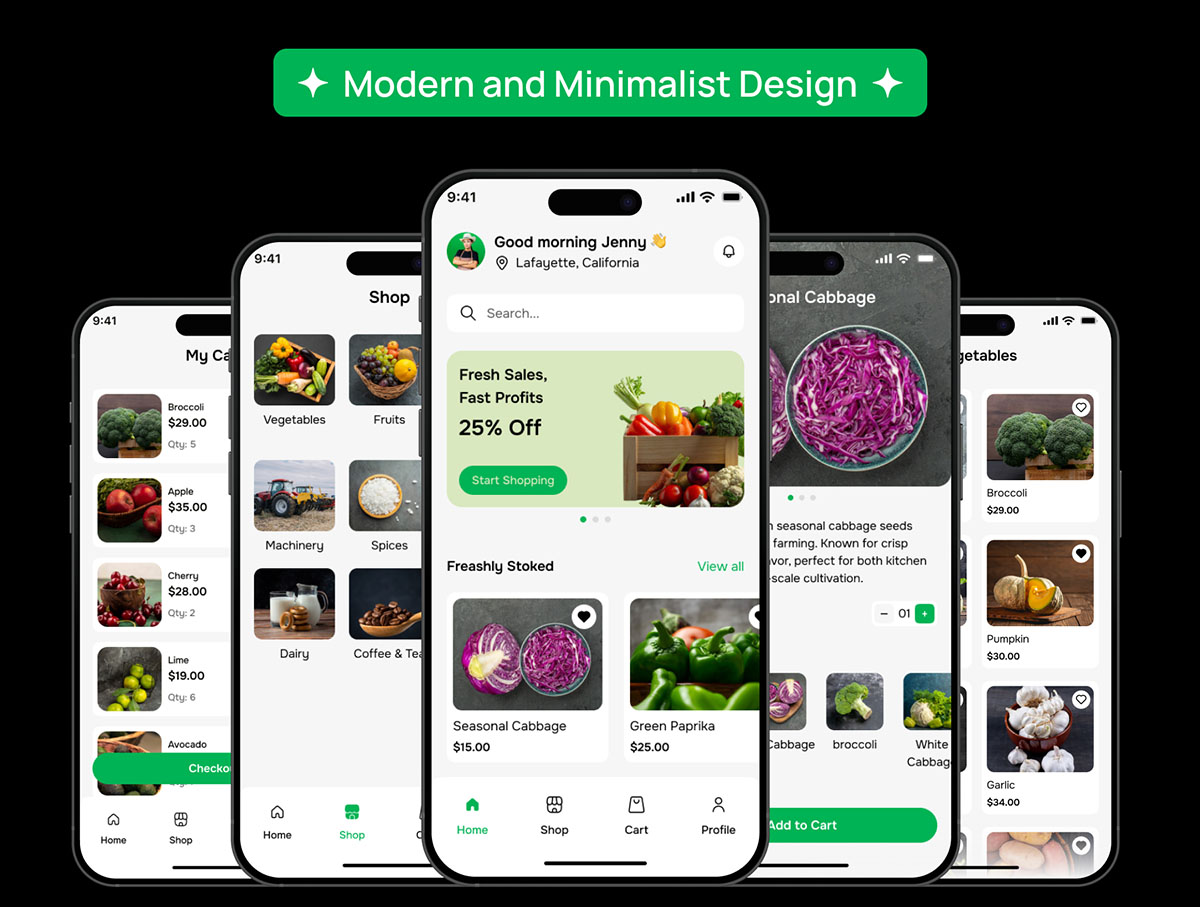
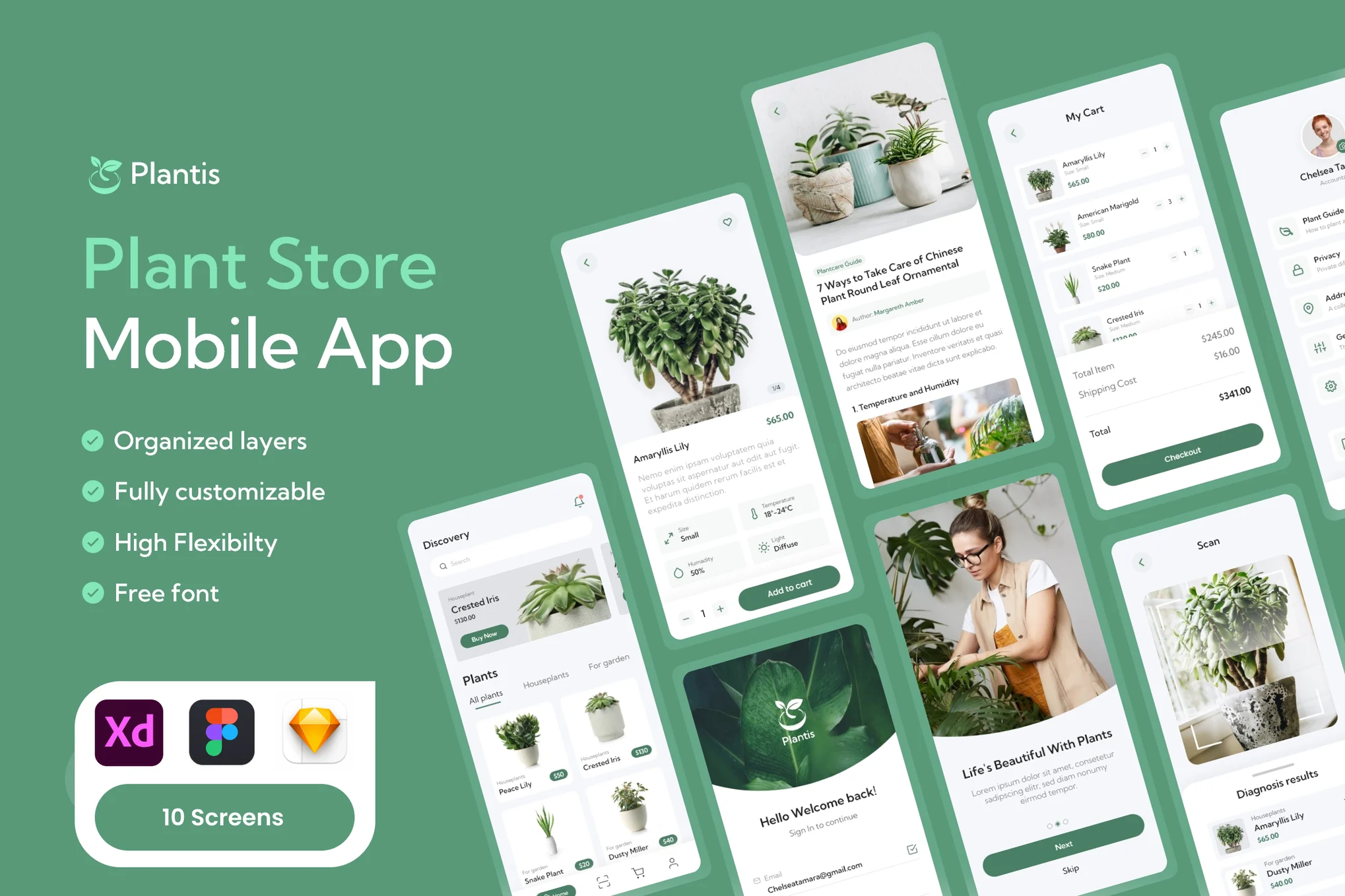
Plant Marketplace Mobile App UI Kit
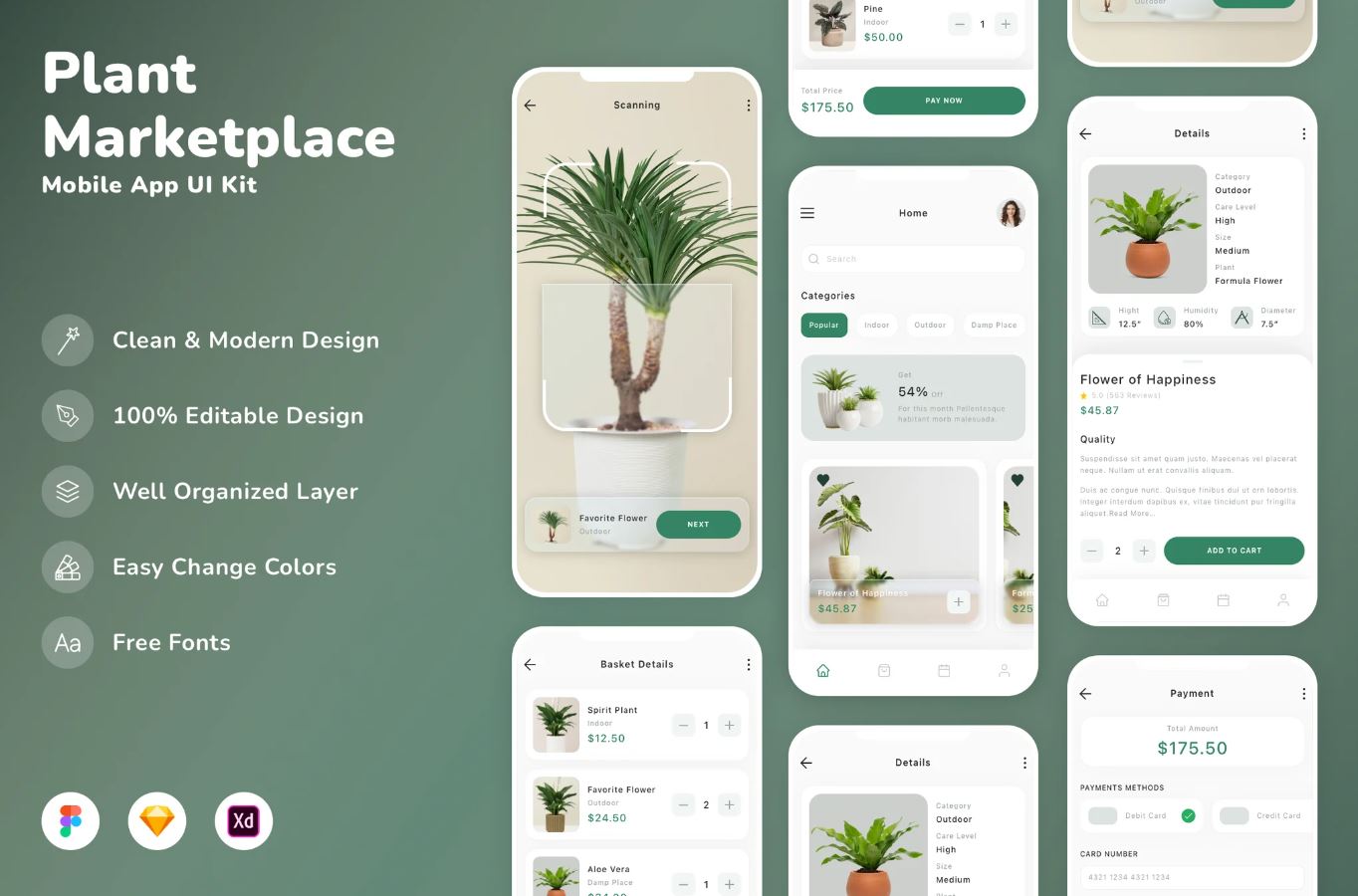
Agri-tech E-commerce Mobile App
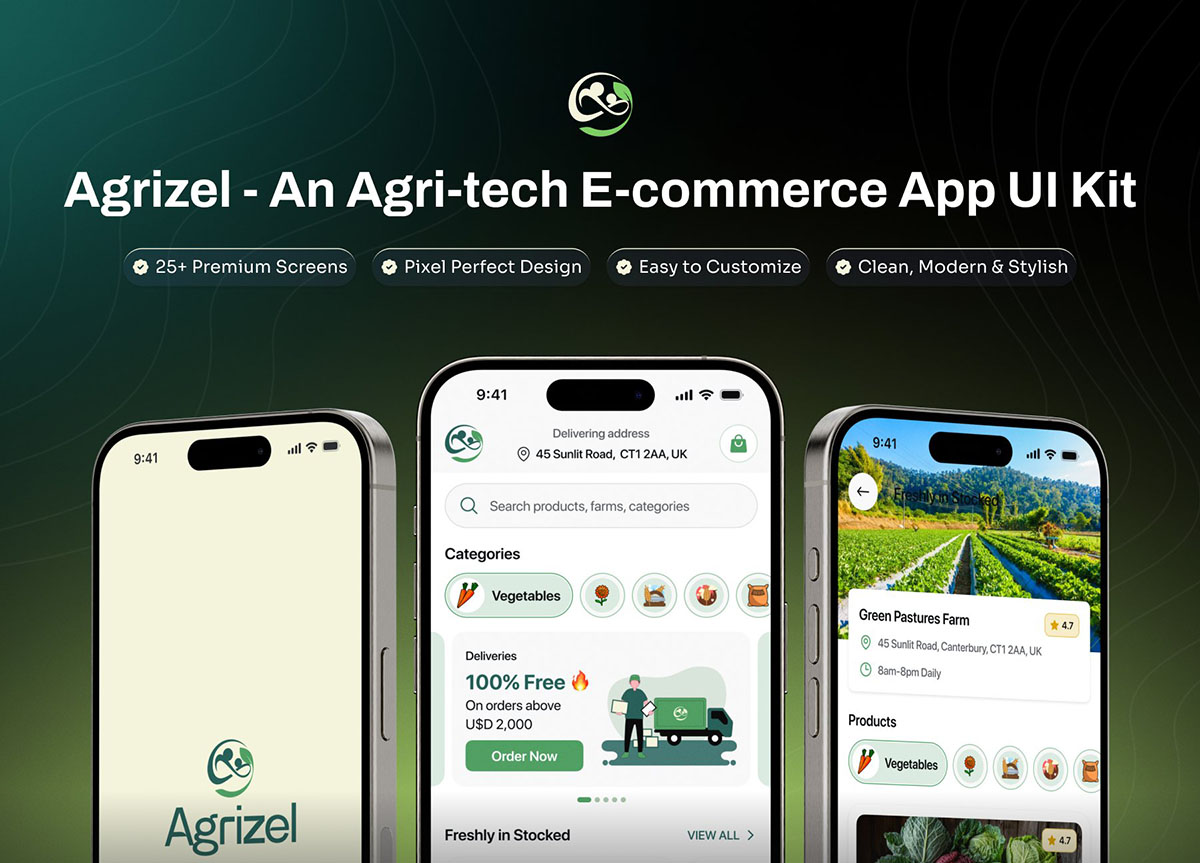
AI Plant Growing Mobile App UI Kit
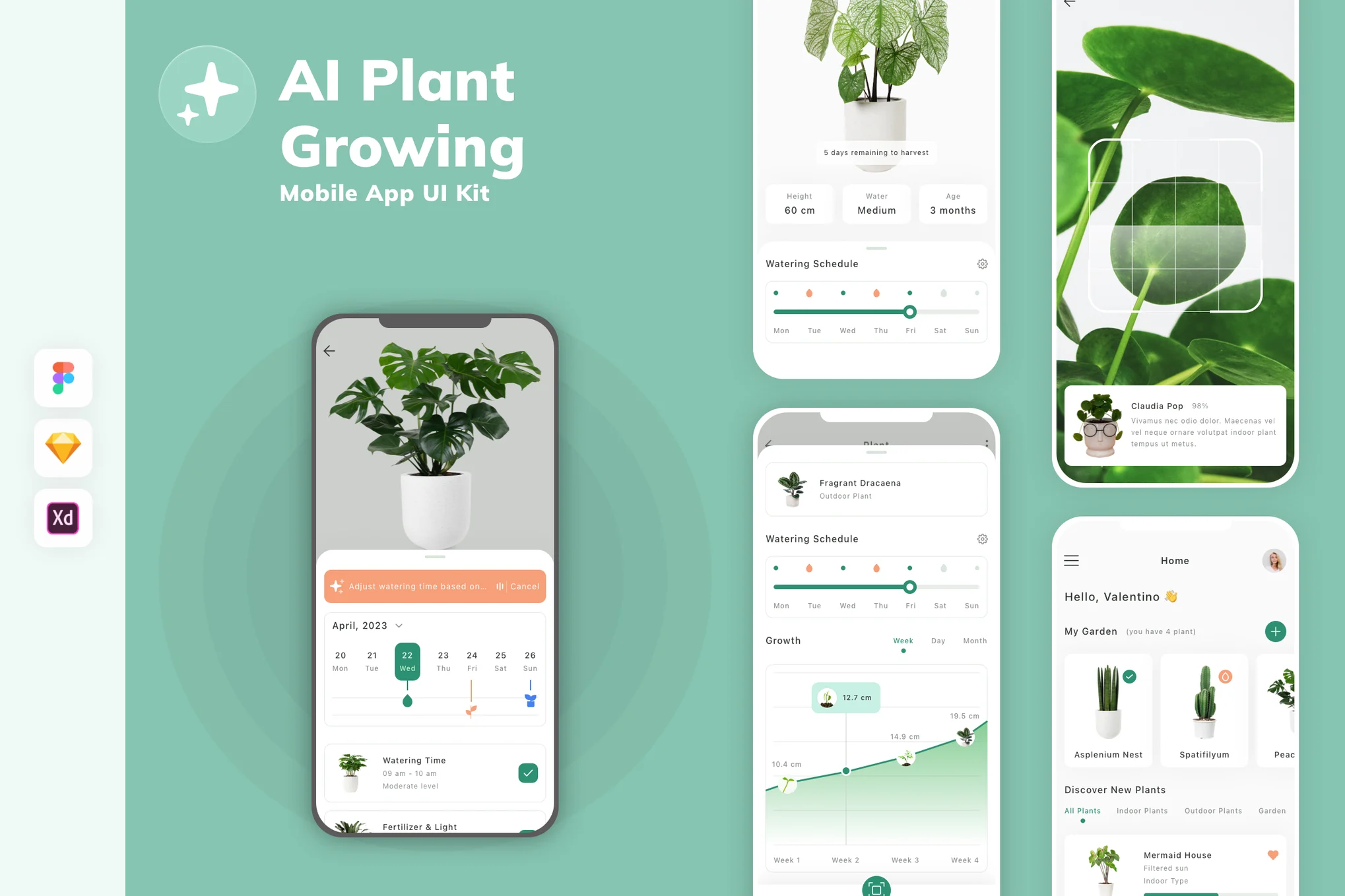
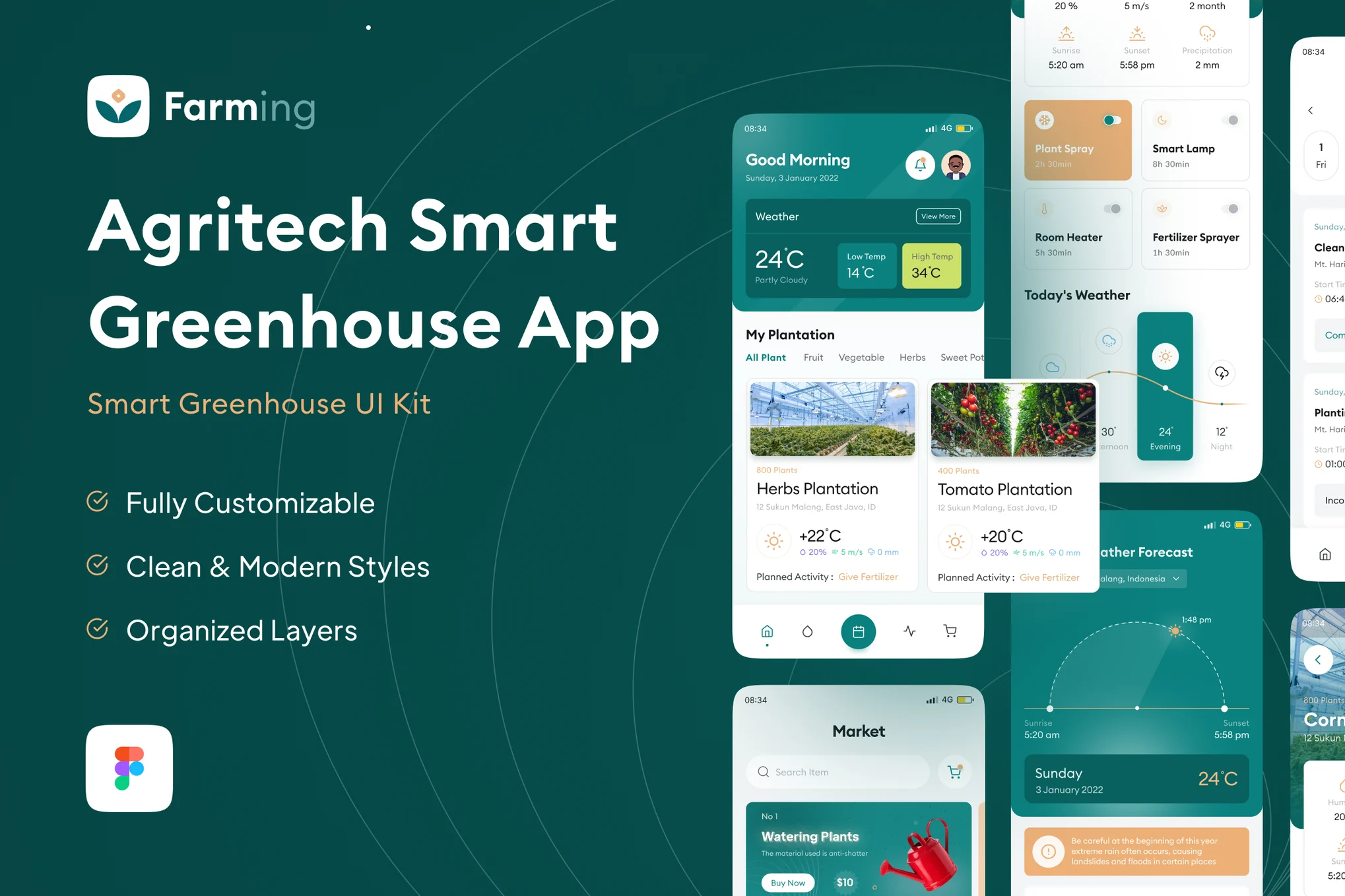
Smart Greenhouse App UI Kit
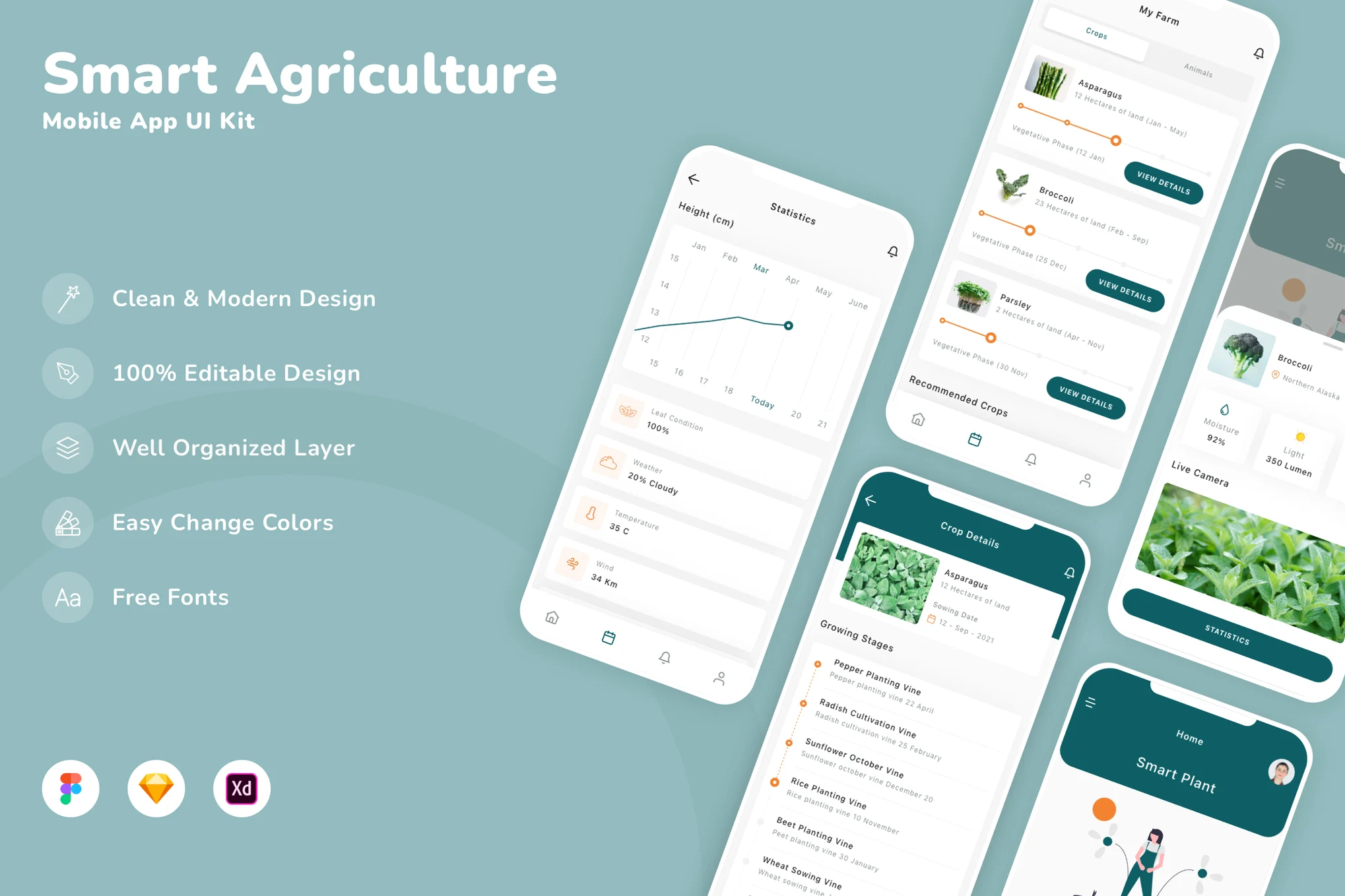
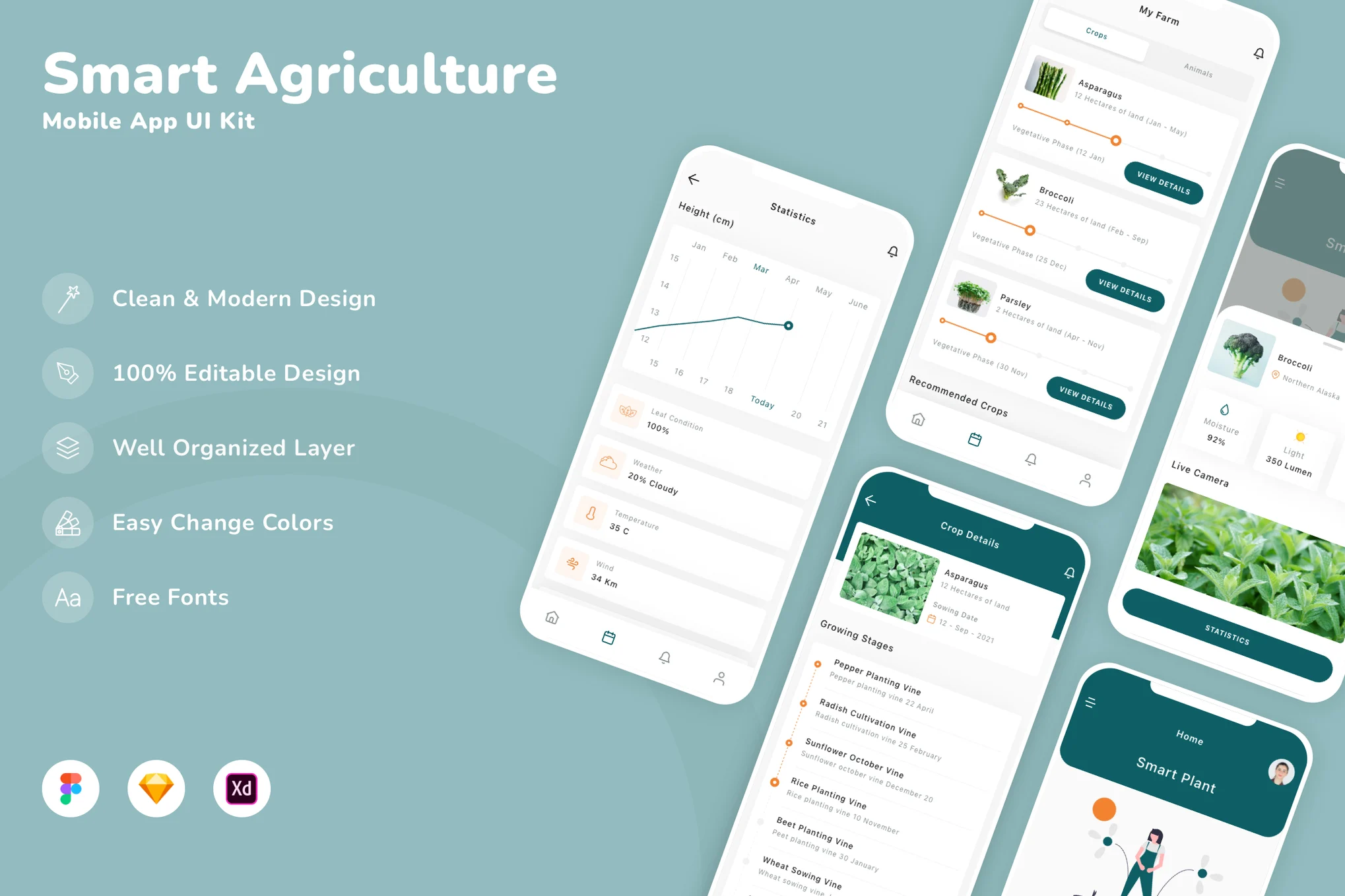
Smart Agriculture Mobile App UI Kit
Farms & Agriculture Mobile App UI Kit
Landscape & Gardening Mobile App UI Kit
Agriculture Mobile Monitoring App
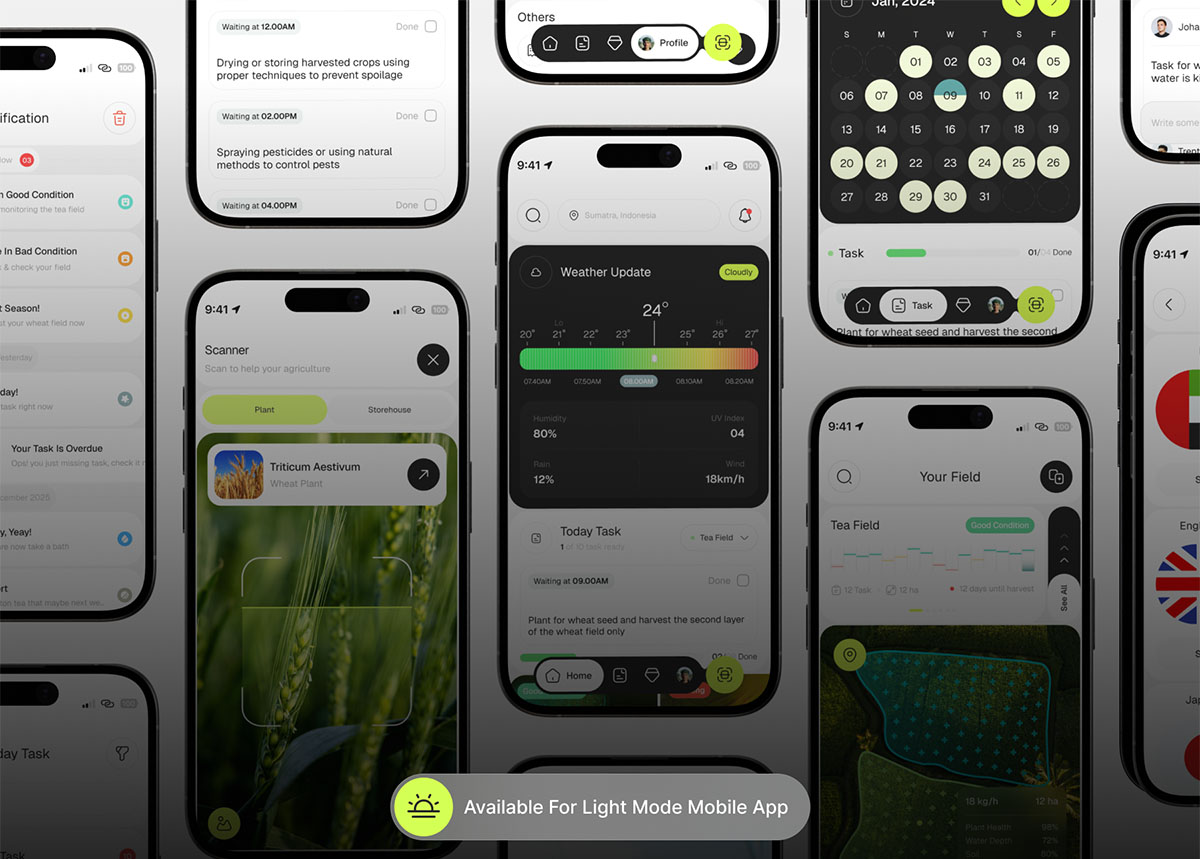
Agriculture Mobile App UI Kit
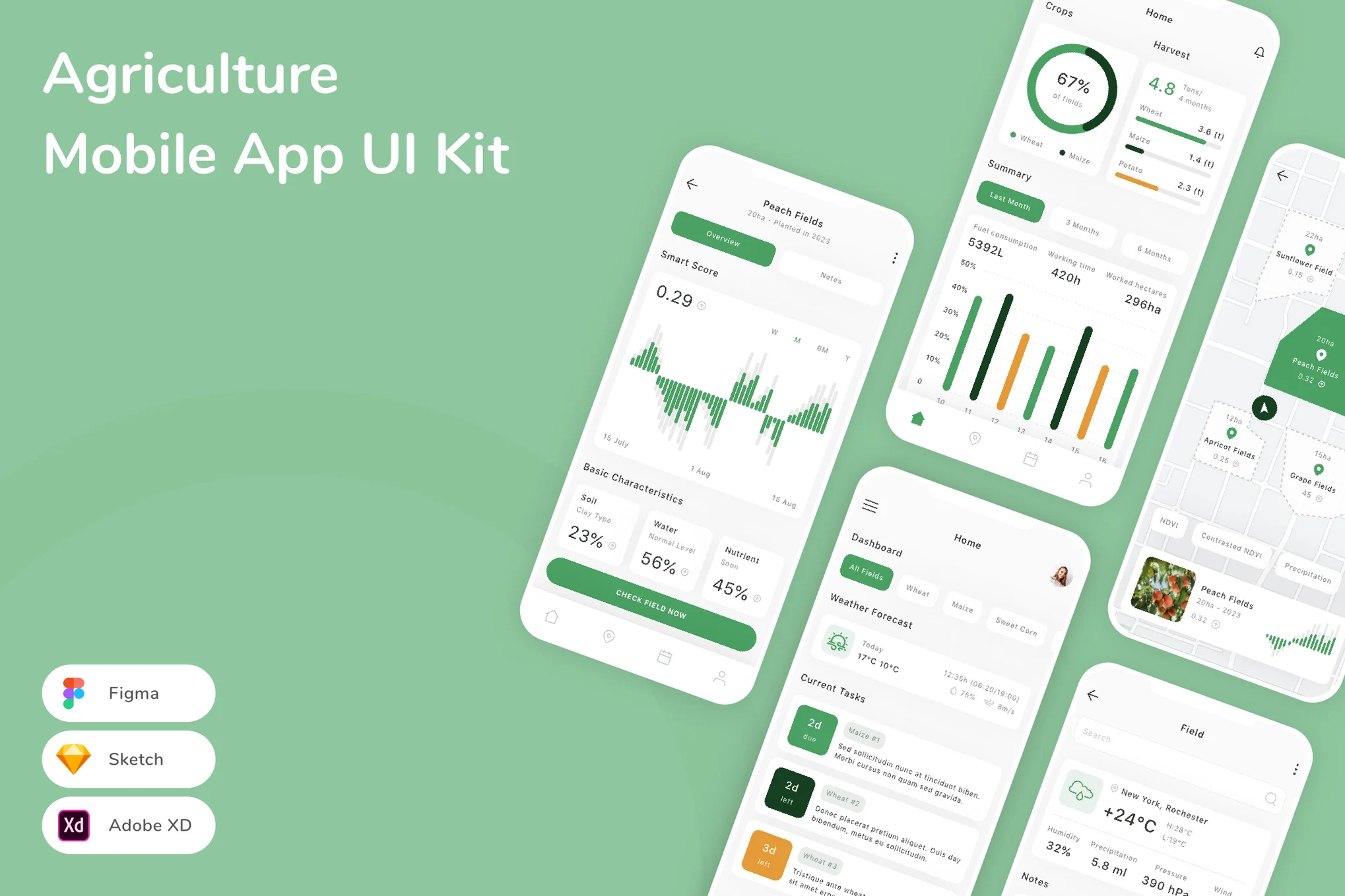
Why Use an Agriculture Mobile App UI Kit?
1. Save Time and Effort
Building every screen and element manually can be time-consuming. Using a UI Kit allows you to skip repetitive design work and concentrate on improving usability, performance, and innovation. Most agriculture UI kits come with fully customizable layers, making it easy to adapt the designs to your brand.
2. Ensure Consistent Design
Consistency is crucial in mobile design. A UI Kit for agriculture apps maintains uniform typography, spacing, and colors across every screen. Whether your app involves crop data tracking or farm equipment management, a unified design improves user trust and engagement.
3. Ready for Developers
Modern UI kits are designed with developers in mind. They include well-organized components compatible with tools like Figma, Sketch, Adobe XD, and Photoshop. Some even come with code-ready assets that make integration with mobile frameworks like Flutter or React Native easier.
4. Designed for Agriculture Use Cases
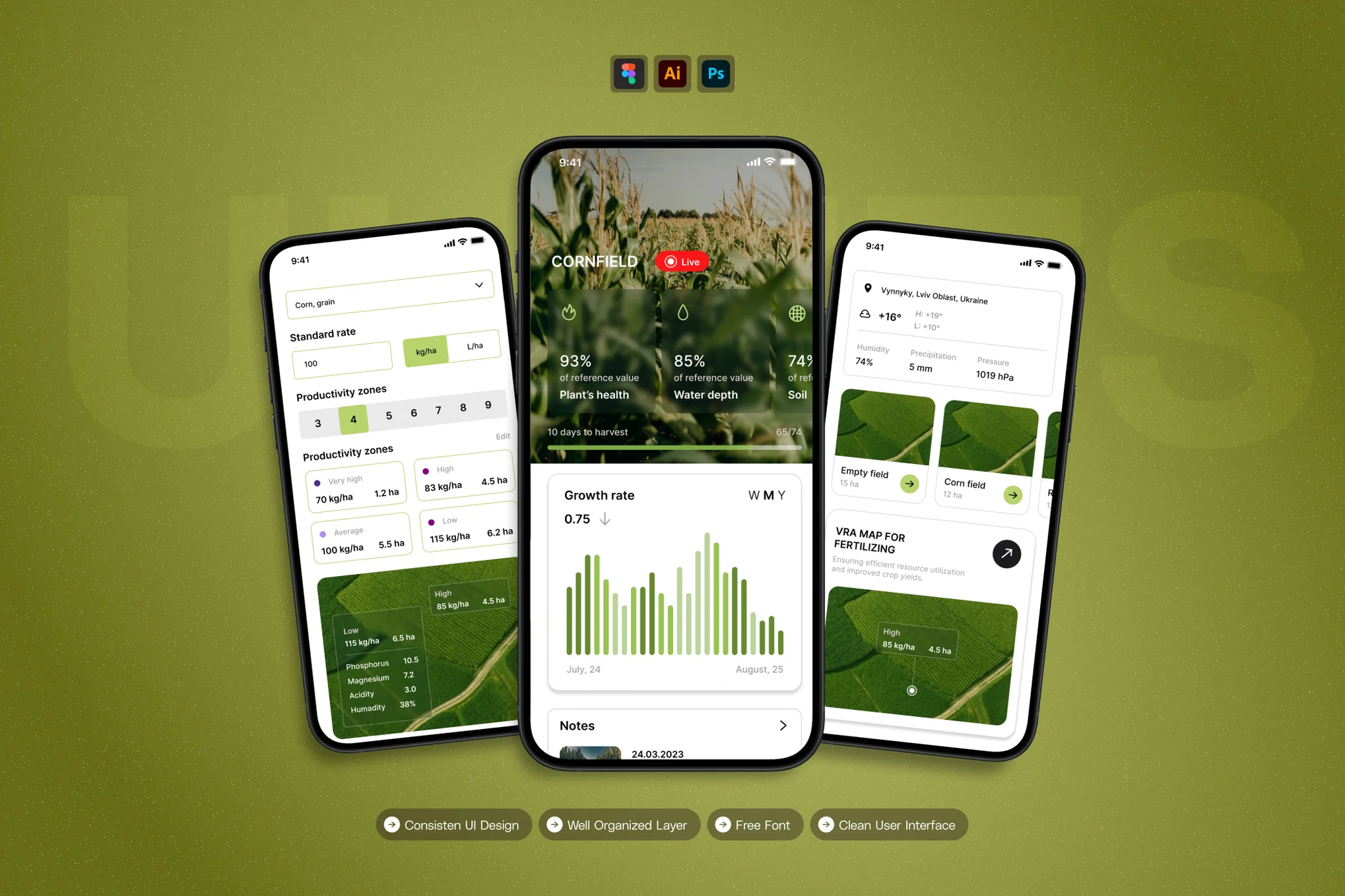
Agriculture apps have unique needs—such as crop growth charts, weather updates, soil health data, GPS-based field mapping, and irrigation management. A good Agriculture App UI Kit includes screens and icons specifically designed for these purposes, helping developers build functional and relevant apps faster.
Key Features of a Good Agriculture Mobile App UI Kit
When selecting a UI Kit for your next agriculture app project, look for these essential features:
- Modern & Clean Design: A visually appealing layout with clear typography and natural color tones inspired by the farming environment.
- Fully Editable Components: Customizable vector shapes and smart objects that allow easy color and text modifications.
- Dashboard Screens: Ready-to-use analytics and monitoring dashboards to display crop data, yield reports, and weather forecasts.
- Map & GPS Integration Screens: Layouts designed for field tracking, boundary mapping, and route navigation.
- User Profile & Login Pages: Templates for farmer profiles, organization accounts, and data access management.
- Data Visualization Charts: Graphs and visual elements that show productivity trends, soil quality, and pest management data.
- Responsive Design: Adaptive layouts for both Android and iOS platforms.
Best Practices for Designing Agriculture Apps
Even with a great Agriculture Mobile App UI Kit, following design best practices is essential for success.
1. Keep It Simple
Farmers and field operators need apps that are straightforward and easy to navigate. Use large buttons, minimal text, and high-contrast colors to improve visibility in outdoor environments.
2. Focus on Real-Time Data
Agriculture is time-sensitive. Prioritize dashboards that deliver live updates on weather, irrigation, and soil conditions. UI kits with real-time widgets make it easier to present data clearly.
3. Use Natural Color Palettes
Colors inspired by nature — greens, browns, yellows, and blues — give your app a more authentic agricultural feel. A good UI kit will already include these color schemes.
4. Optimize for Offline Access
Many rural areas have limited internet connectivity. Choose UI components that can support offline usability and synchronize data when the device reconnects.
5. Make It Scalable
Your app should cater to individual farmers as well as large-scale agribusinesses. A scalable design system ensures that adding new features or modules doesn’t disrupt the existing layout.
Top Use Cases for Agriculture Mobile App UI Kits
An Agriculture UI Kit can be used across different agricultural applications, including:
- Farm Management Systems – Monitor crop cycles, equipment, and labor activities.
- Weather Forecasting Apps – Provide real-time weather updates and drought alerts.
- Soil & Irrigation Management – Track soil moisture levels and water usage.
- Livestock Tracking Apps – Manage animal health, feeding, and breeding records.
- Market Price Apps – Display live market prices for crops and commodities.
- Agriculture Training Platforms – Educate farmers through guides, videos, and AI tips.
With the right UI Kit, you can build these apps faster, maintaining high-quality visuals and usability.
SEO Benefits of Targeting Agriculture Mobile App UI Kit
For businesses or designers selling UI kits online, optimizing your website for the keyword “Agriculture Mobile App UI Kit” can attract more potential buyers. Here’s how it helps:
- Higher Organic Ranking: Specific keywords like this have less competition, improving your visibility in search results.
- Relevant Traffic: People searching for this term are more likely to purchase or download your product.
- Improved Conversion Rates: Providing demo previews, documentation, and responsive support builds trust and boosts sales.
Conclusion
The agriculture industry is embracing technology faster than ever, and mobile apps play a vital role in this digital transformation. A thoughtfully designed Agriculture Mobile App UI Kit empowers developers and designers to create efficient, data-driven applications that simplify complex farm operations. By using a ready-made UI Kit, you save time, maintain design quality, and deliver a seamless experience for users in the agricultural sector.
Whether you’re designing for crop monitoring, livestock management, or weather prediction, an Agriculture Mobile App UI Kit is the smart foundation for creating next-generation farming solutions.