Passport Templates: The Complete Guide to Creating Professional and Editable Passport Designs
In today’s digital world, passport templates have become essential tools for designers, developers, businesses, and educators who need professional identity-style layouts for various non-governmental purposes. Whether you are creating a travel-themed project, designing a membership ID, building a mobile app UI, or developing training material, having access to high-quality editable passport templates can save time and ensure a polished, authentic look.
A passport is recognized worldwide as a strong form of identification. Because of its universal design structure—photo, personal details, and security elements—many creative and administrative projects use the passport format as a reference. However, it is important to note that these templates are meant only for educational, creative, or business design purposes, and not for illegal duplication or misuse of government-issued documents.
This article explores the benefits, features, usage scenarios, and best practices for choosing the right passport template for your project.
International Passport Mockup Set
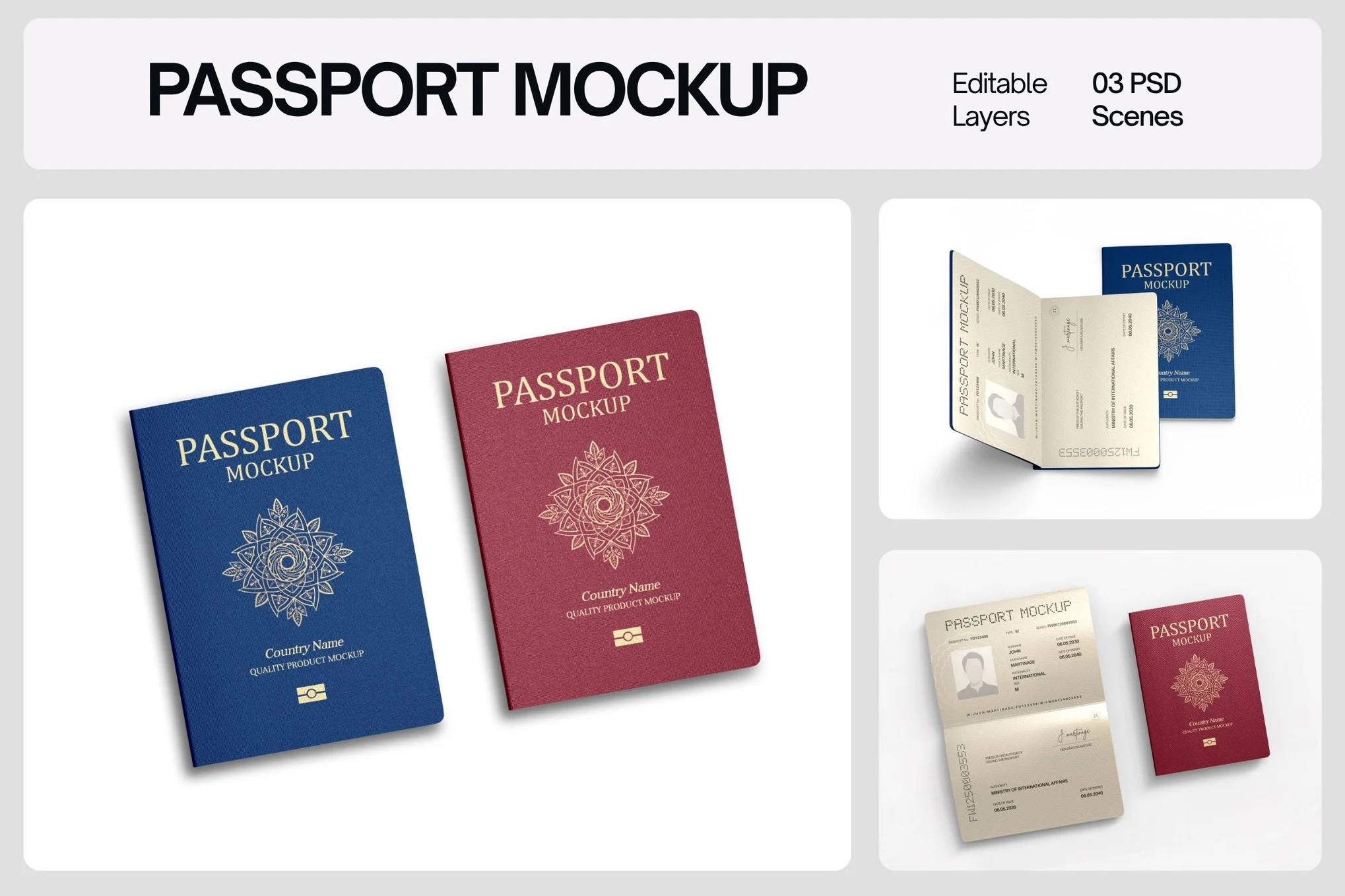
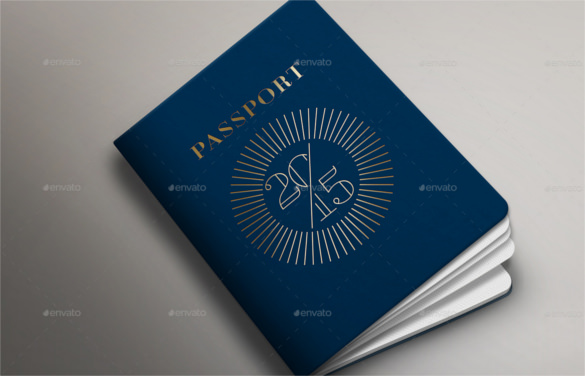
Passport Cover Mockup
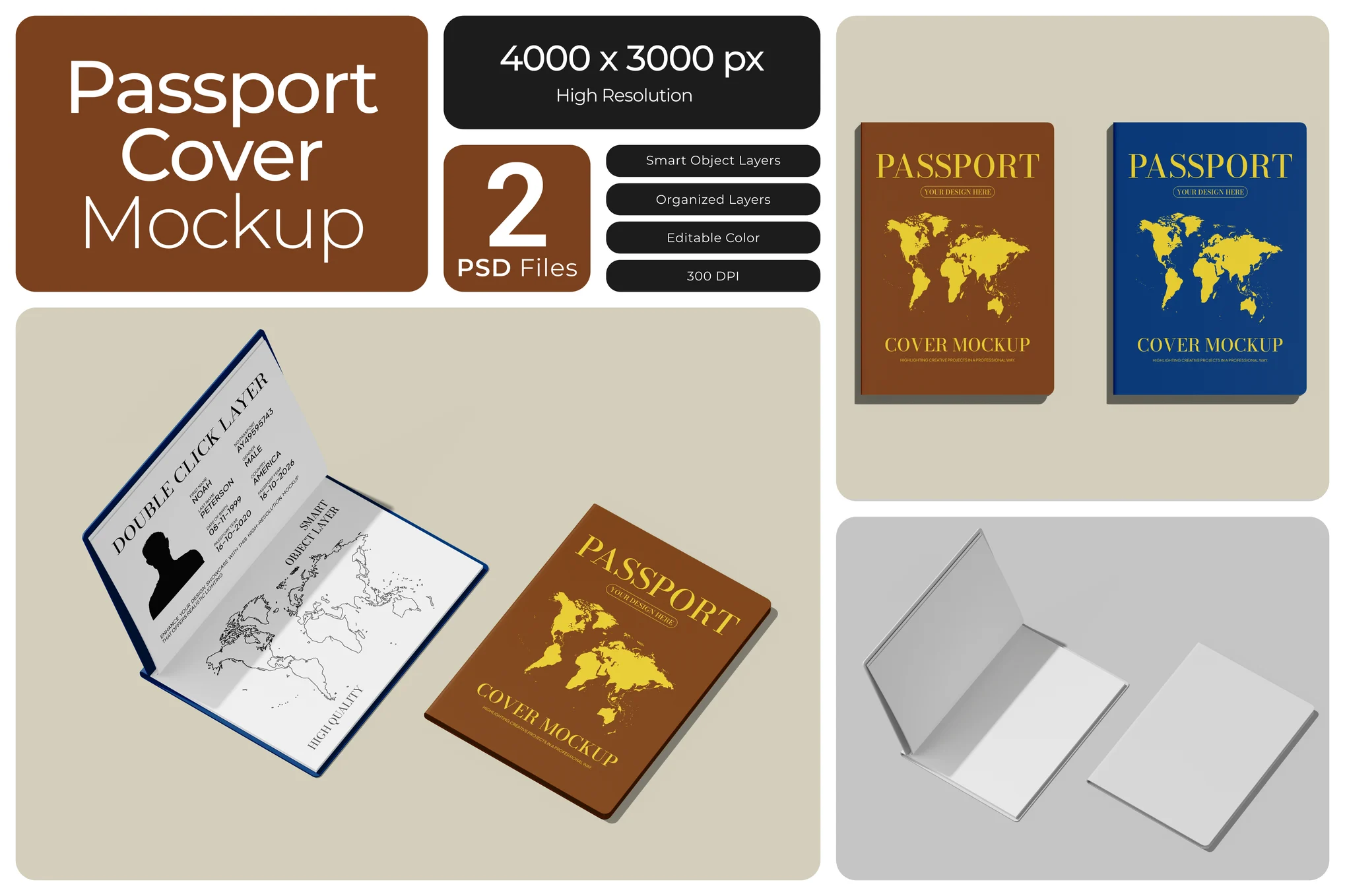
Passport Cover Mockup Set
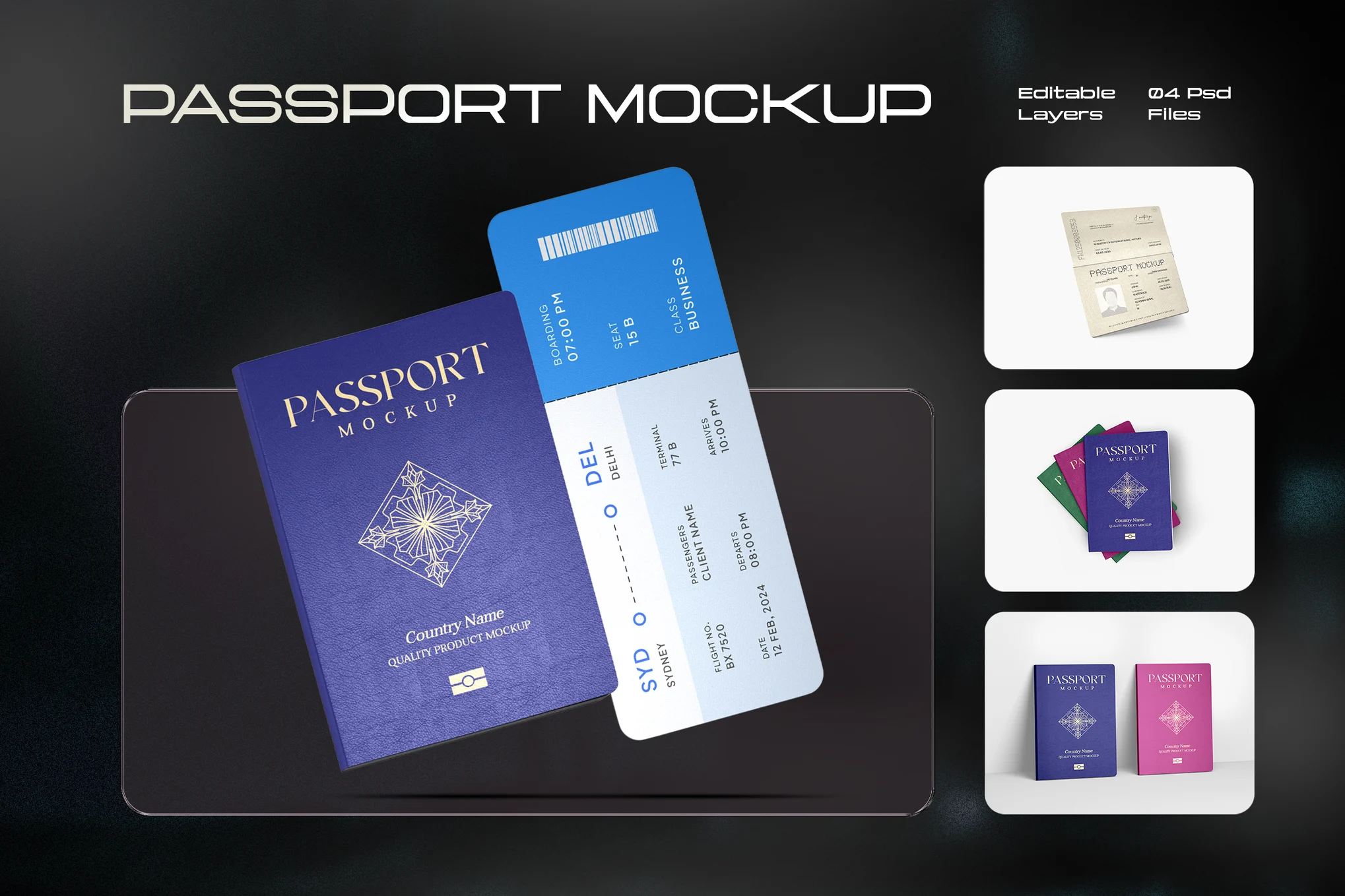
International Passport Cover Mockup Set
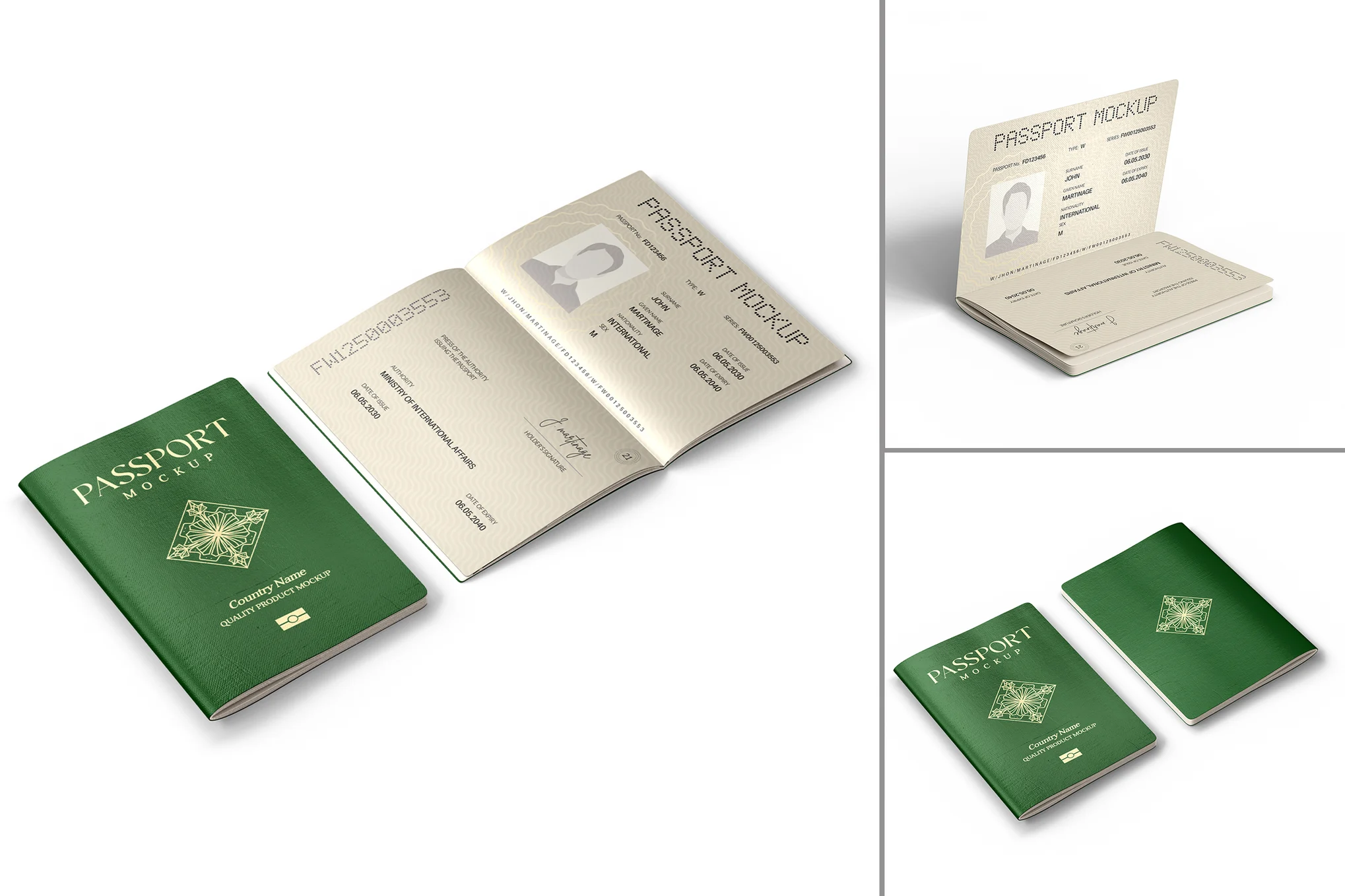
International Open Passport and Cover Mockup Set
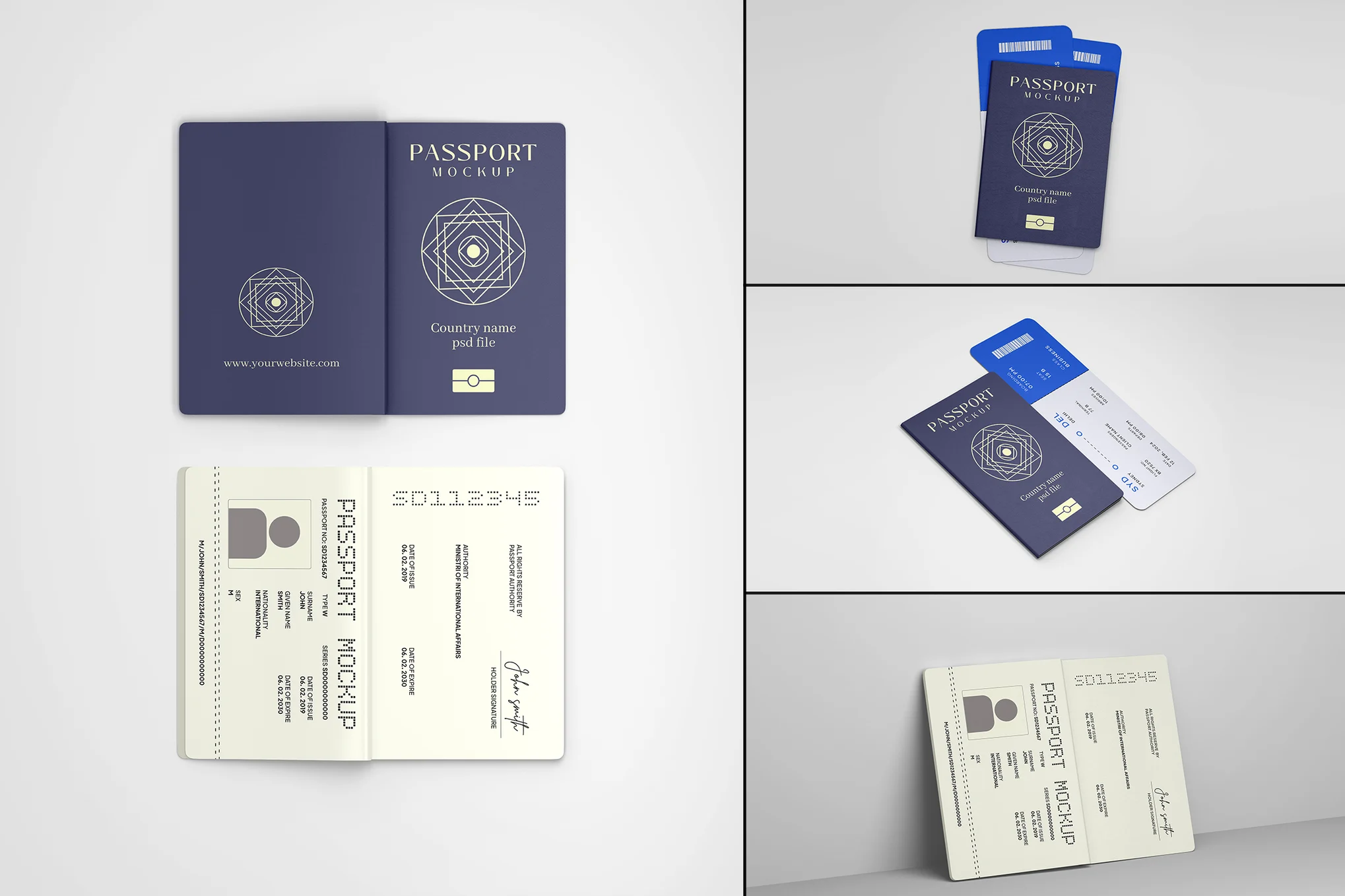
Passport Mockup
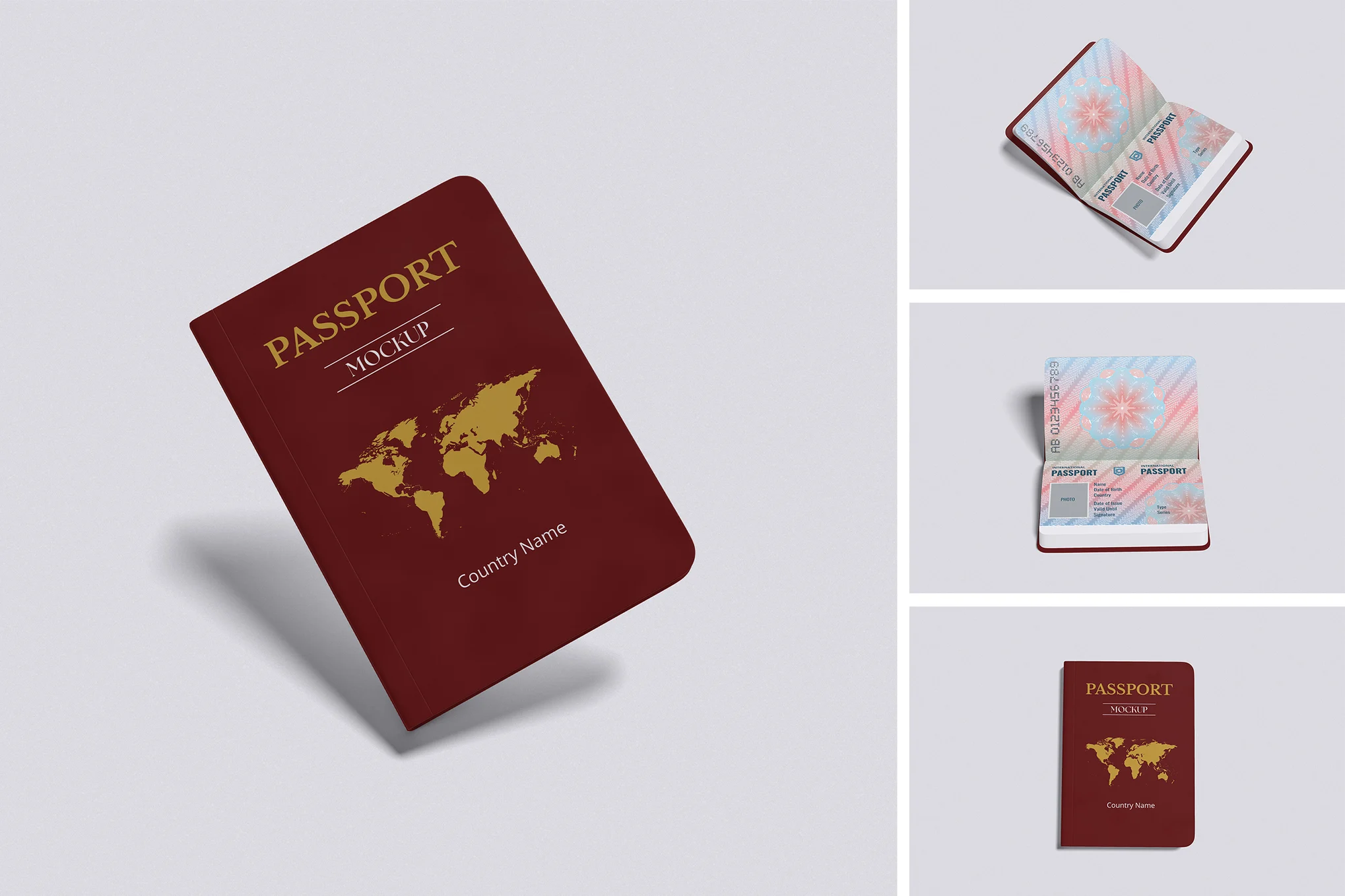
International Passport Cover
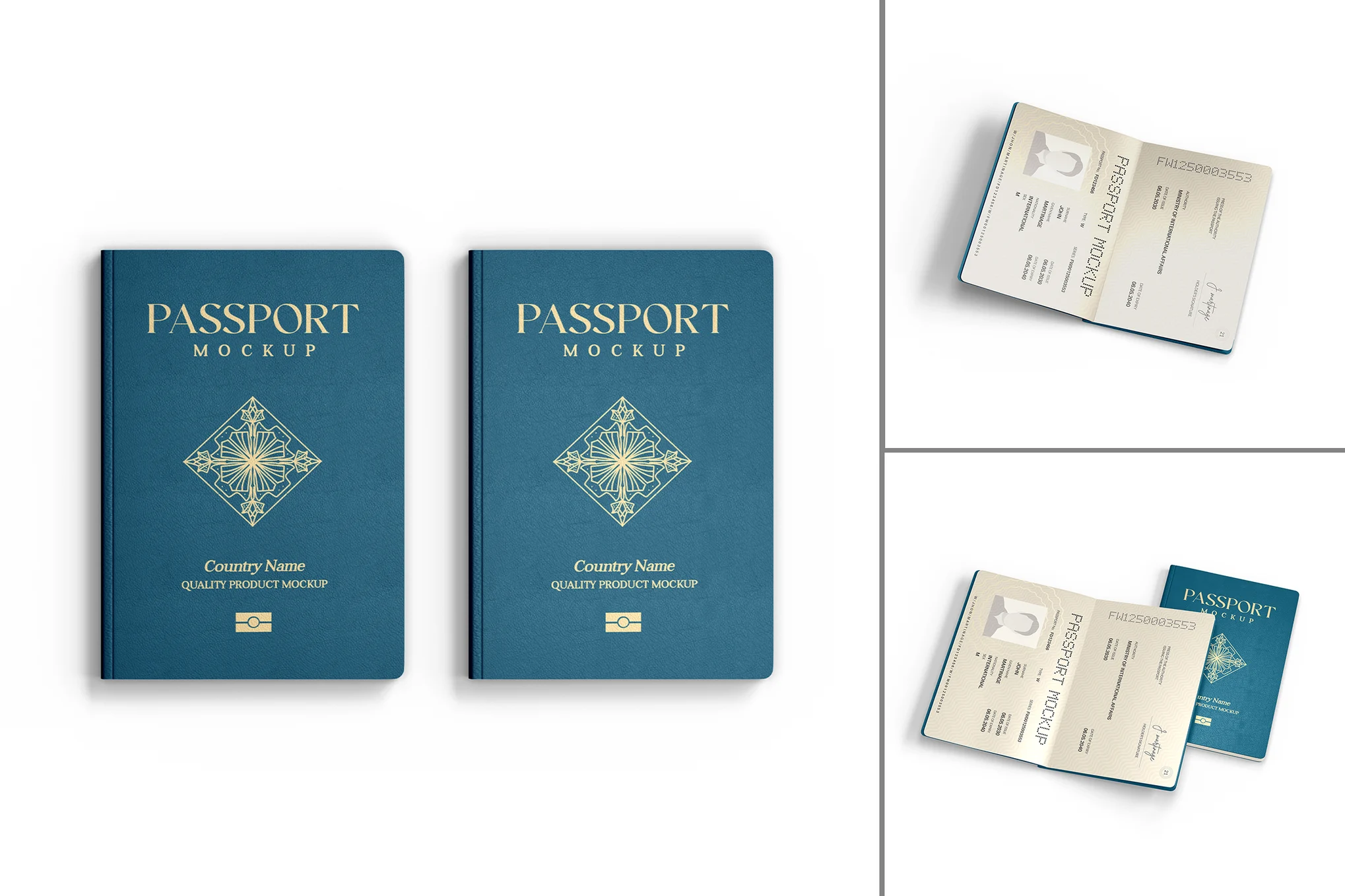
International Passport Cover Mockup Set
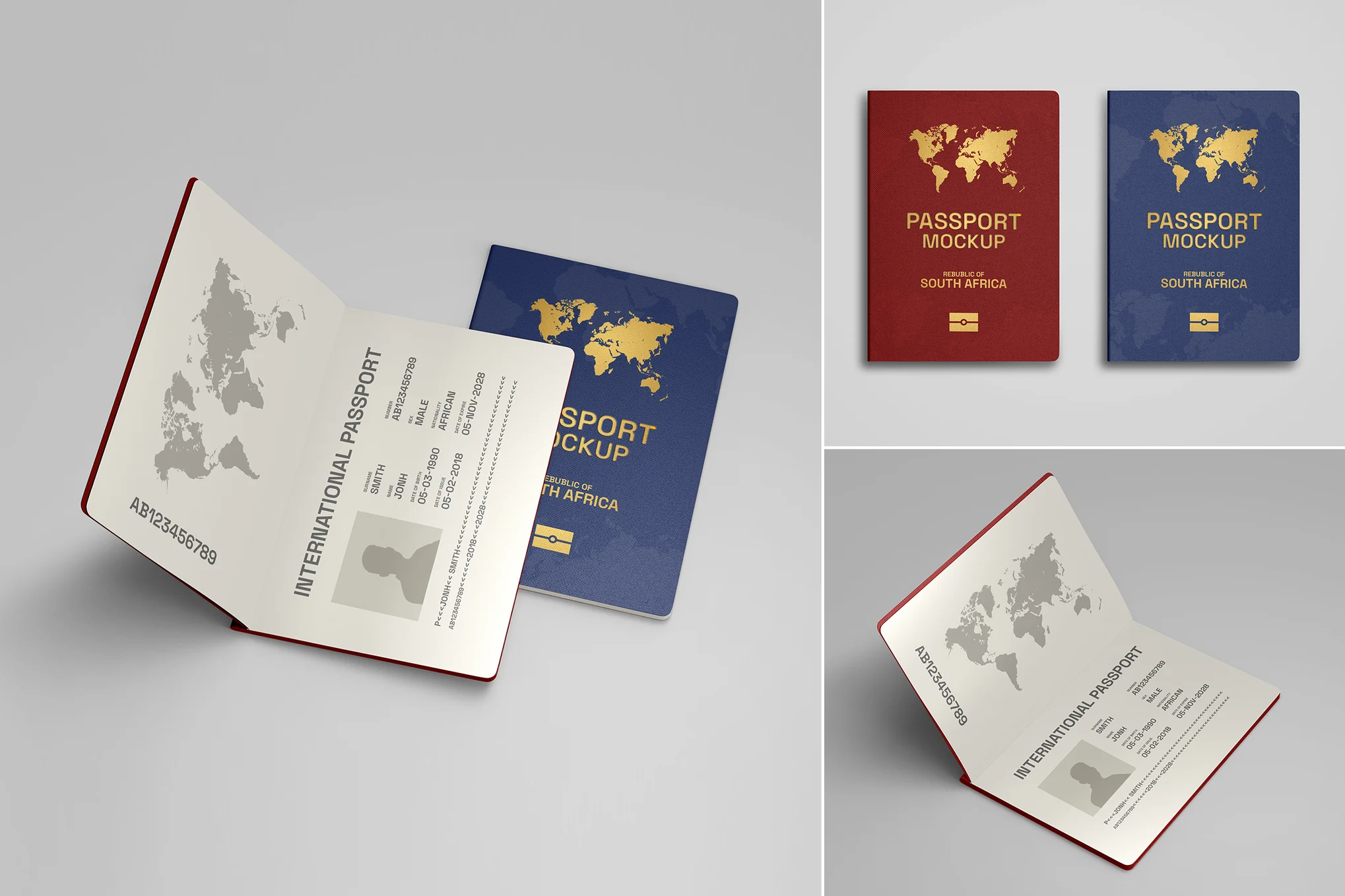
International Passport Cover – Mockup Set
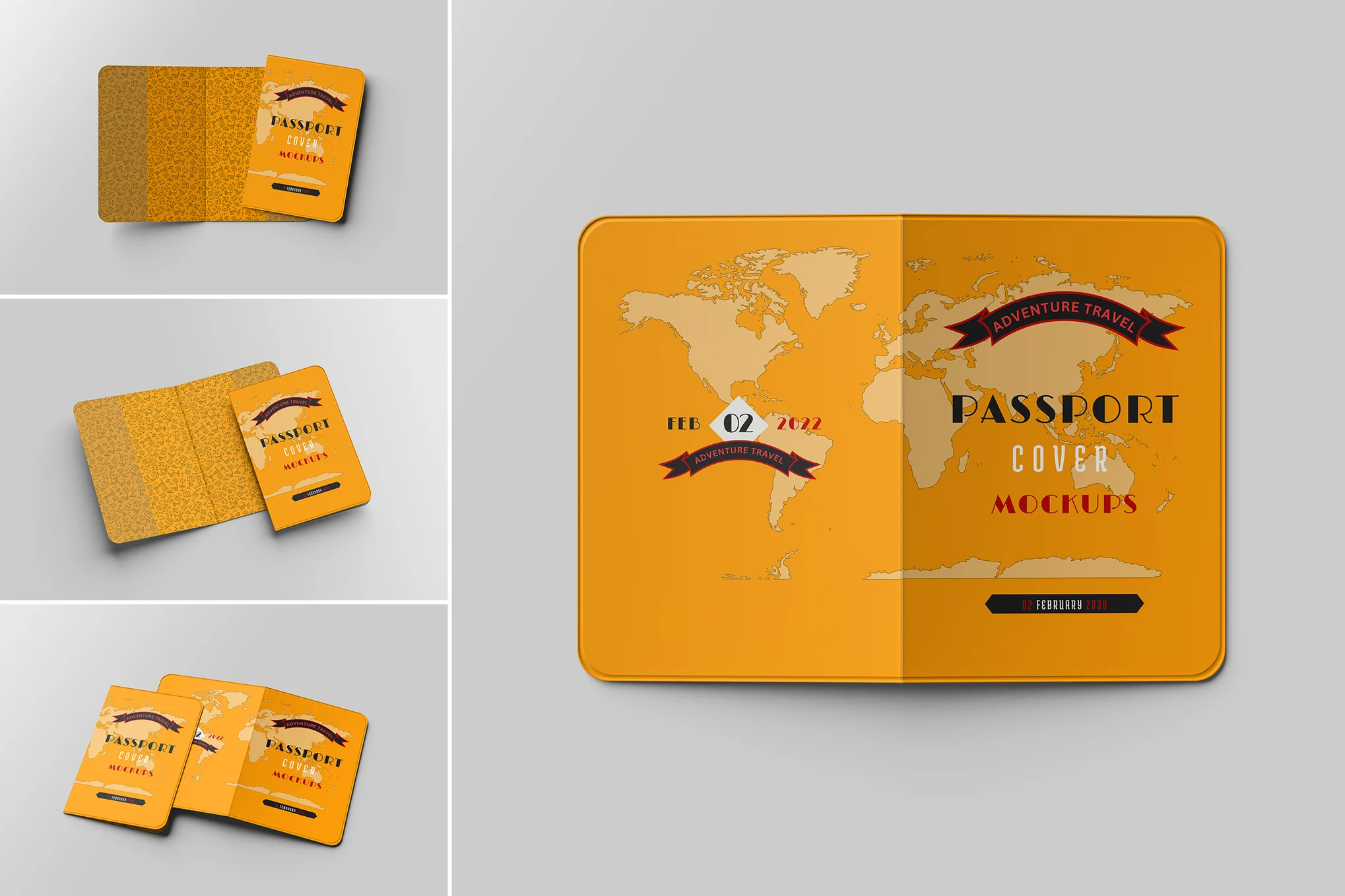
Cover Passport Mockup
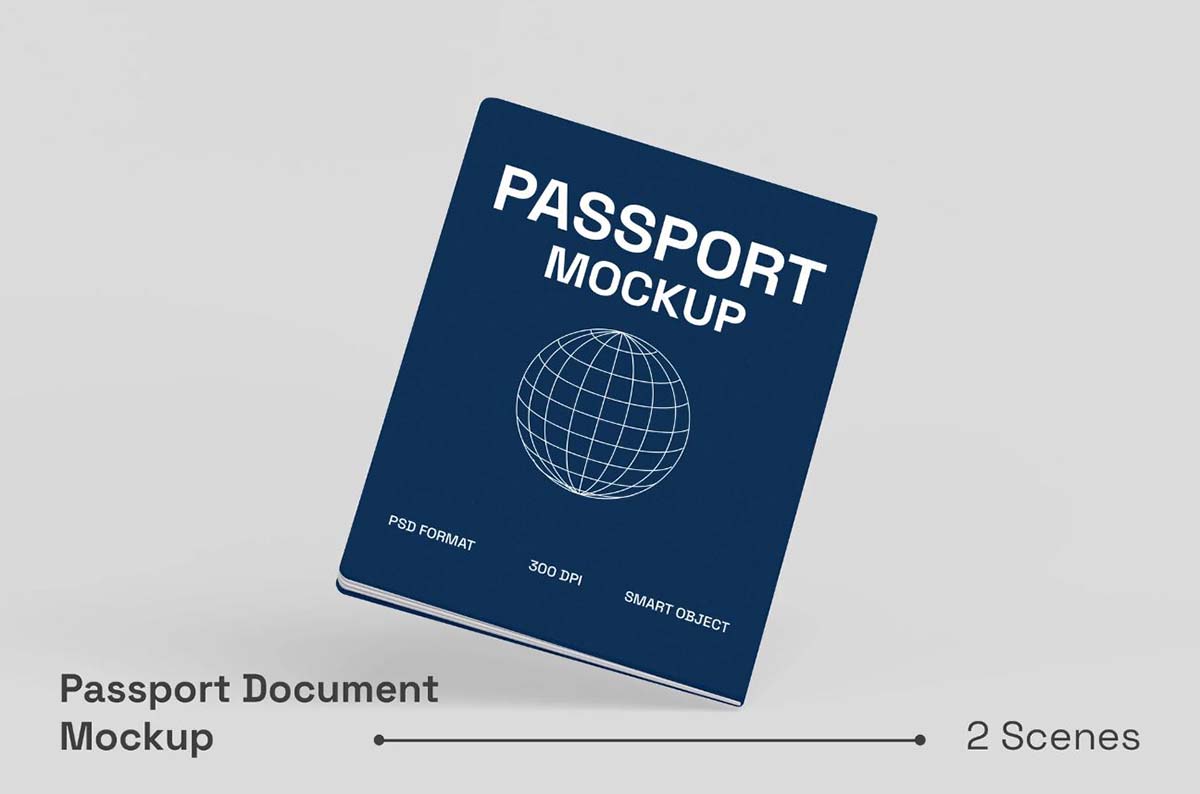
Passport Document Mockup
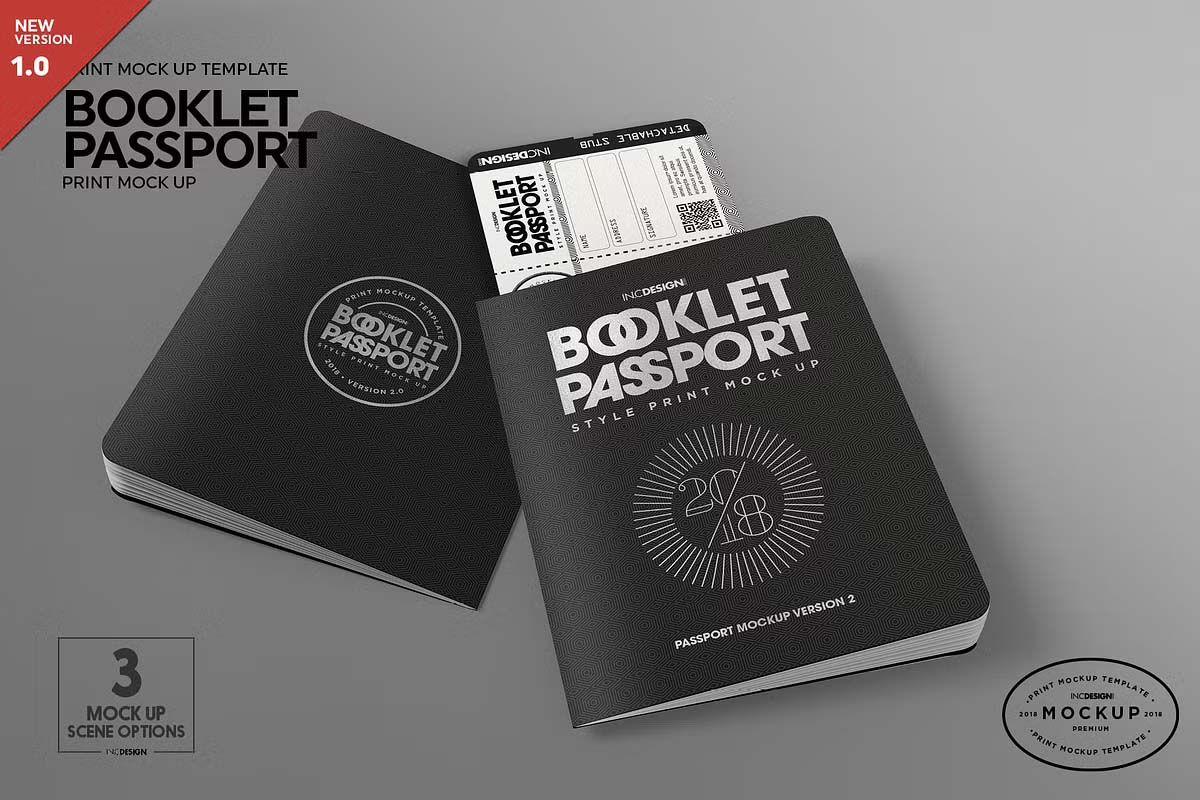
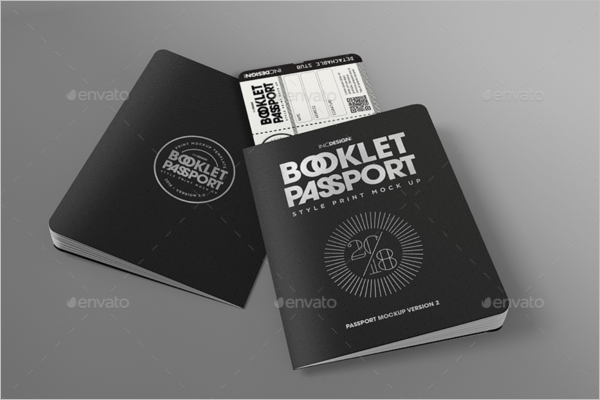
Booklet Passport Print MockUp
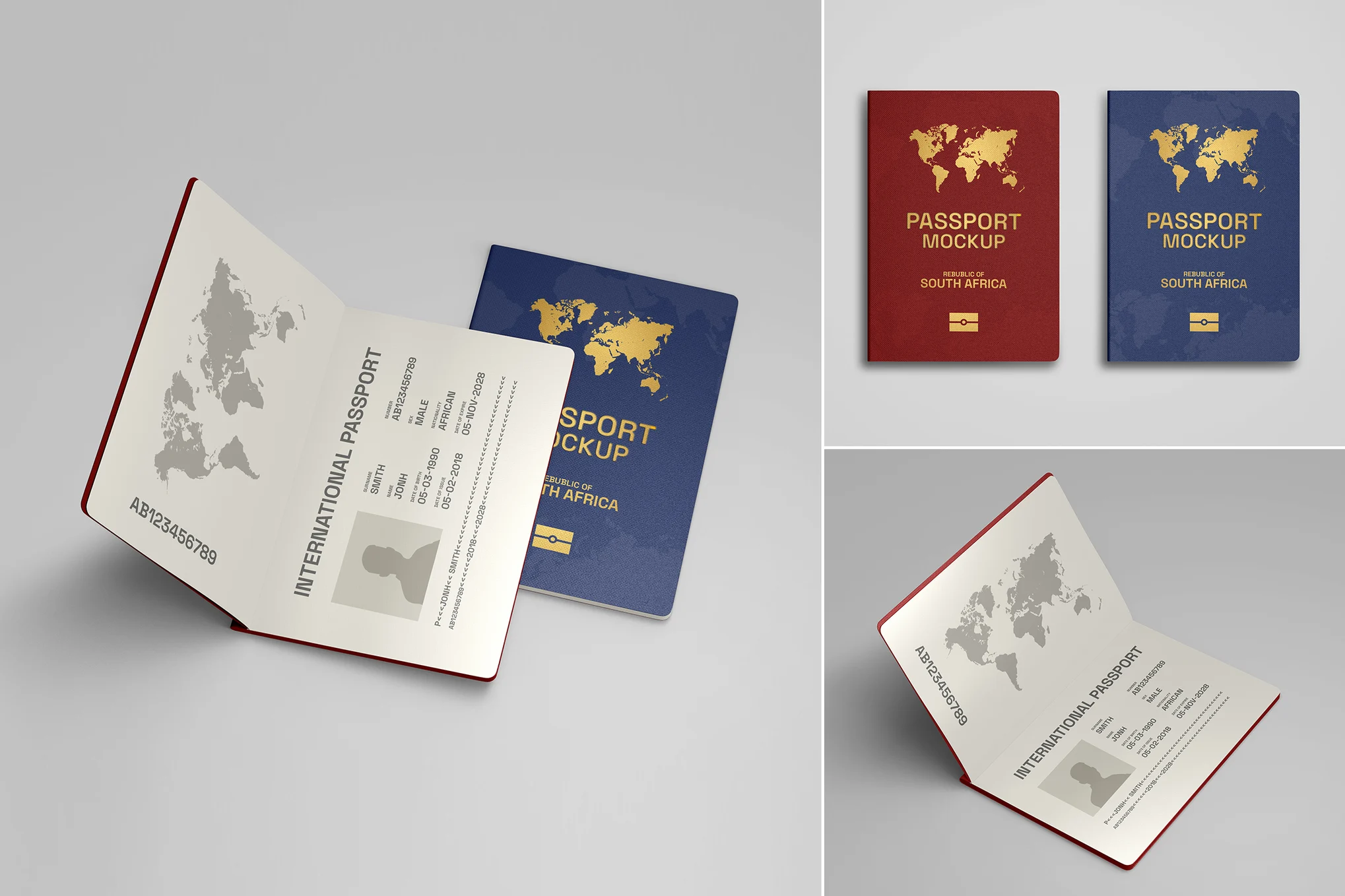
Realistic Passport PSD Mockup Set
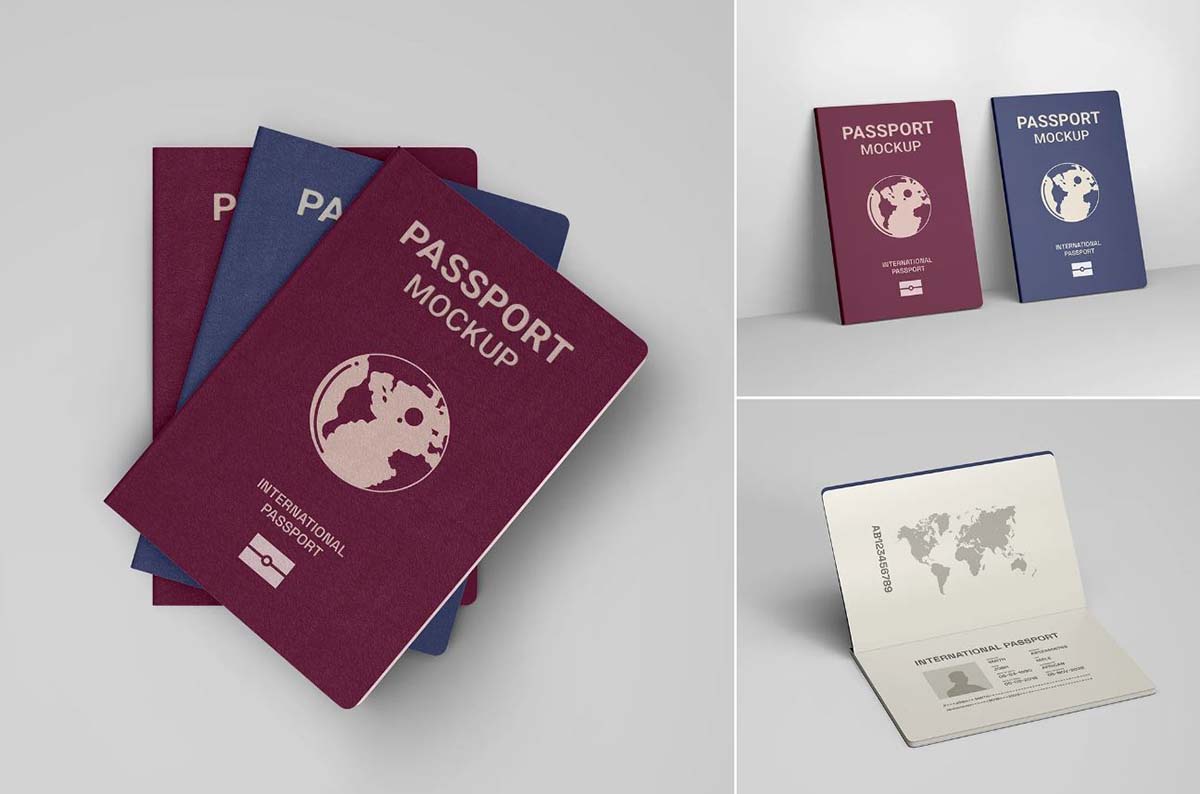
International Passport Cover Mockup Set
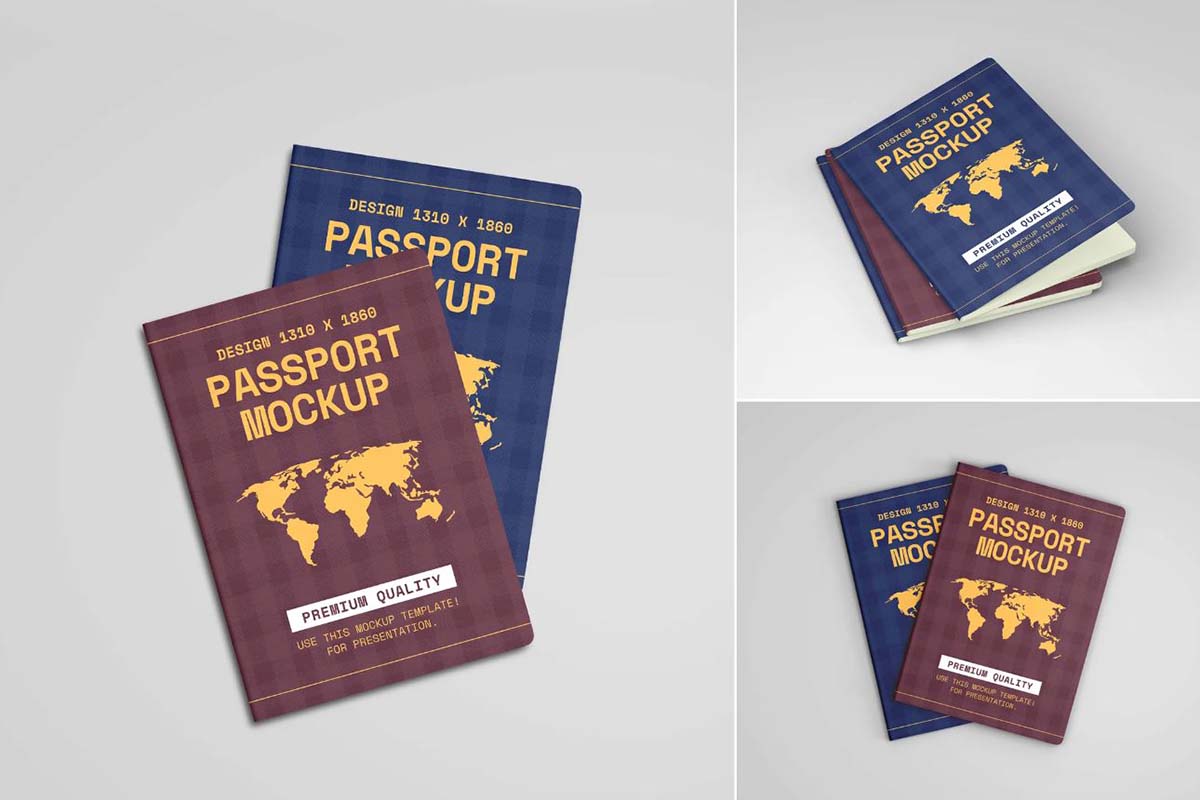
Open Passport & Cover Realistic Psd Mockups Set
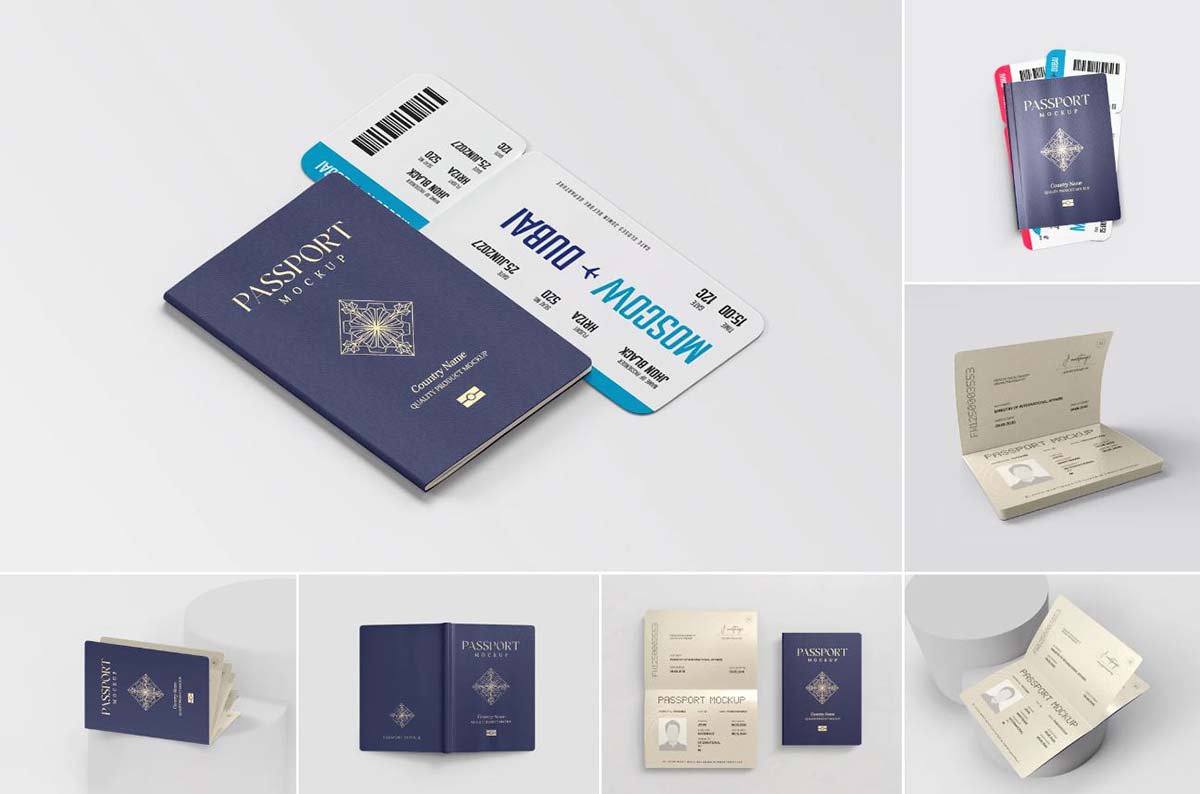
International Passport Template
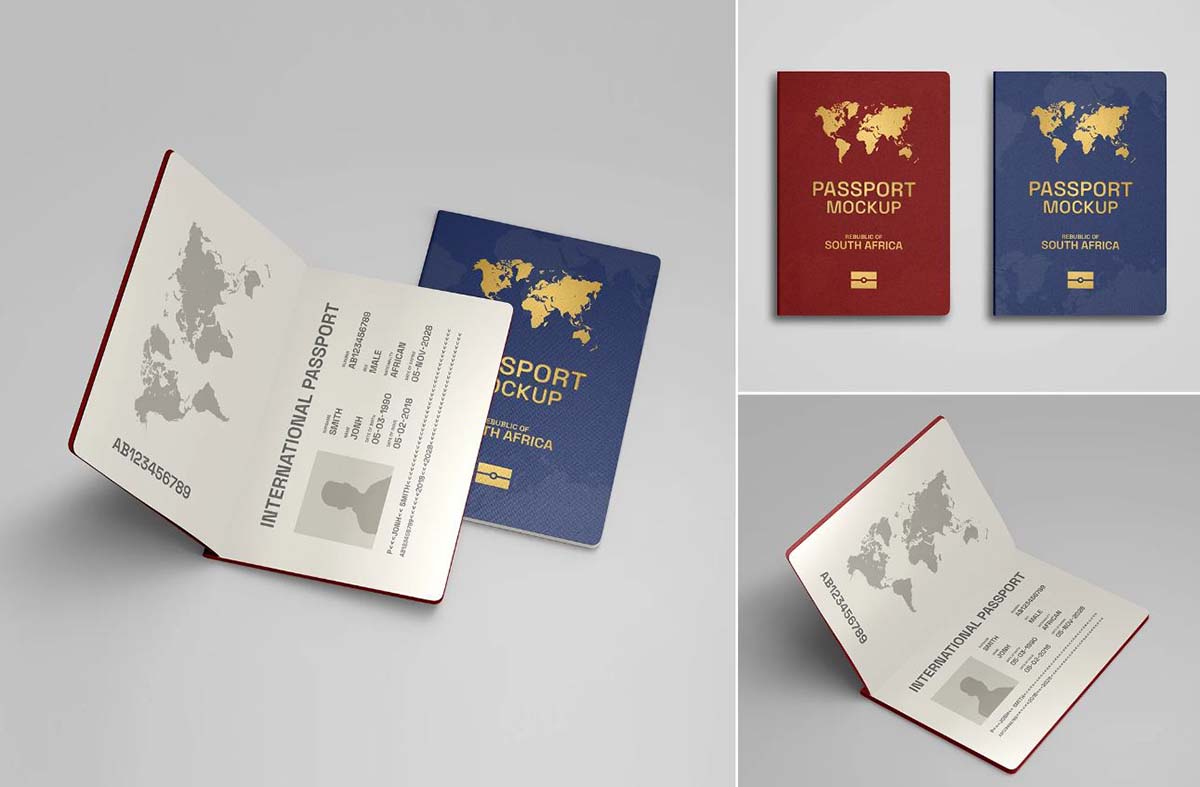
Passport Booklet Mockup
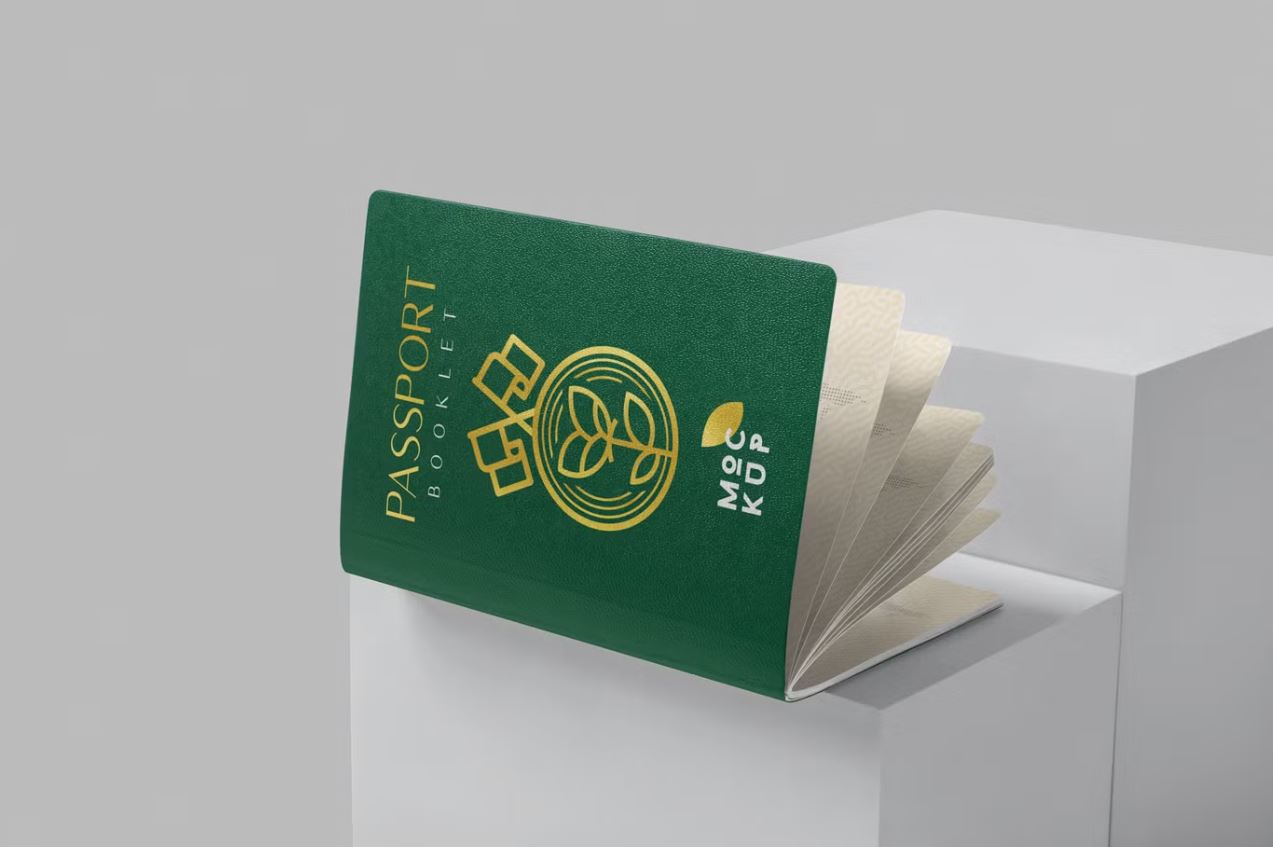
Passport Cover Mockup
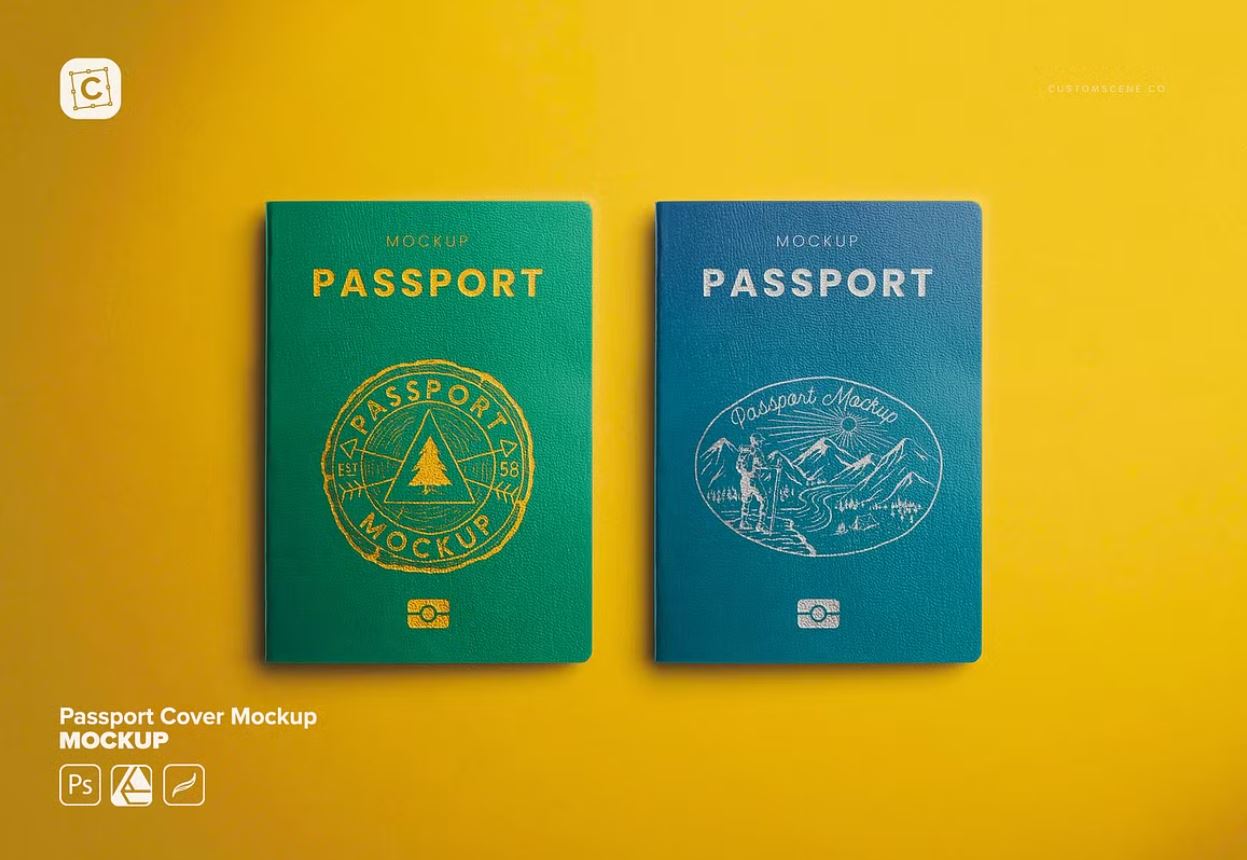
Modern Printable Passport Templates

Passport Template Photoshop
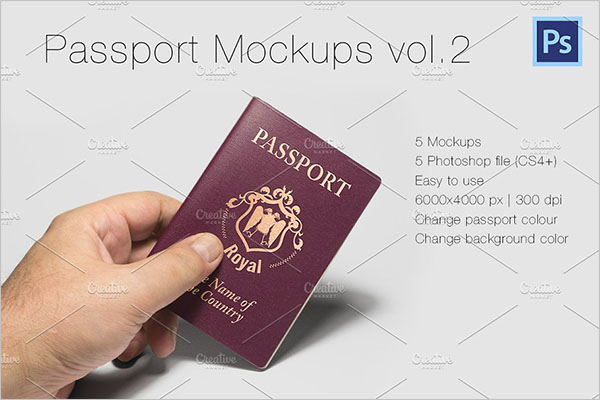
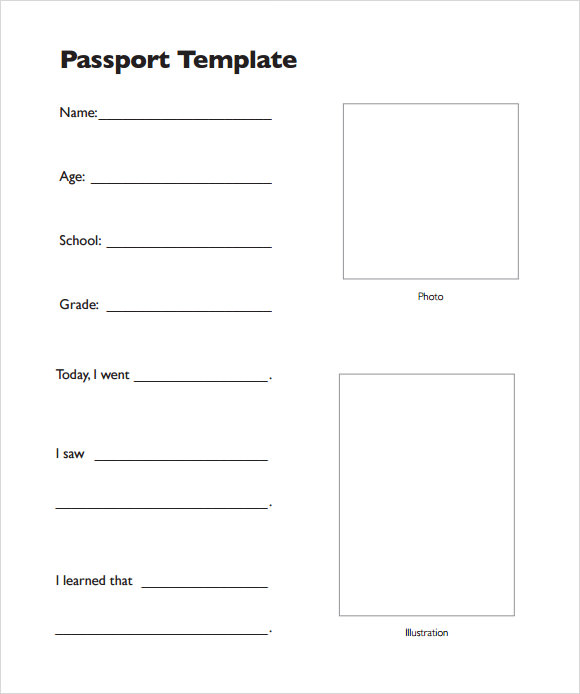
Passport Template Word Text
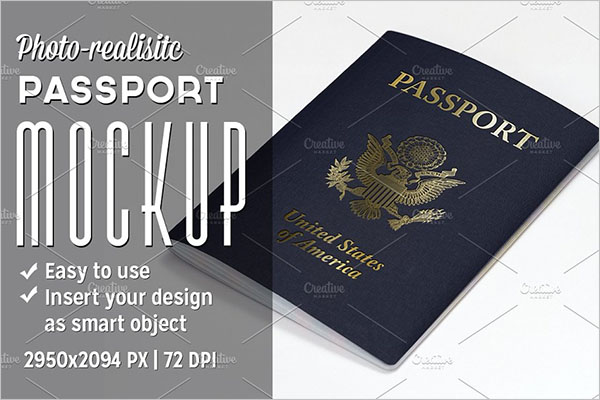
Best Passport Templates
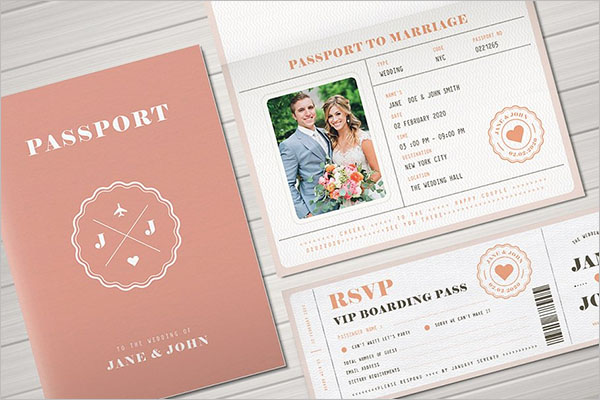
Modern Printable Passport Templates

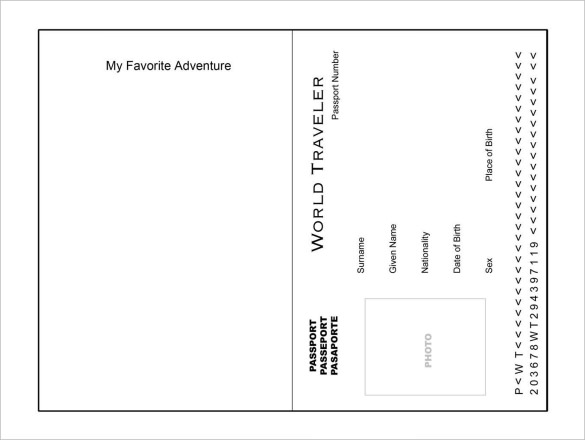
Favorite Adventure Passport Template PDF Printable Download
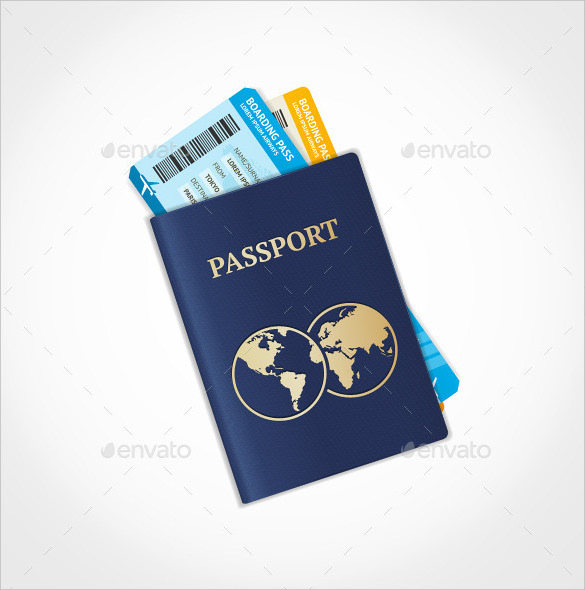
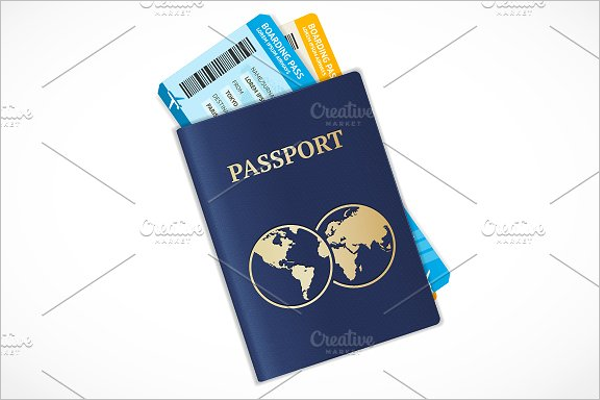
Vector Illustration Passport with Ticket Template Download
Passport Template Photoshop Editing

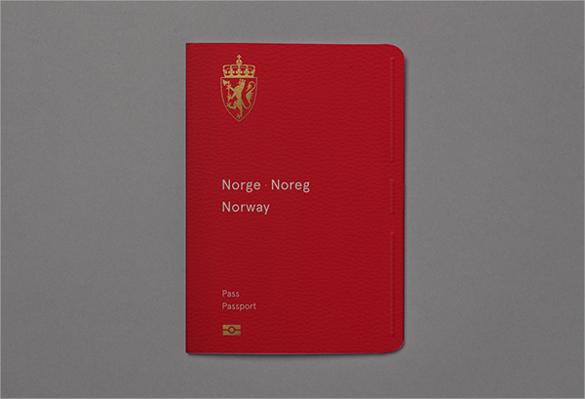
Red Passport Template
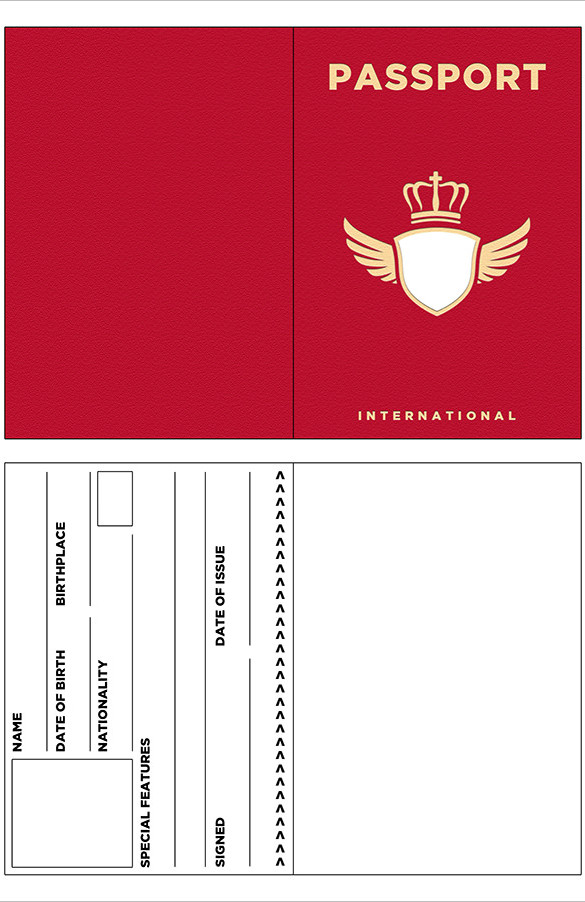
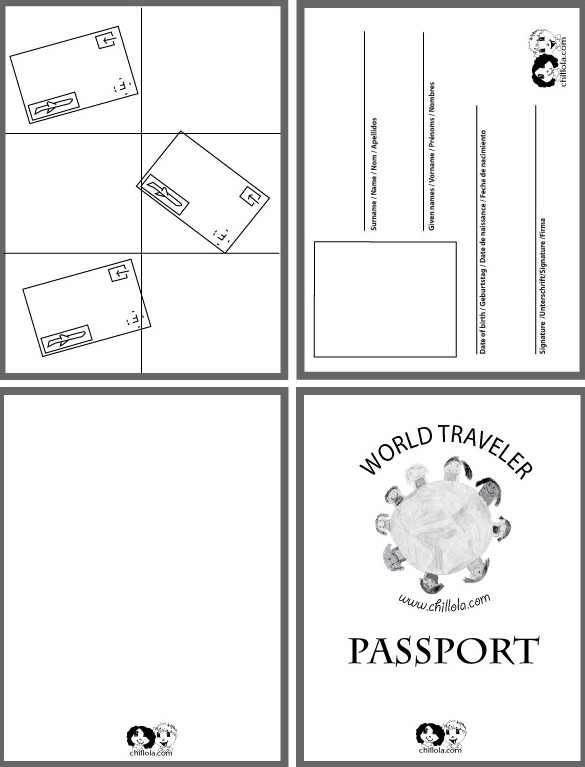
World Traveler Passport Template
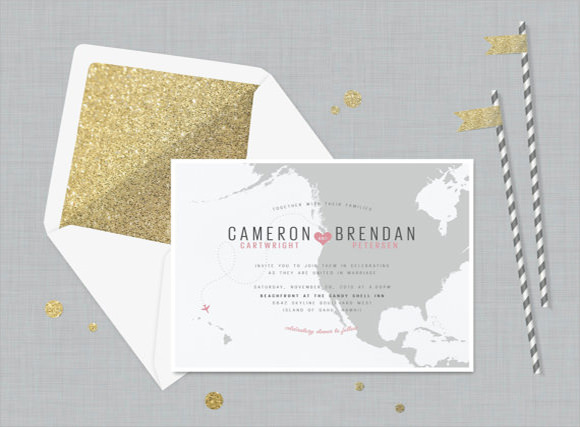
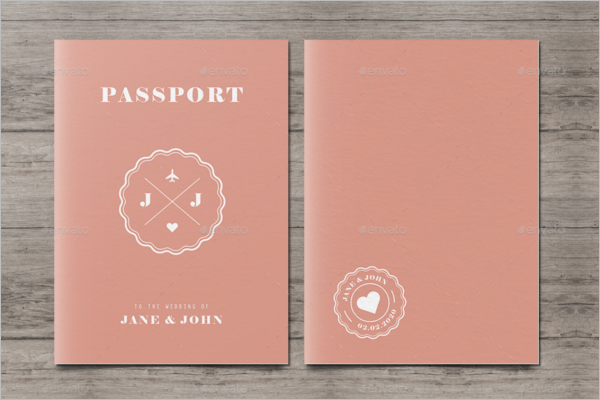
Passport Style Wedding Set Invitation Template PSD Download
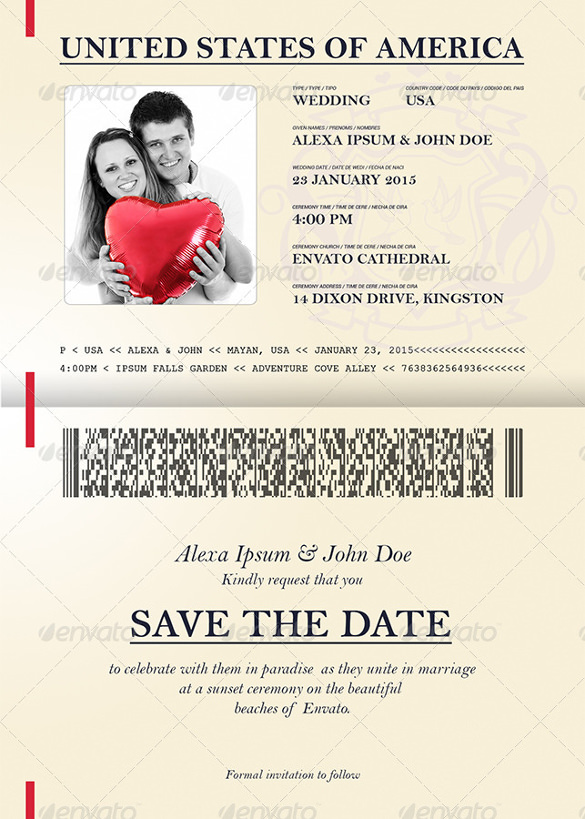
Passport Wedding Invitation Template

Editable Double Sided Passport Word Doc

Blank Abroad Passport Template EPS Format Download
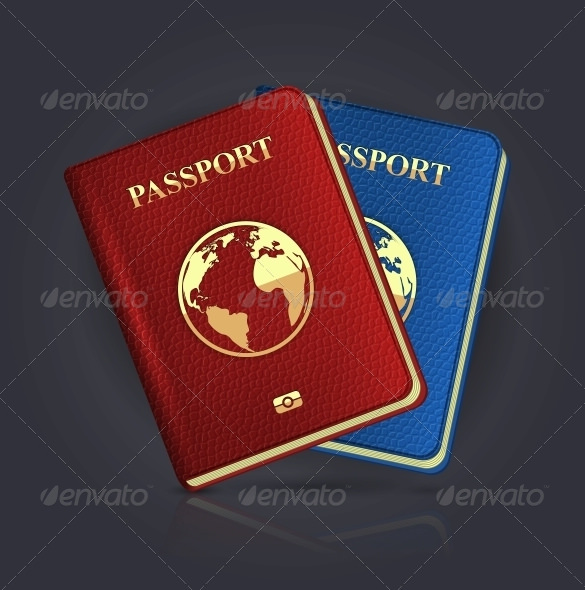
Simple Printable Double Sided Passport Writing Frame
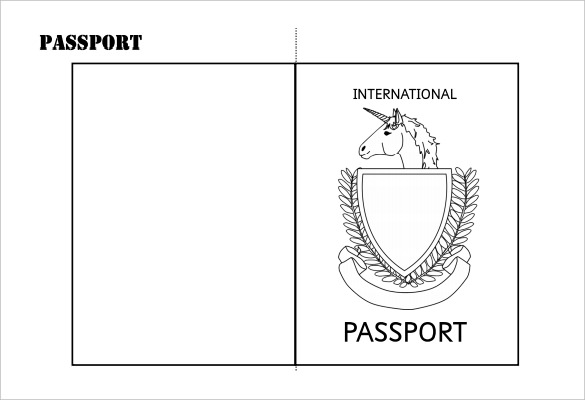
Passport Template Sample
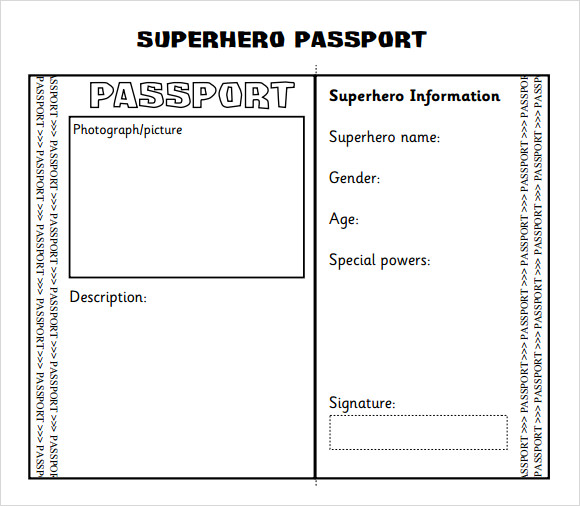
Superhero Passport Writing Frame Printable Template Download

British Passport Template Free Printable Download

Australia Passport Template
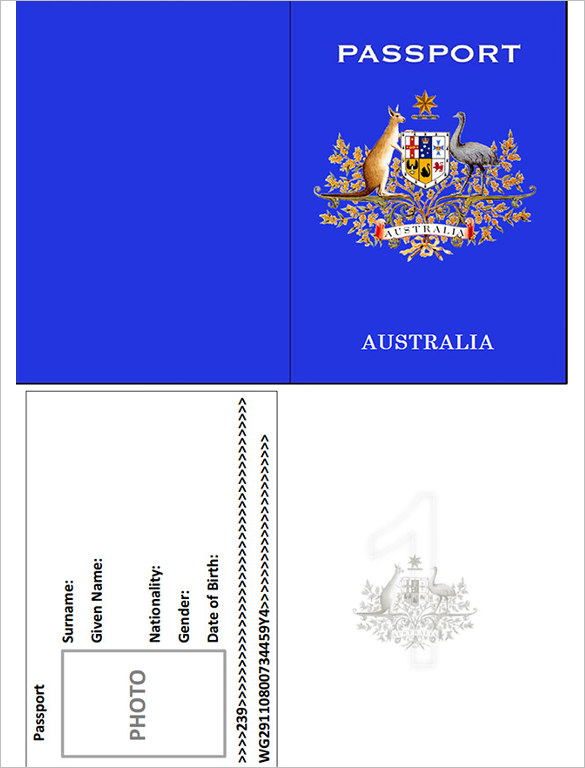
Sample Passport Templates

Travelling Passport Template
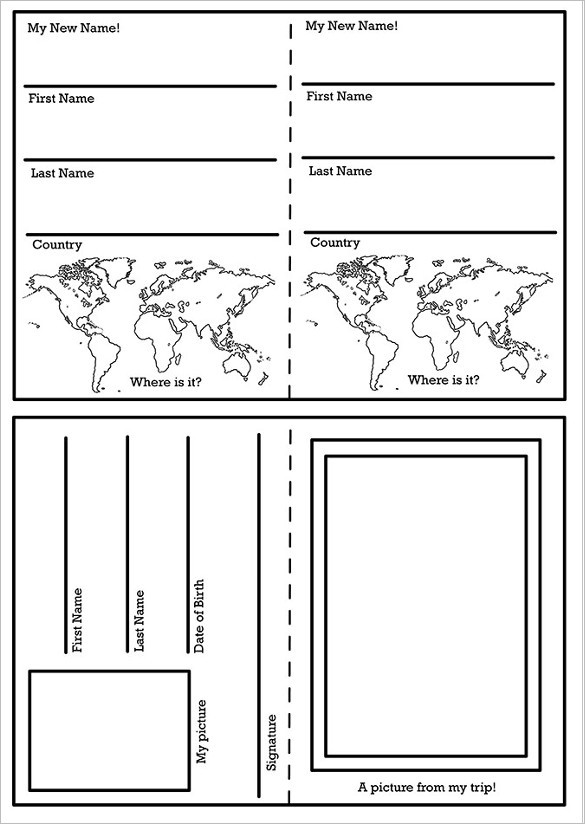
Passport Template for Kids
Interesting Passport Invitation Template
Passport PSD Booklet Realistic Mock Up
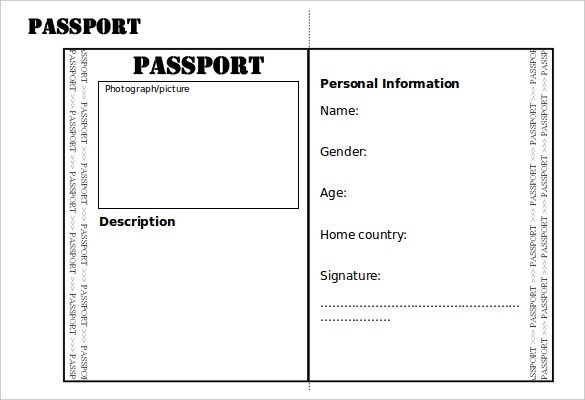
Student Passport Template
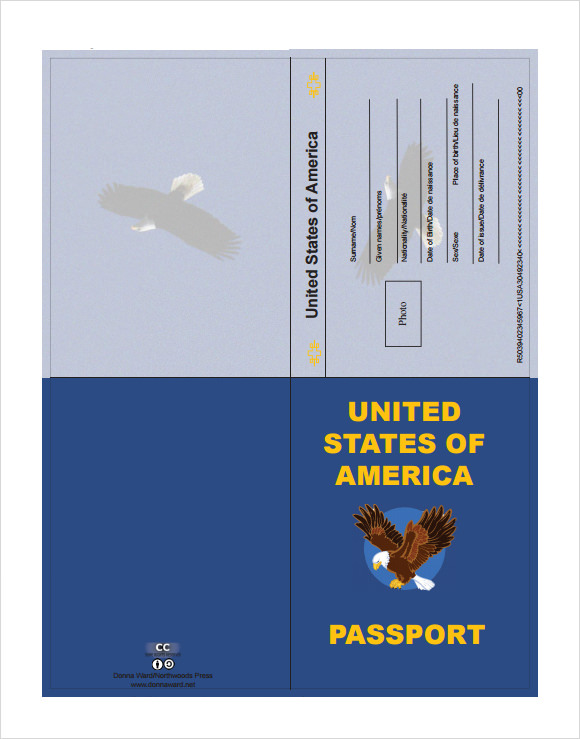
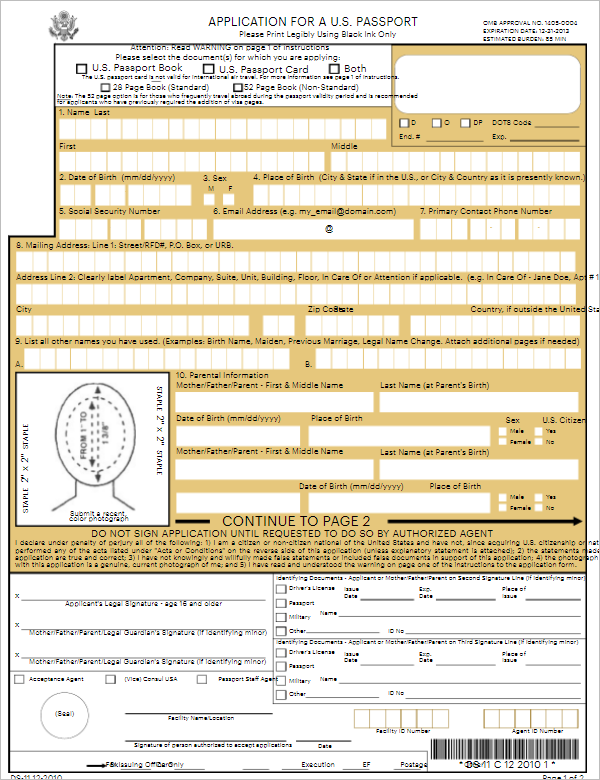
Application Form Template For U.S. Passport
Passport With Ticket Design
Best Passport Template for Students
Design New passport Template
Passport Wedding Event Template Word
Passport With Boarding Pass Template
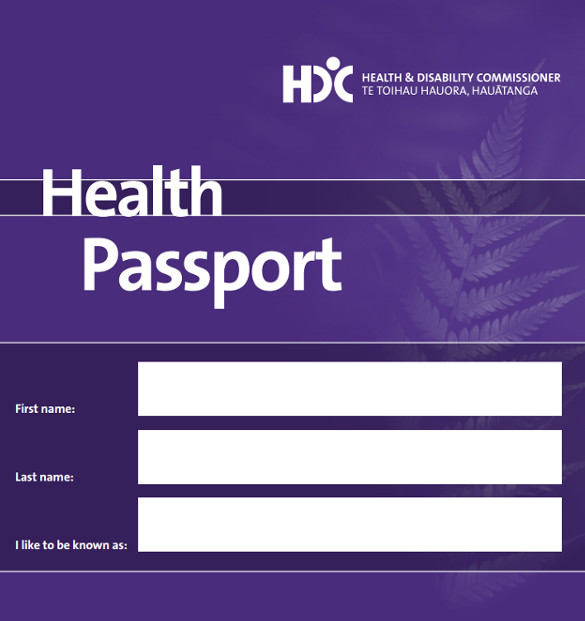
Health Passport Template
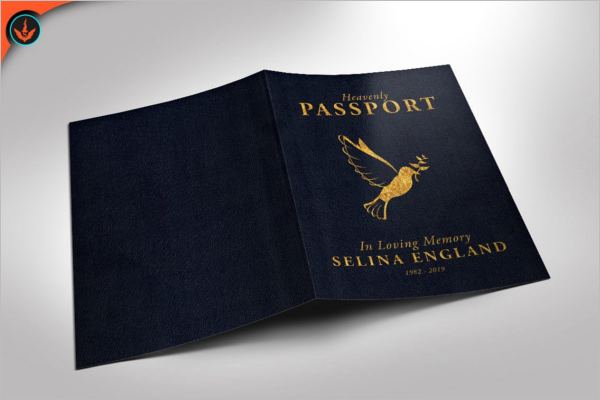
Passport Funeral Program Template

Print Passport Template
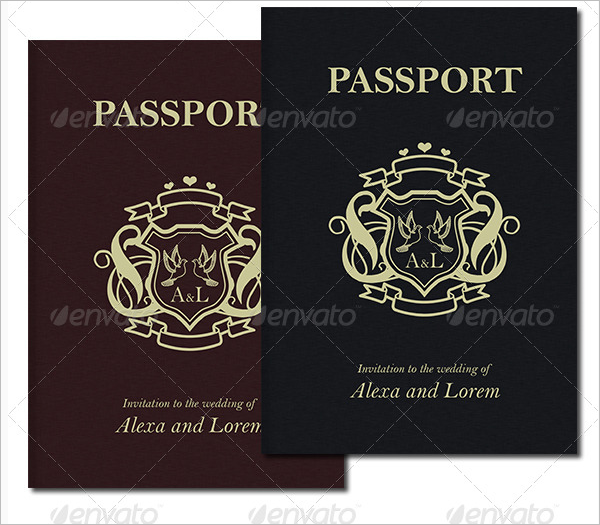
Free Passport Templates – Hospital Word

Microsoft Word Passport Template
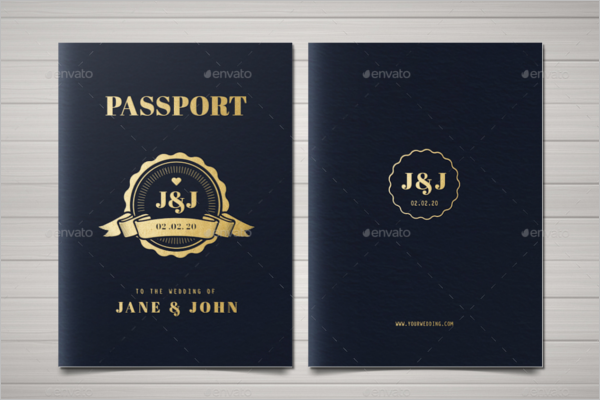
Photorealistic Passport Template
Why Passport Templates Are So Useful
1. Time-Saving and Efficient
Creating a passport layout from scratch can be time-consuming. Designers must consider layout spacing, typography, photo placement, icons, and background texture. Using a ready-made passport template allows users to skip the foundational work and jump directly into customization. This is particularly helpful for agencies and educators who require multiple versions for training, mockups, or sample designs.
2. Fully Editable and Customizable
Most modern passport templates come in editable formats such as PSD, AI, Figma, Canva, and PDF. This flexibility allows users to modify:
- Colors
- Fonts
- Seal designs
- Background textures
- Personal information fields
- Photo sections
- Page numbers and layout grids
An editable passport template provides creative freedom while maintaining the structure of a professionally designed ID format.
3. Perfect for Digital and Print Use
High-resolution templates support both digital and printed outputs. Teachers can use them for classroom activities, while designers can include them as part of travel-themed presentations or UI prototypes. A well-designed printable passport template ensures clear text and clean lines, making it suitable for brochures, presentations, and branding projects.
4. Ideal for UI, App, and Web Design
Many travel apps, onboarding screens, and verification pages use a passport-like interface to improve user recognition. A modern digital passport format template helps UI designers visualize:
- User identity sections
- Digital pass layouts
- QR code areas
- Verified badges
- Profile photos
This format helps build familiarity and trust with users because the passport design style is universally understood.
Common Uses of Passport Templates
Educational Purposes
Teachers often use passports as student identity assignments, cultural projects, or geography lessons. Students learn how countries structure identity documents and can fill in custom details using an editable template.
Corporate and Branding Projects
Companies use passport-style templates for:
- Employee handbooks
- Training materials
- Event badges
- Membership identity cards
- Travel and tourism promotions
Their familiar structure makes the message stand out and creates a premium feel.
Travel-Themed Creative Work
Designers working on:
- Travel agency brochures
- Adventure blogs
- Tour packages
- Social media content
- Promotional campaigns
use passport layouts to make their designs visually appealing and thematic.
App Mockups and Software Development
Developers and product teams rely on passport templates to visualize identity screens and interactive elements in their apps. It gives them a realistic look and feel during prototyping.
Features to Look for in a Good Passport Template
1. Clean and Authentic Layout
Although creative freedom is allowed, the structure should remain clear and professional. Look for:
- Proper alignment
- Balanced spacing
- Organized text fields
- Clear section headings
A well-crafted layout ensures readability and visual appeal.
2. Layered File Structure
For efficient editing, the template should have:
- Organized layers
- Clearly labeled elements
- Editable text boxes
- Separated background designs
This makes it easy to customize without disturbing the main layout.
3. High Resolution
Choose a high-resolution passport template (300 DPI for print) to avoid pixelation. This is especially important for printed materials, brochures, or professional presentations.
4. Compatibility with Multiple Software Tools
A good template should support widely used tools such as:
- Adobe Photoshop
- Adobe Illustrator
- Figma
- Canva
- PDF editors
More compatibility means more convenience and flexibility for the user.
Best Practices When Using Passport Templates
Use Only for Legal and Ethical Purposes
Passport templates should never be used to replicate or fabricate government-issued ID documents. They are meant for:
- Learning
- Creativity
- Branding
- Marketing
- UI/UX design
Always follow legal guidelines while customizing these templates.
Add Your Branding Elements
Include your logo, corporate colors, and design theme to make the template unique to your project. This creates consistency and a professional look.
Optimize for Web and SEO
If you are publishing or selling passport templates on your website:
- Add alt text to images
- Use the keyword passport templates naturally in your content
- Provide downloadable formats
- Add clear descriptions and sample previews
This improves visibility on search engines and attracts more organic traffic.
Conclusion
Passport templates are powerful tools for designers, businesses, educators, and developers. They provide a structured, easy-to-edit, and universally recognizable layout that enhances any creative or professional project. Whether you need a printable passport template for the classroom, a digital passport format for a mobile app, or a professional design for a travel campaign, these templates help you work faster and achieve polished results.
By choosing high-quality templates and using them responsibly, you unlock endless creative possibilities while maintaining a clean, professional visual identity.