E-Commerce Icons: The Visual Language of Modern Online Shopping
In the fast-evolving world of online shopping, visuals play a vital role in guiding users, improving navigation, and creating a strong brand impression. Among these visuals, E-Commerce Icons stand out as powerful design elements that enhance user experience and communicate ideas instantly. Whether you’re designing a website, a mobile app, or an online store dashboard, e-commerce icons are the building blocks that bring functionality and beauty together.
What Are E-Commerce Icons?
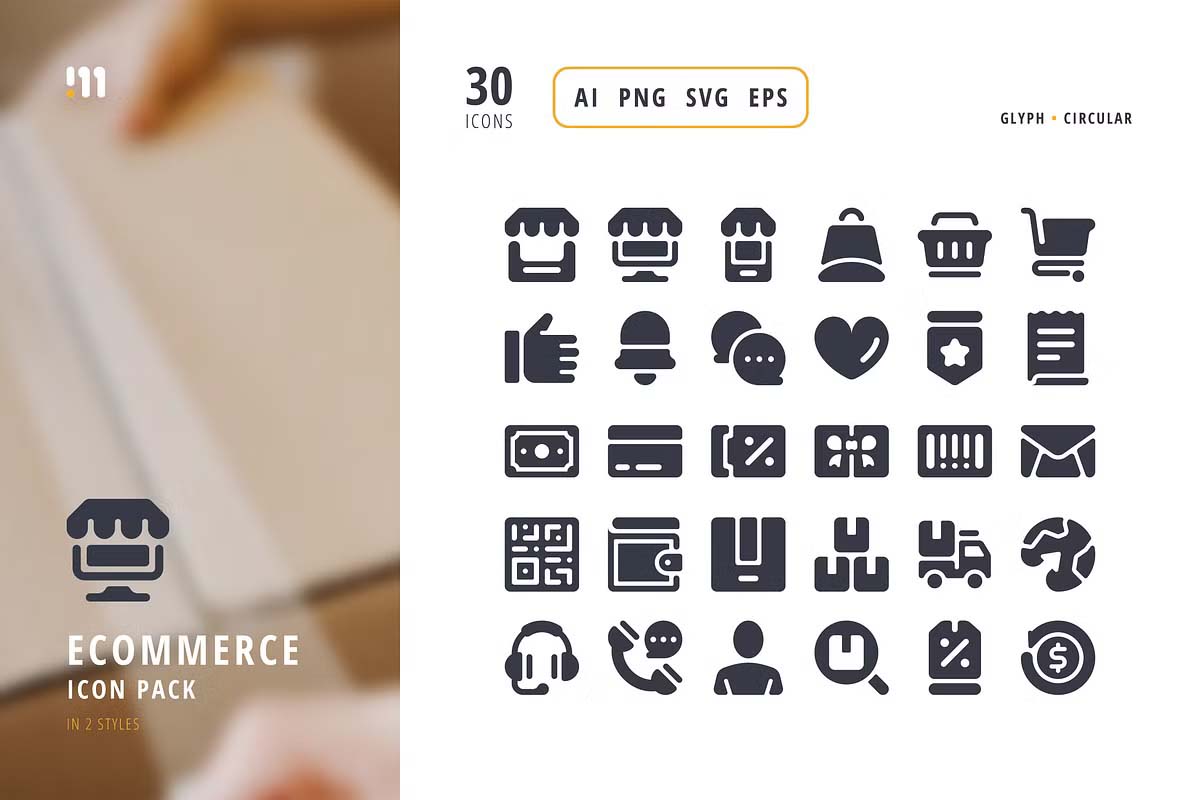
E-commerce icons are small but impactful graphic symbols that represent specific actions, categories, or features within an online shopping interface. Common examples include cart icons, search buttons, wishlist hearts, user profiles, delivery trucks, payment symbols, and product categories. These icons simplify complex information and make your online store intuitive to use — even for first-time visitors.
A well-designed icon set ensures that users can recognize features without reading lengthy labels. For example, a shopping cart icon immediately signals “Add to Cart,” while a magnifying glass represents “Search.” This universal visual language makes online shopping seamless and enjoyable.
E-commerce Icons Set
Automotive Ecommerce Icons
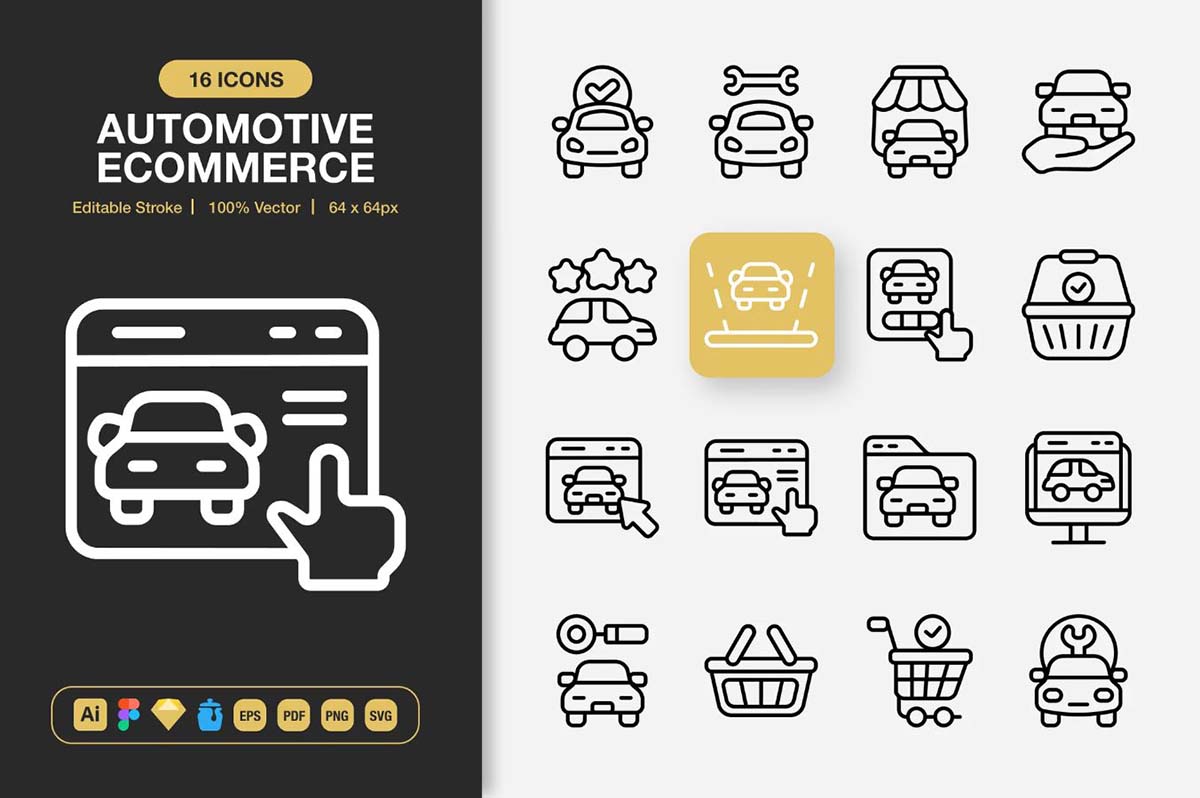
E-commerce Icons
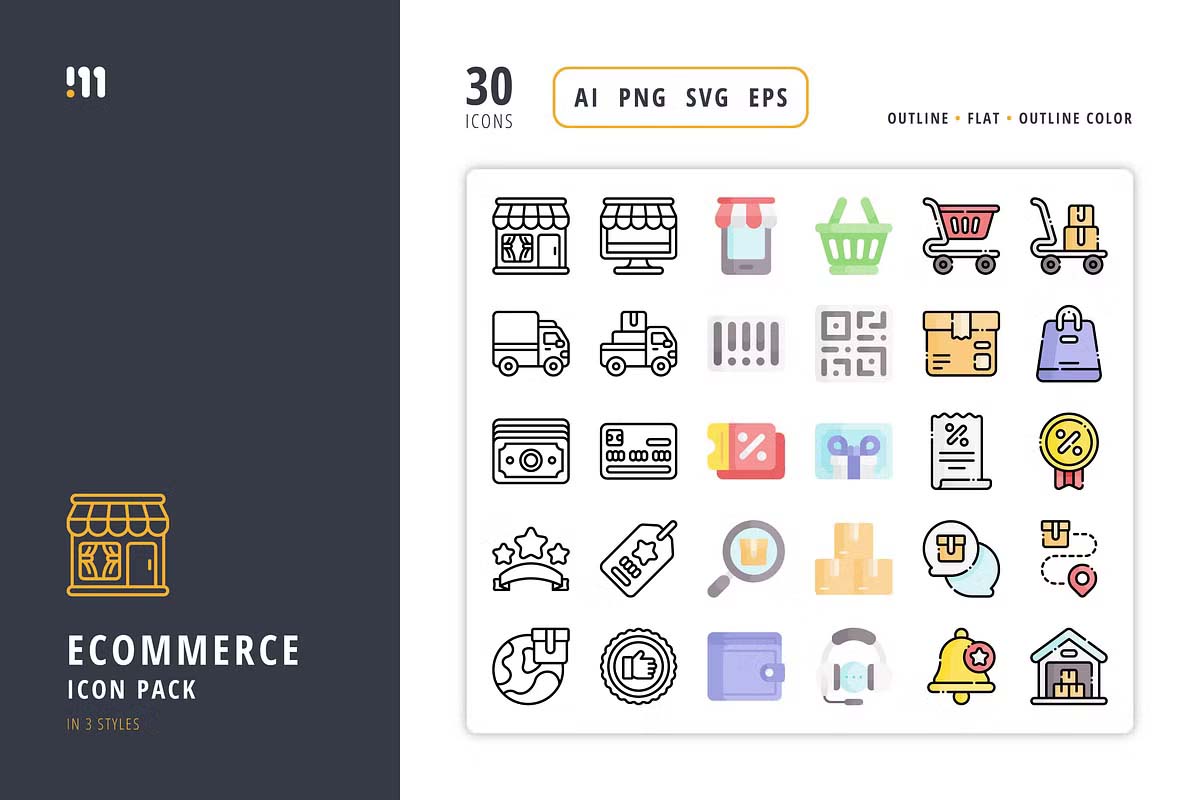
Shopping Icons
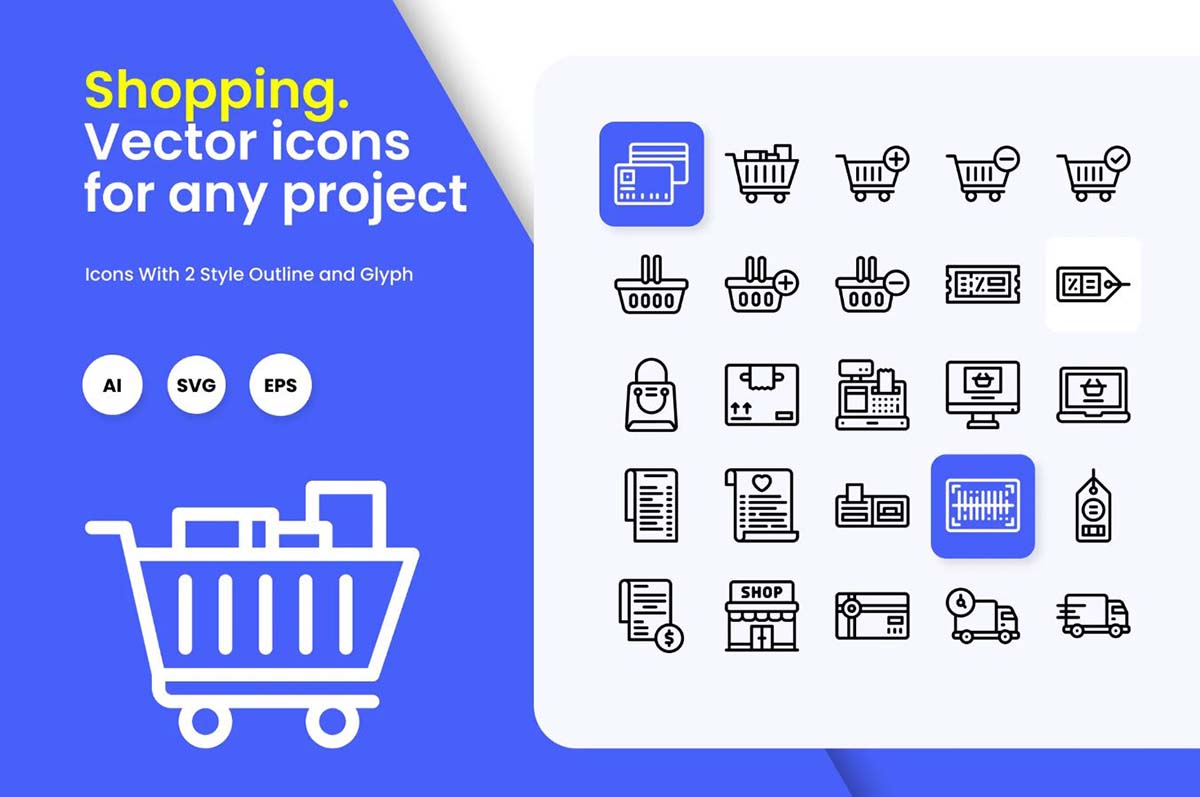
E-commerce Outline Icons Style
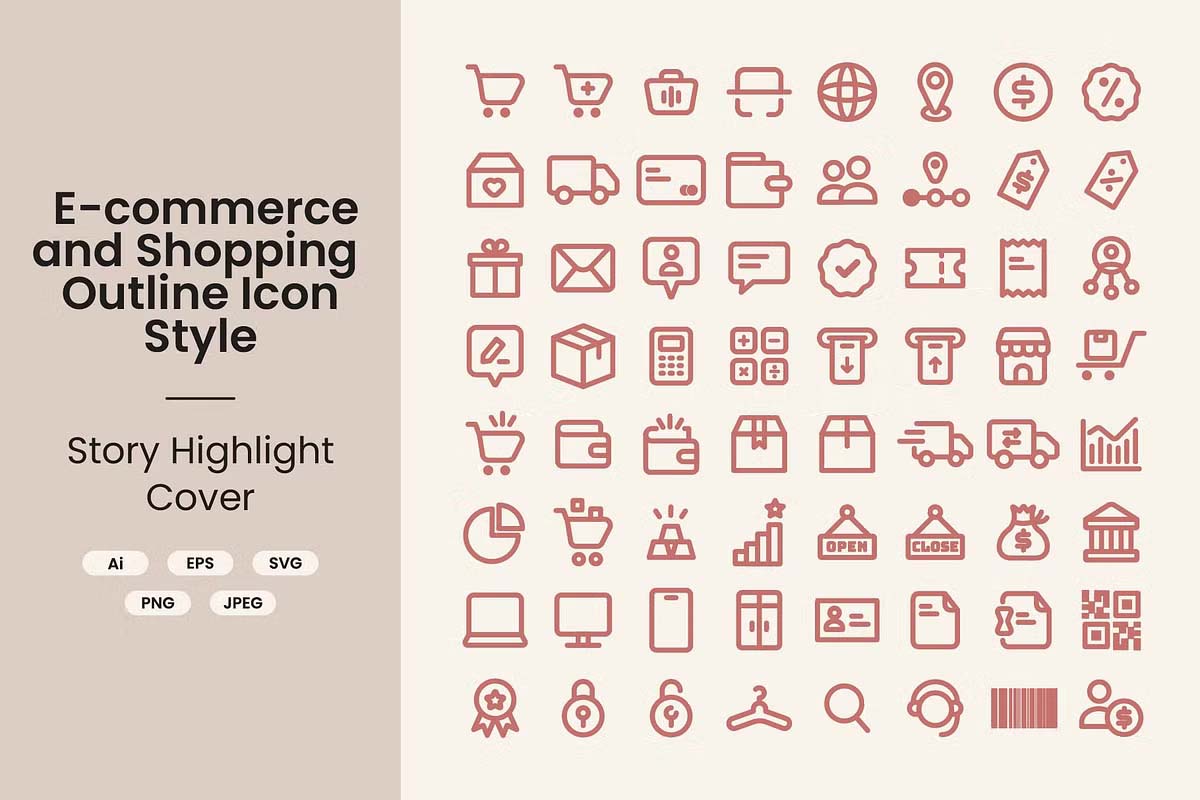
E-commerce Glyph Icons
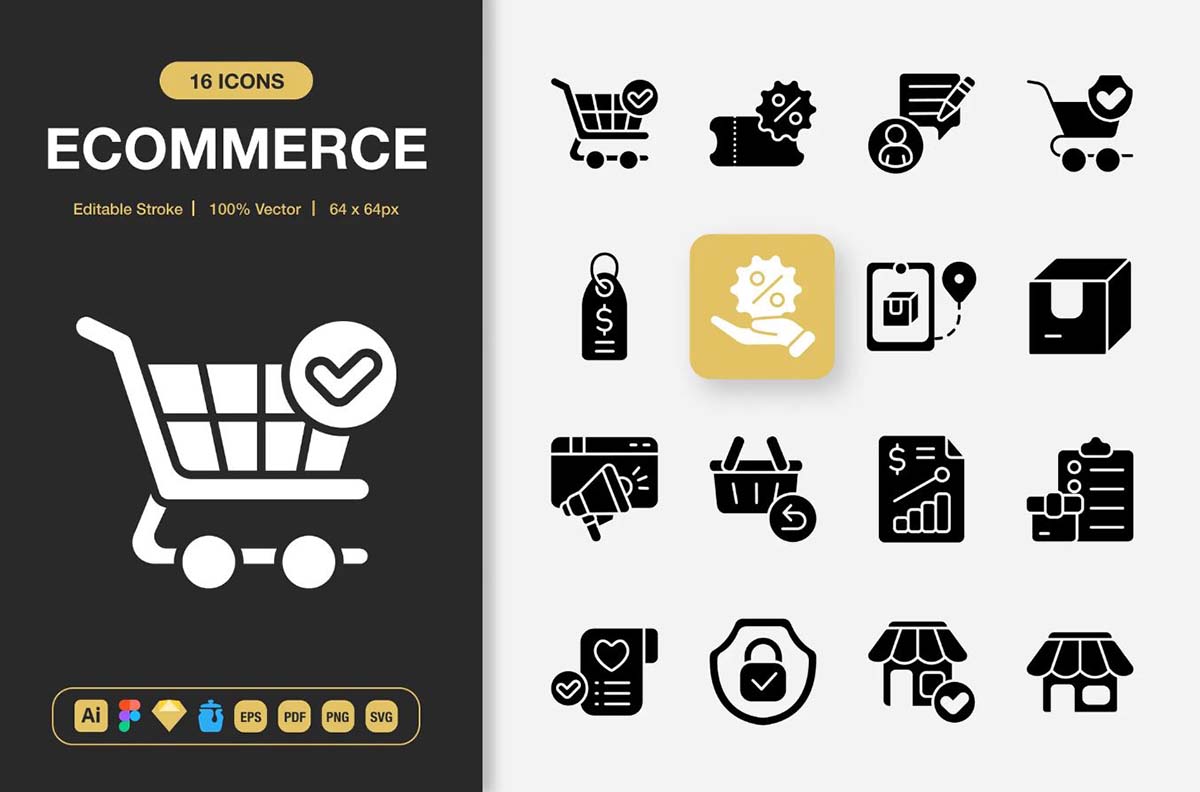
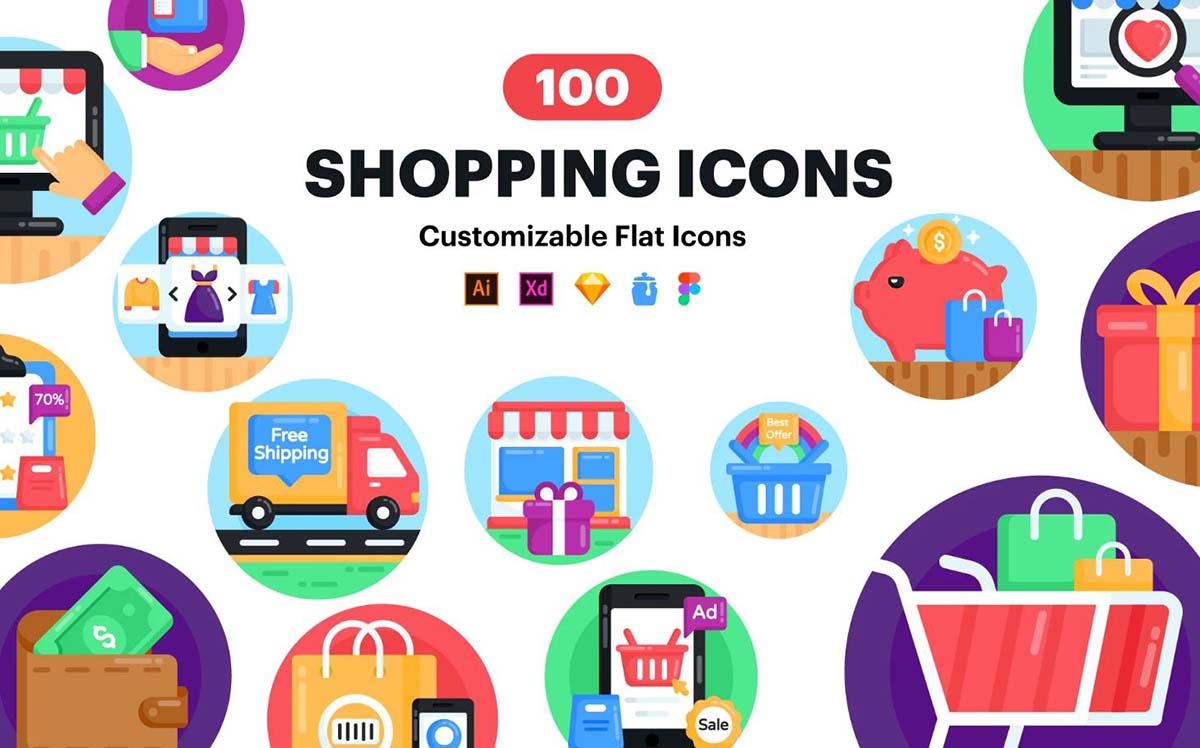
100 Shopping and E-commerce Icons
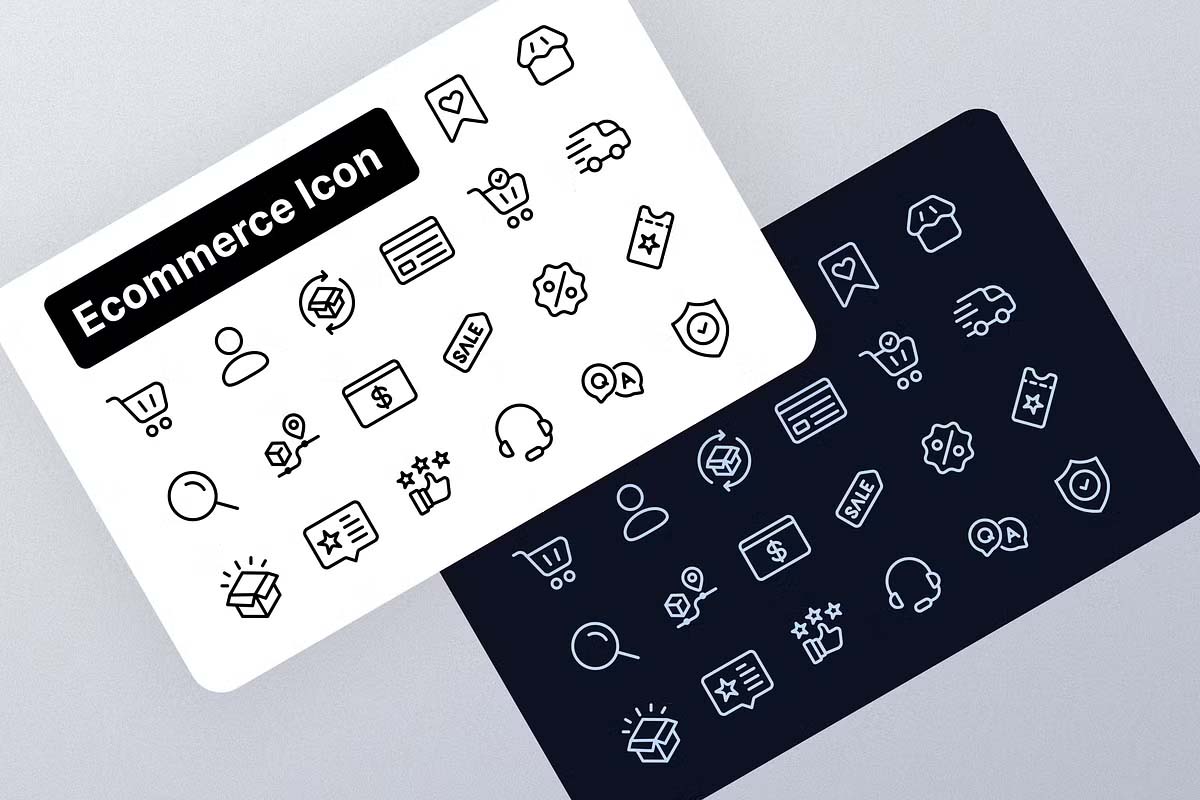
Most uses E-commerce Icons
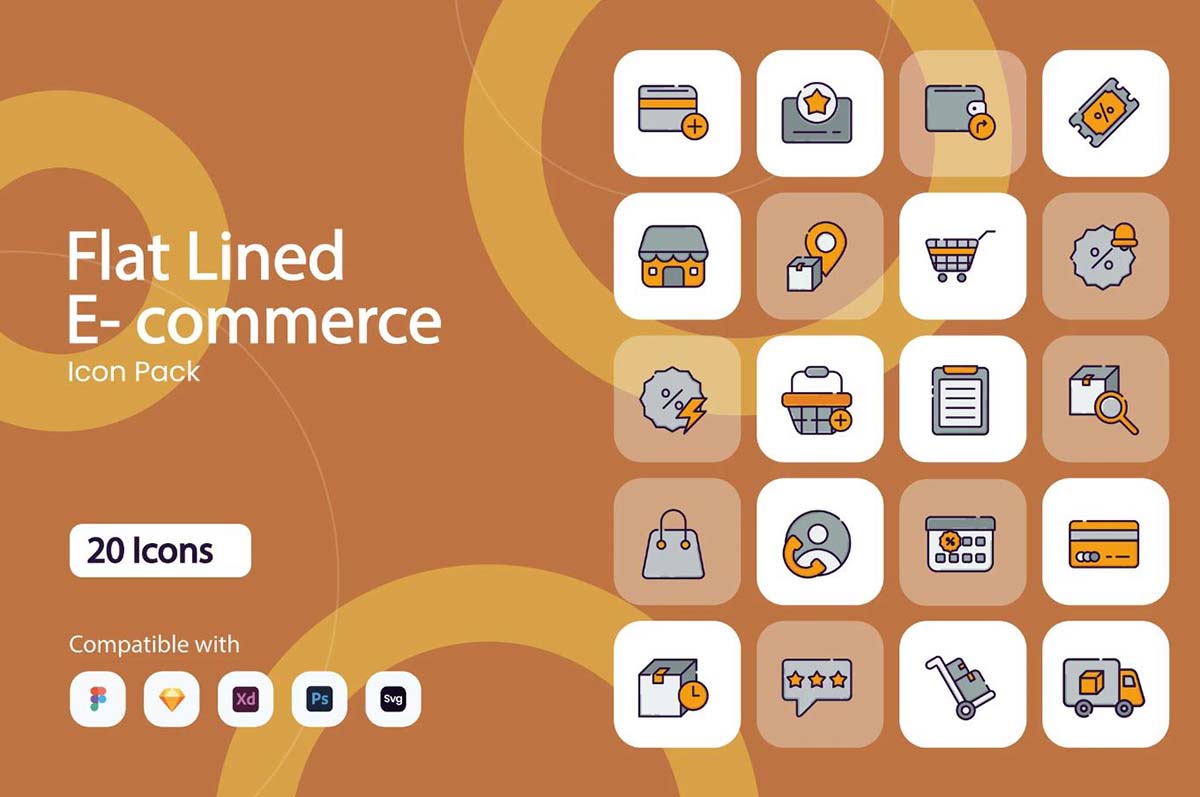
Flat Lined E-commerce Icon Pack
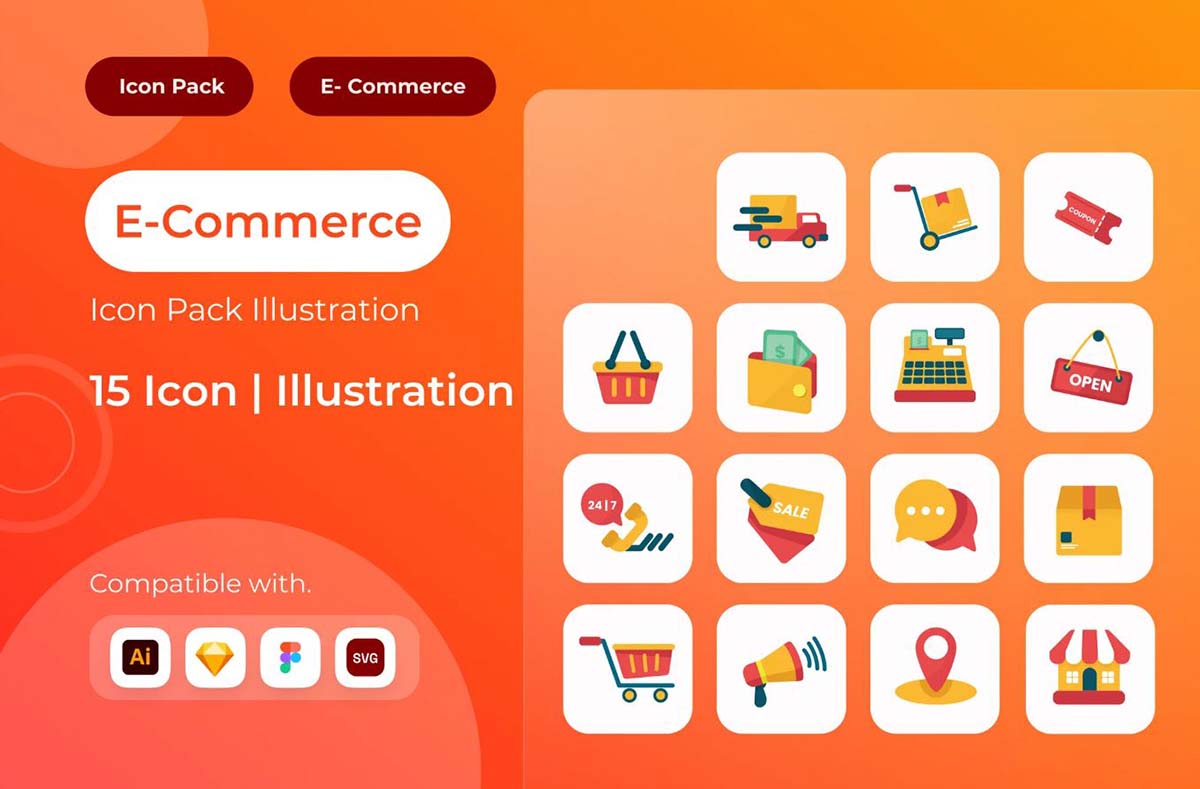
E-Commerce Icon Illustration

E-commerce Icons Pack
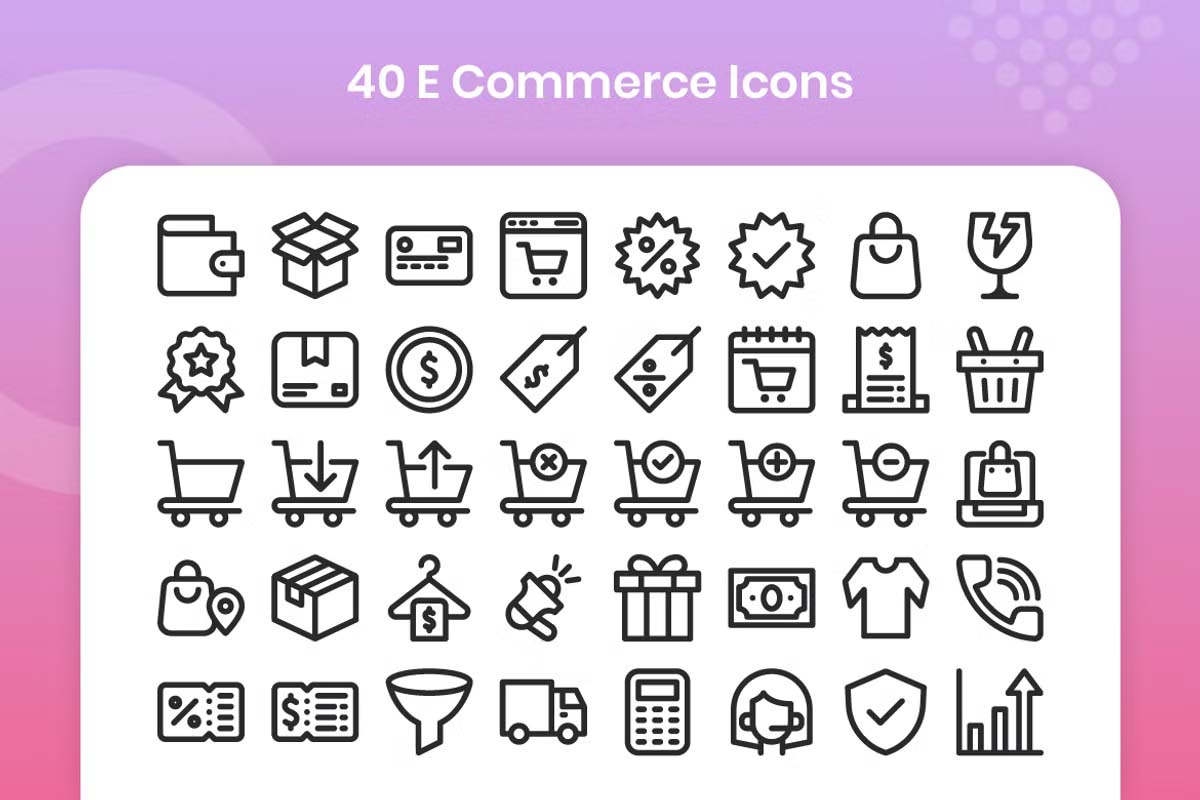
40 E-Commerce Icons
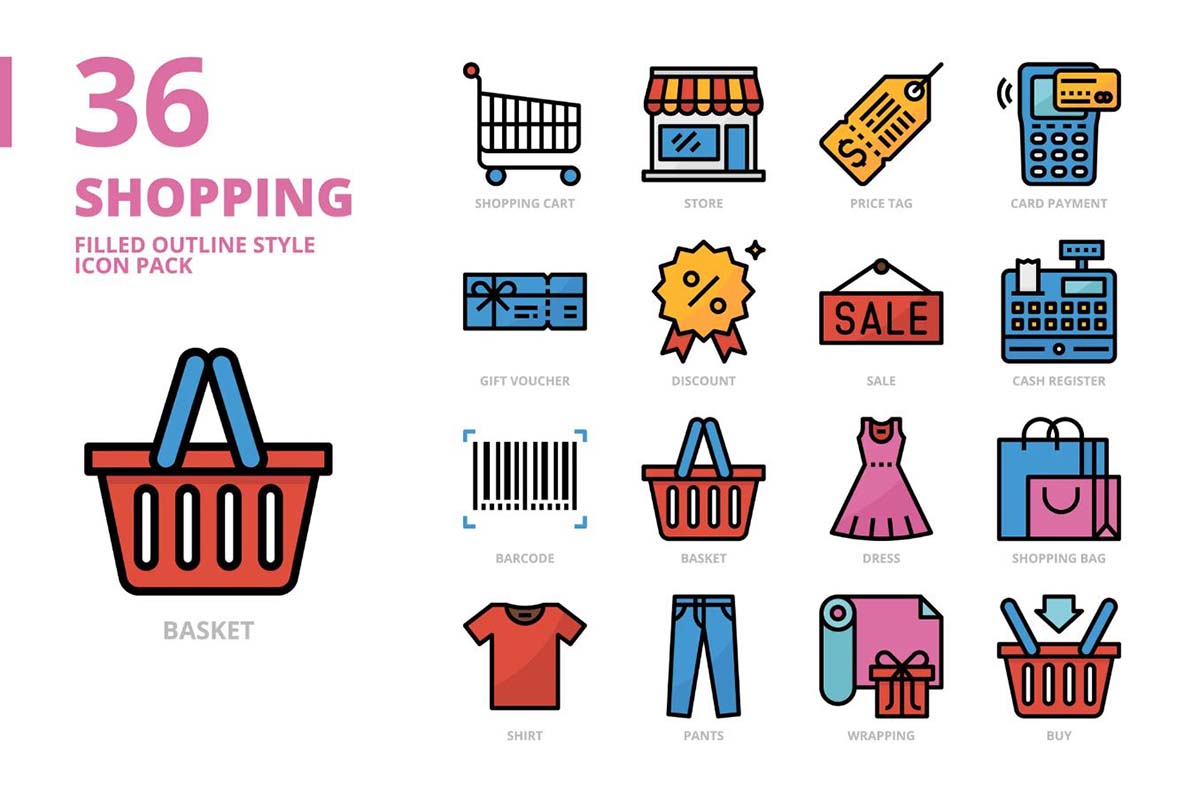
Shopping Filled Outline Style Icon Set
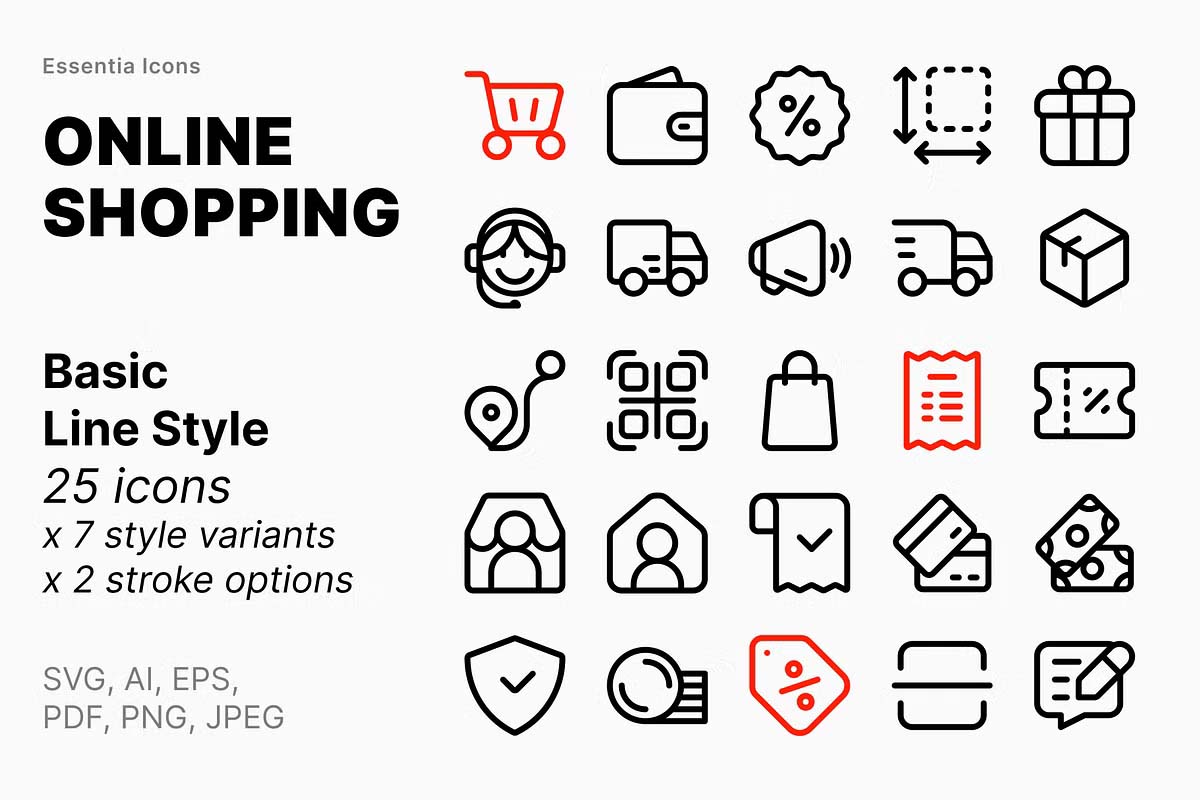
Online shopping icons
Icometric – eCommerce Icons
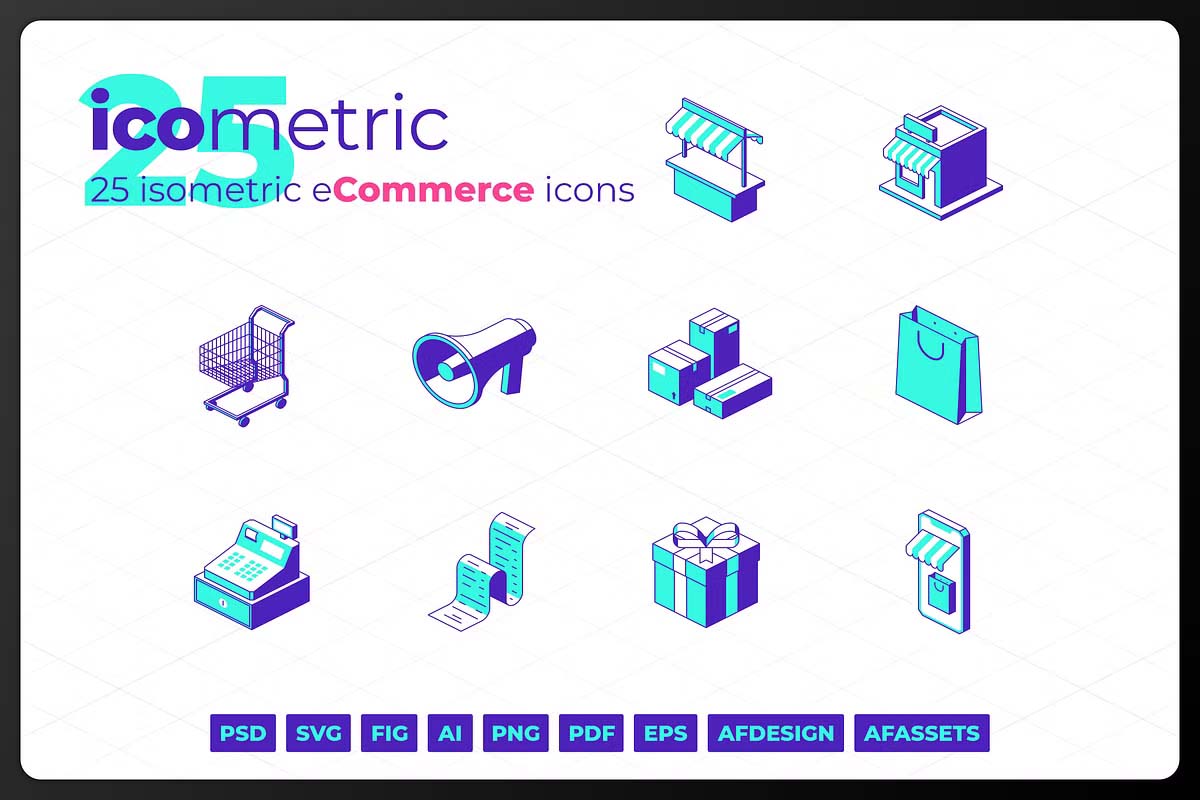
The Importance of E-Commerce Icons in Web Design
Icons are more than just decorative elements; they are functional assets that shape user behavior and influence conversion rates. Here’s why E-Commerce Icons are indispensable for every online business:
1. Enhances User Experience (UX)
Good icons make navigation faster and more intuitive. A clean set of icons helps users identify options at a glance, reducing confusion and minimizing clicks. This leads to a smoother shopping journey and better customer satisfaction.
2. Builds Brand Identity
Custom icons designed in your brand’s style — whether minimalist, bold, or colorful — help reinforce brand identity. Consistent visual elements across your website, app, and promotional materials create a unified look that users remember.
3. Improves Accessibility
Icons transcend language barriers. When used thoughtfully, they help international customers understand your site’s features without relying on text translation. This makes your store more accessible to global audiences.
4. Increases Engagement and Conversions
Clear visual cues encourage users to take action. For instance, a highlighted cart icon signals that a product has been added successfully, while a secure lock icon builds trust during checkout. These subtle signals improve engagement and reduce cart abandonment rates.
Types of E-Commerce Icons You Should Use
When designing or choosing icons for your e-commerce platform, it’s essential to cover all major categories that enhance the user journey:
- Navigation Icons – for menus, homepages, and product filters.
- Shopping Icons – for cart, wishlist, and order tracking.
- Payment Icons – for credit cards, PayPal, or digital wallets.
- Delivery Icons – representing shipping, returns, and delivery times.
- User Interface Icons – such as login, profile, and logout options.
- Social Icons – linking to your brand’s social media platforms.
Each icon serves a specific purpose, but together they create a cohesive experience that makes your e-commerce store feel professional and user-friendly.
Best Practices for Designing E-Commerce Icons
To ensure that your e-commerce icons look great and perform effectively, follow these design principles:
1. Keep It Simple
Clarity should always come first. Use simple shapes and minimal details that are easy to recognize, even on smaller screens. Overly detailed icons can distract or confuse users.
2. Maintain Consistency
All icons should follow a uniform style — in terms of line thickness, color palette, and size. Consistency creates a sense of visual harmony and helps users understand that all icons belong to the same system.
3. Use Universal Symbols
Stick to symbols that users already associate with common actions. A heart for wishlist, a bag for cart, and a magnifying glass for search are universally understood.
4. Optimize for All Devices
E-commerce icons should be responsive and scalable. They must look sharp and legible on mobile screens, tablets, and desktops alike.
5. Align with Brand Personality
Your icons should reflect your brand’s tone. A luxury store might prefer elegant line icons in gold, while a youth-oriented fashion brand could use colorful and bold icons. The goal is to align visuals with your target audience.
Where to Use E-Commerce Icons Effectively
E-commerce icons can be strategically placed across your website or app for maximum impact:
- Homepage: Highlight key sections like “Shop Now,” “New Arrivals,” or “Best Deals.”
- Navigation Bar: Simplify browsing with icons for categories and filters.
- Product Pages: Use icons for ratings, stock availability, or delivery options.
- Checkout Page: Reinforce security and trust with payment and protection icons.
- Footer and Emails: Include social icons and customer support icons to stay connected.
Modern Trends in E-Commerce Icon Design
Today’s design trends emphasize clean, lightweight, and animated icons. Motion graphics and micro-interactions — like a cart icon gently shaking when an item is added — make shopping more engaging. Additionally, dark mode compatibility and vector-based SVG icons ensure scalability and modern aesthetics.
Designers are also experimenting with 3D icons and gradient styles, giving a fresh and premium look to online stores. These visual upgrades not only capture attention but also signal a brand’s commitment to innovation and design excellence.
Conclusion
In the digital marketplace, where competition is fierce and attention spans are short, E-Commerce Icons play a crucial role in shaping user experiences. They guide visitors effortlessly through the buying process, convey trust, and enhance the overall visual appeal of your platform.
Whether you’re designing from scratch or revamping an existing store, investing in high-quality, consistent, and brand-aligned icons is a smart move. After all, in the world of e-commerce, great design isn’t just about aesthetics — it’s about communication, clarity, and conversion.