Artificial Intelligence Icons: The Visual Language Powering Modern Digital Experiences
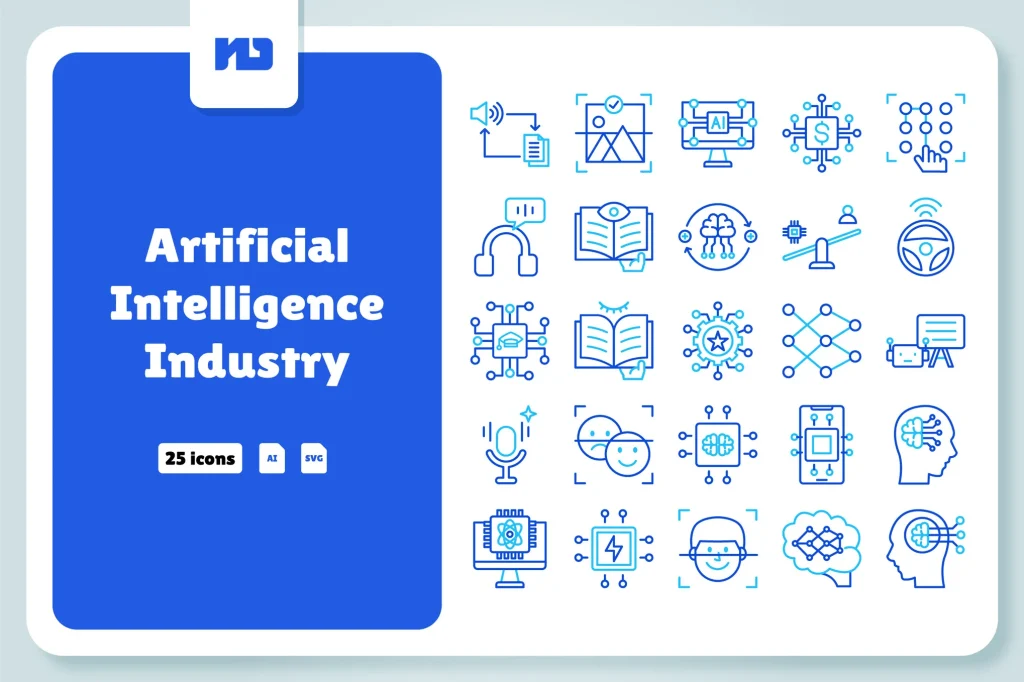
Artificial Intelligence Industry – Blue Line
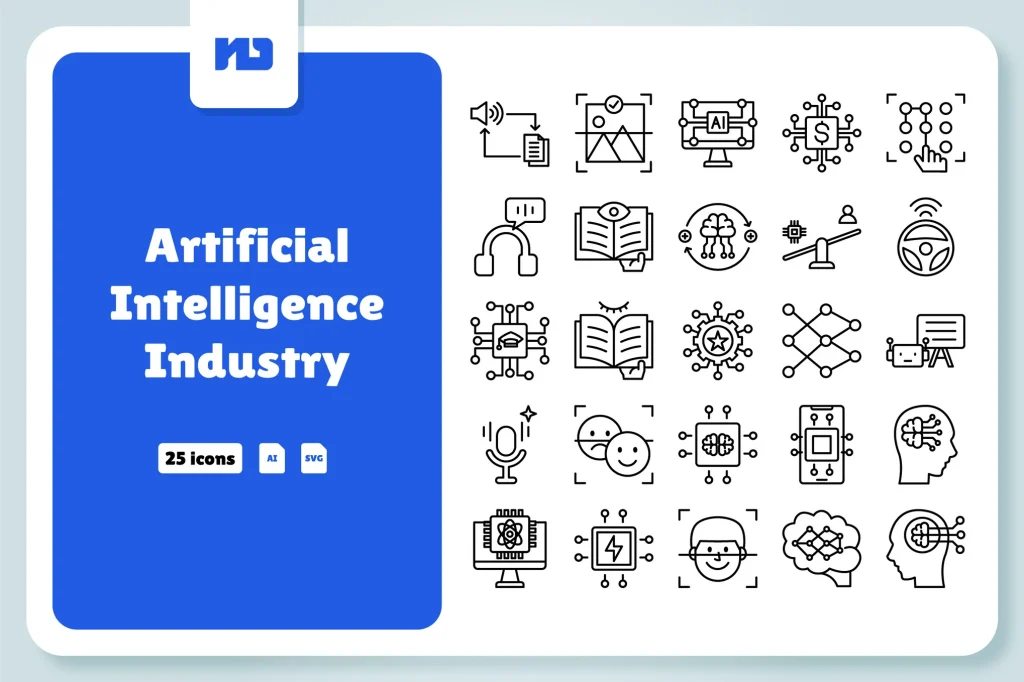
Artificial Intelligence Industry – Line
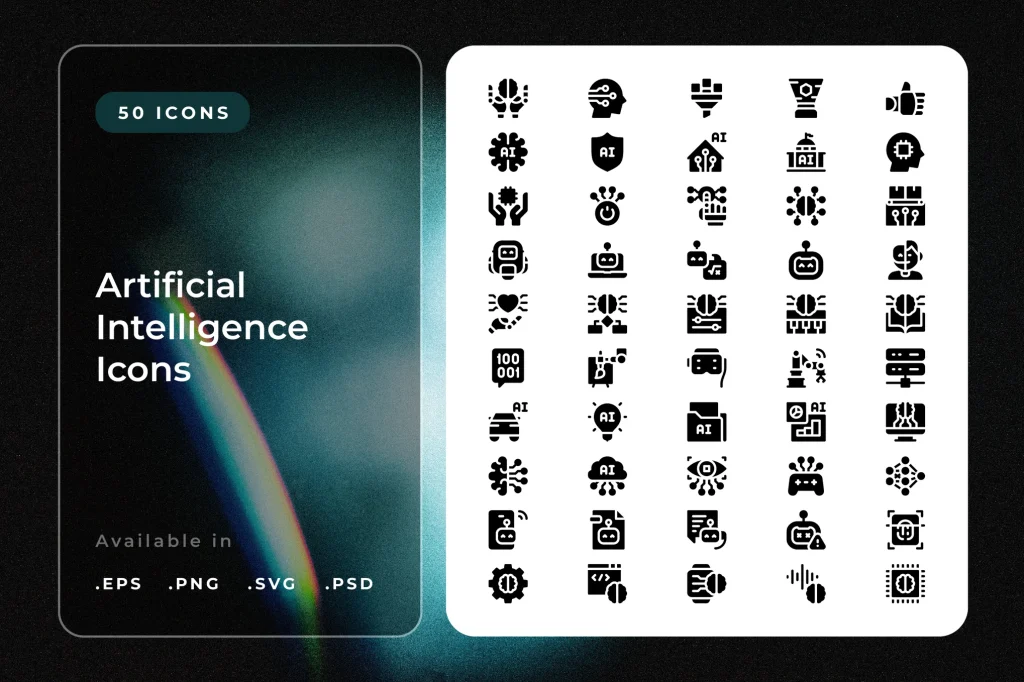
Artificial Intelligence Icons
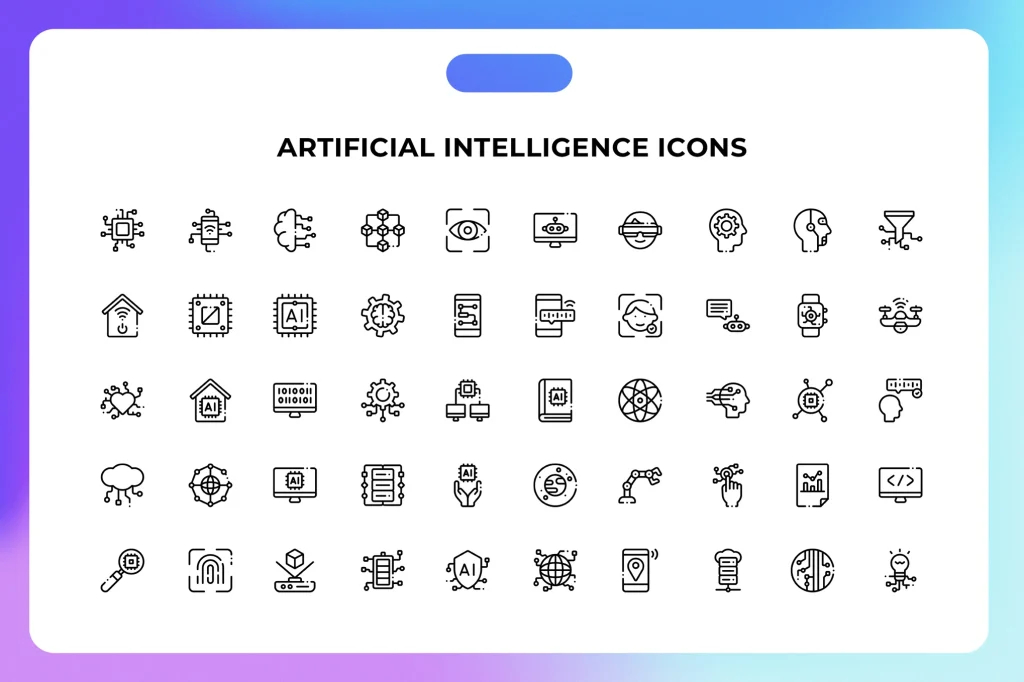
Artificial Intelligence Icons svg
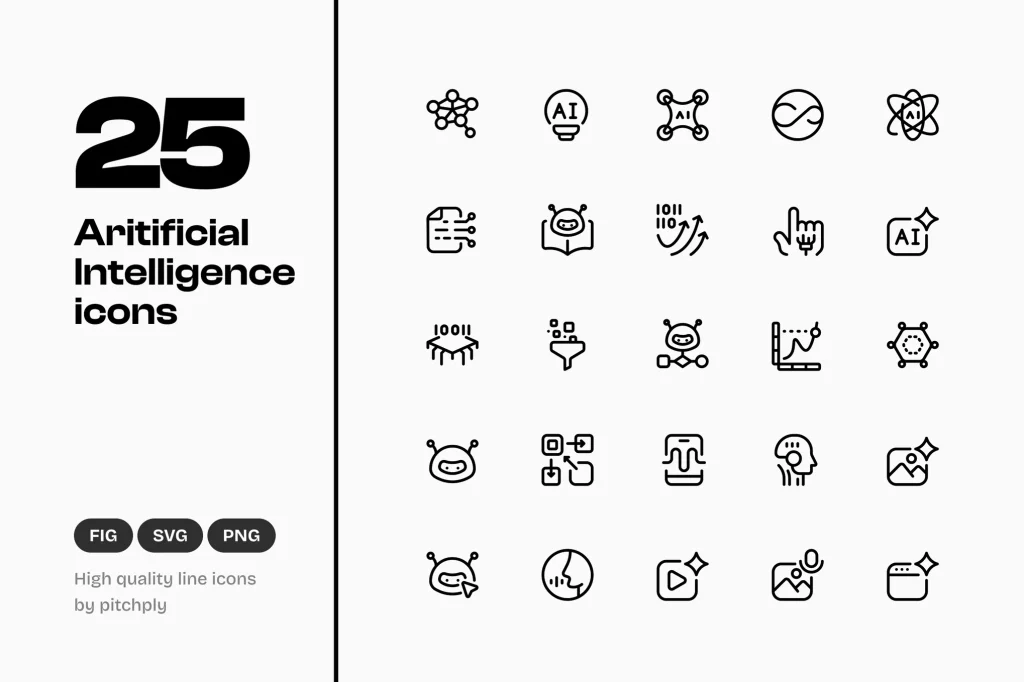
Artificial Intelligence UI Line Icons
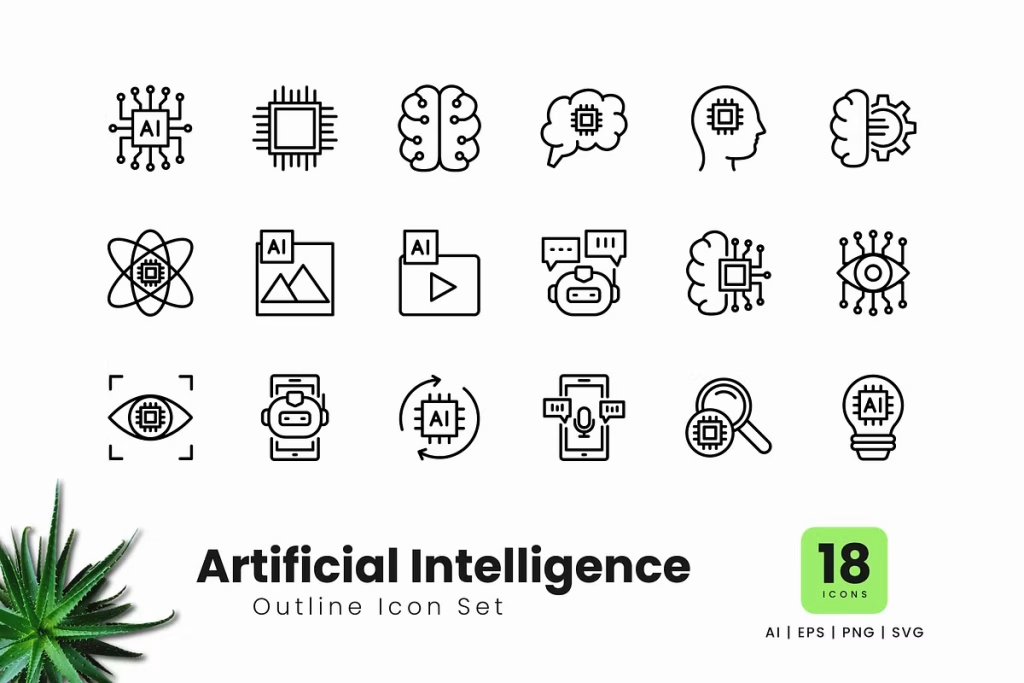
Artificial Intelligence Outline Icon
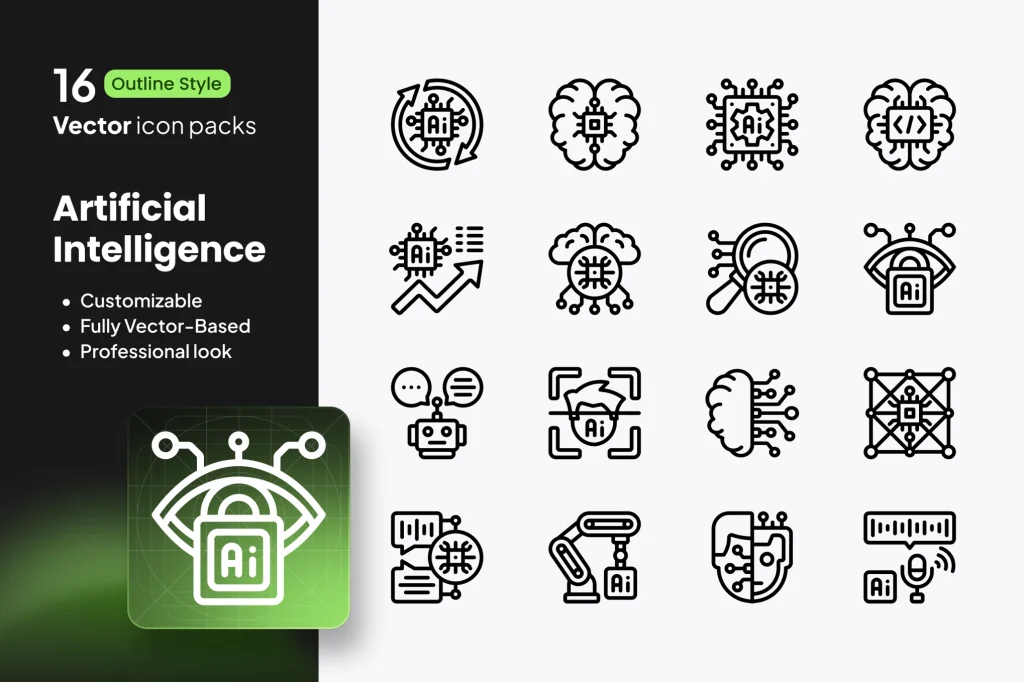
AI Icons – 16 Outline Artificial Intelligence
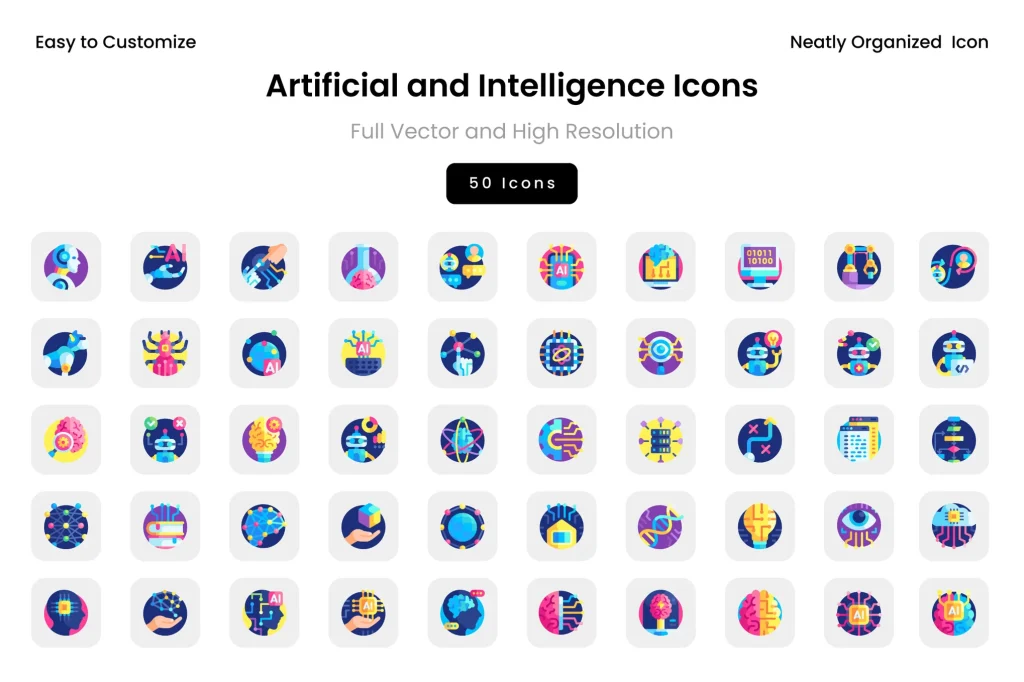
Artificial and Intelligence Icons
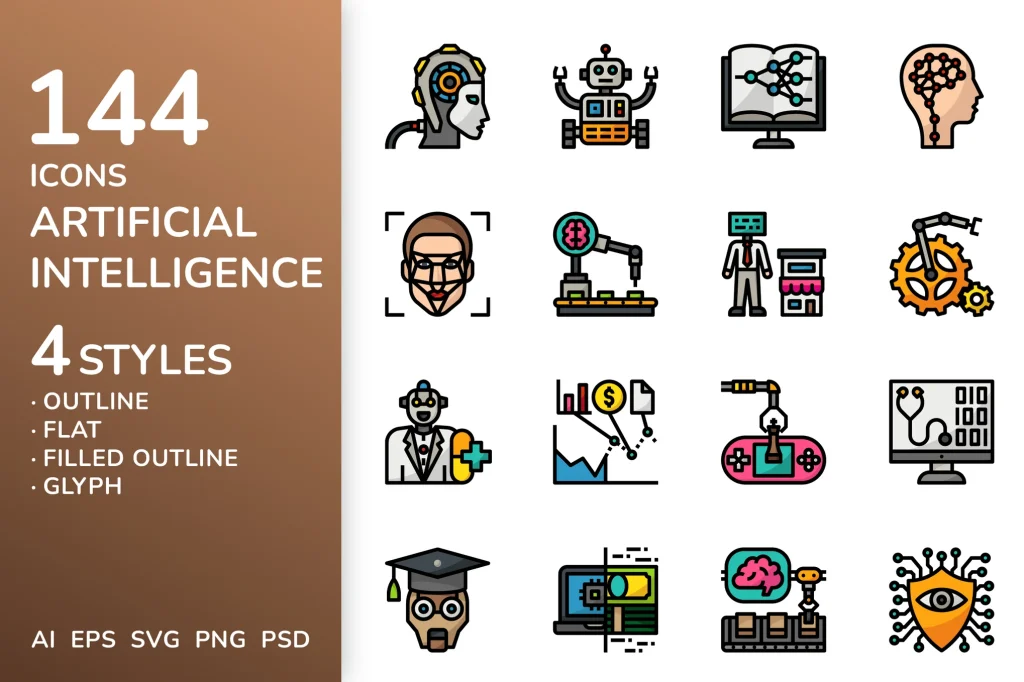
Artificial Intelligence Icon Pack
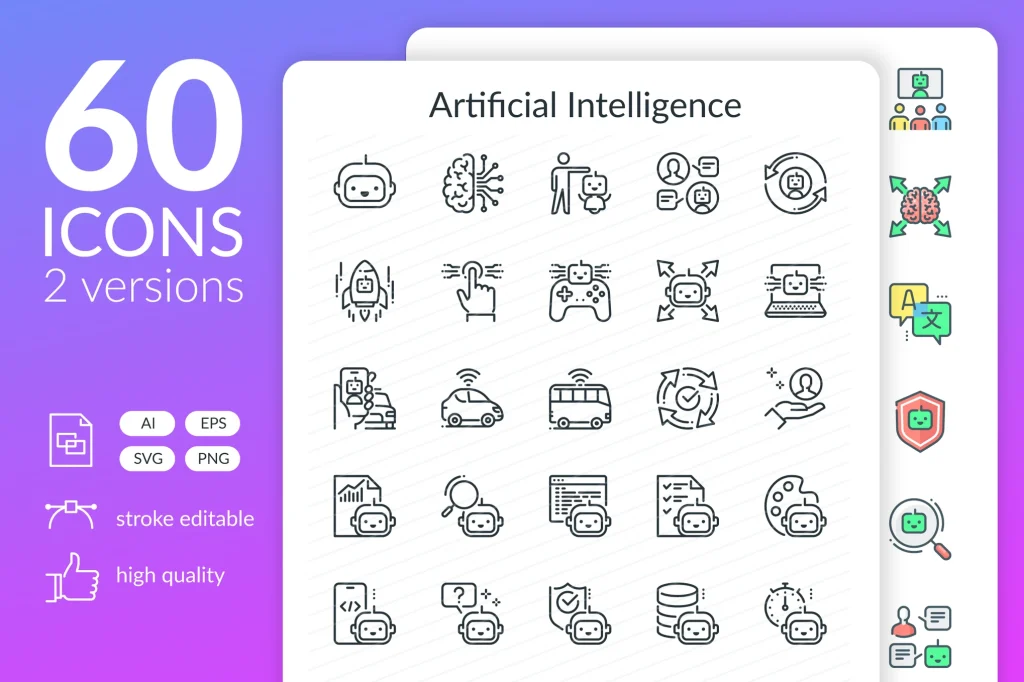
Fully Editable Artificial Intelligence Icons
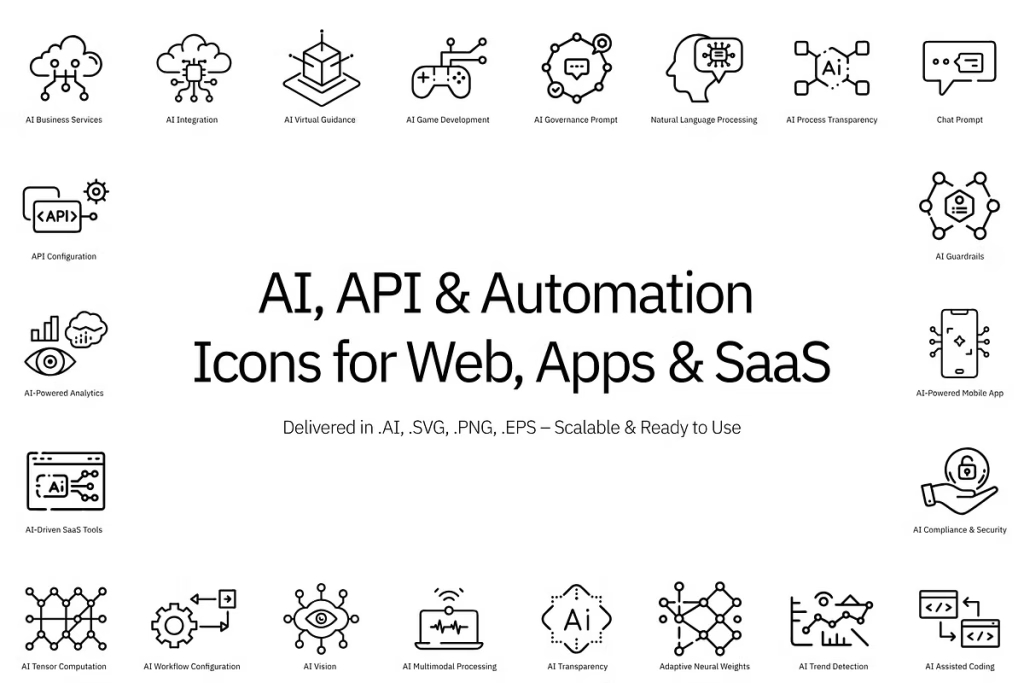
AI, API & Automation Icon Set
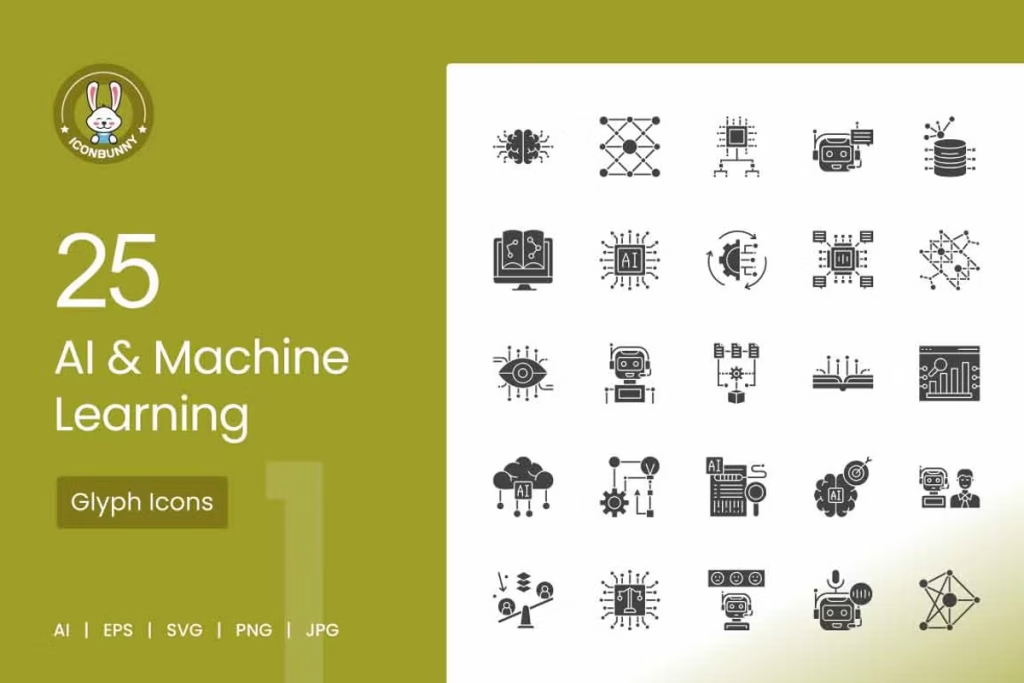
AI & Machine Learning Icons
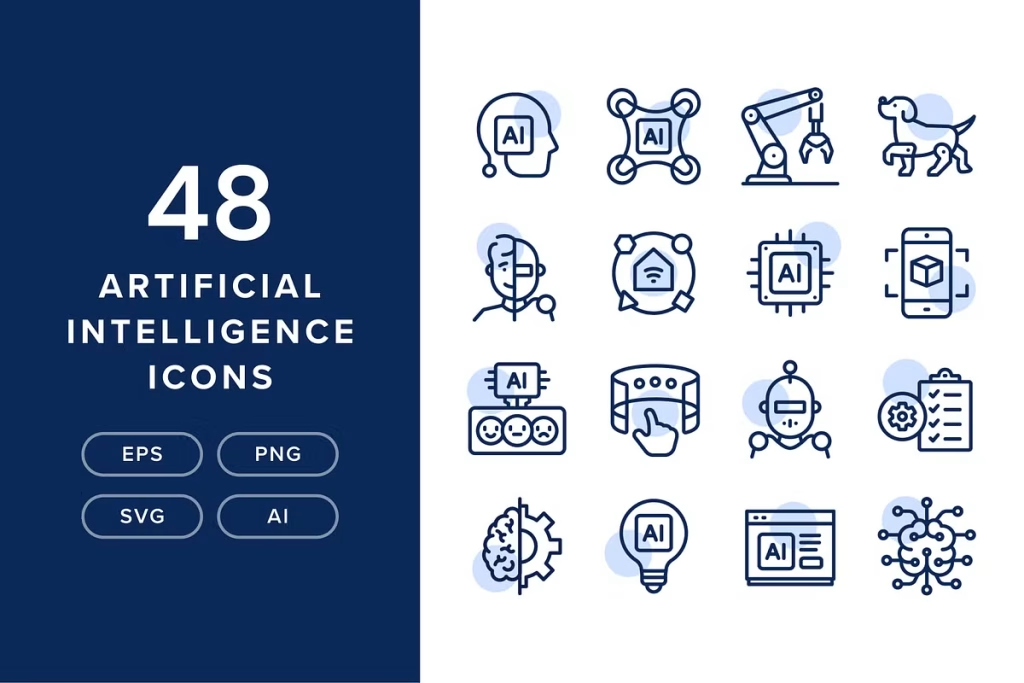
48 Artificial Intelligence Icons
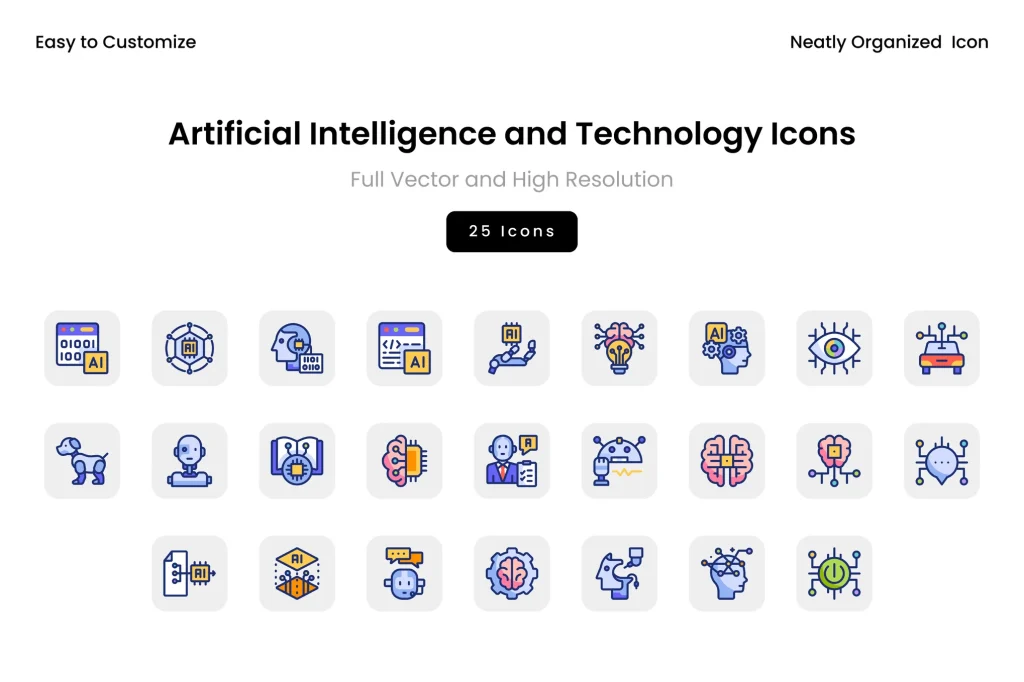
Artificial Intelligence & Technology Icons
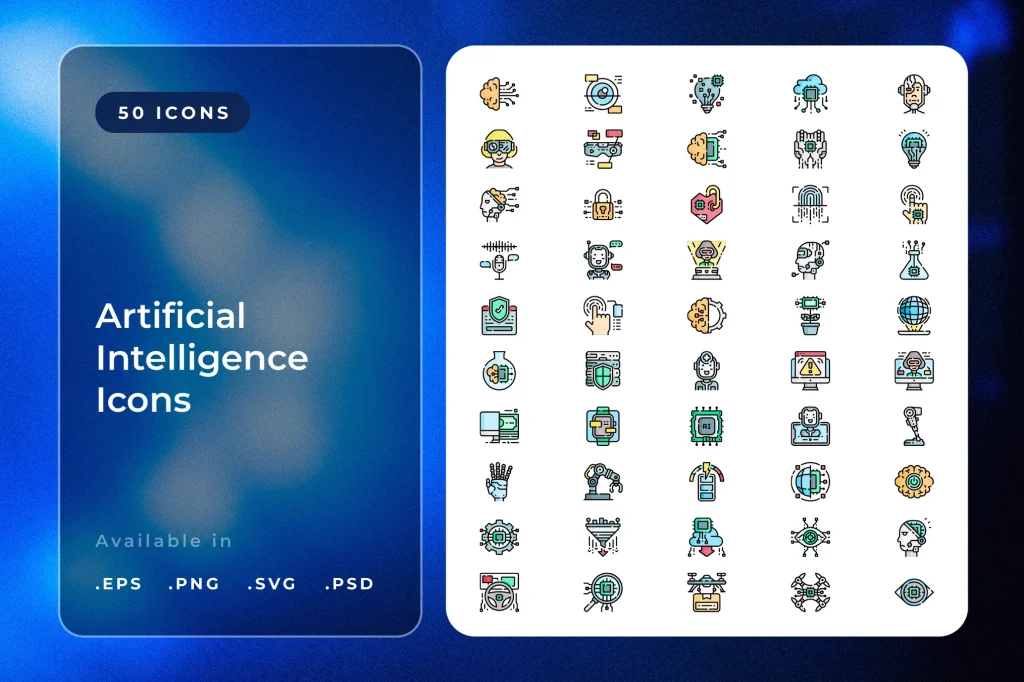
Artificial Intelligence Icons
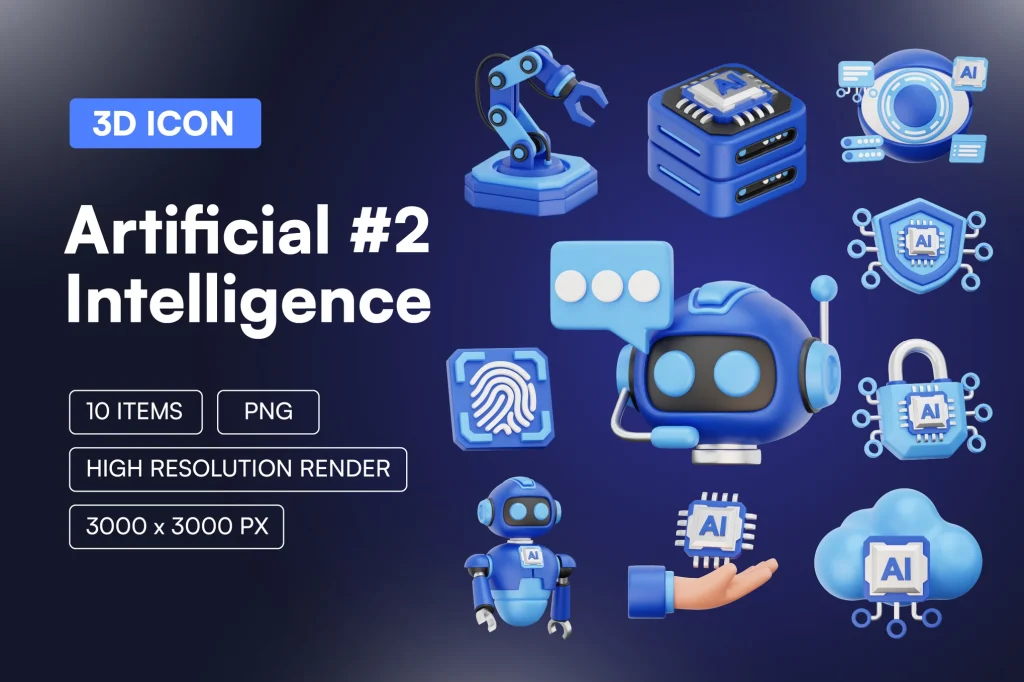
Artificial Intelligence 3D Icon Set
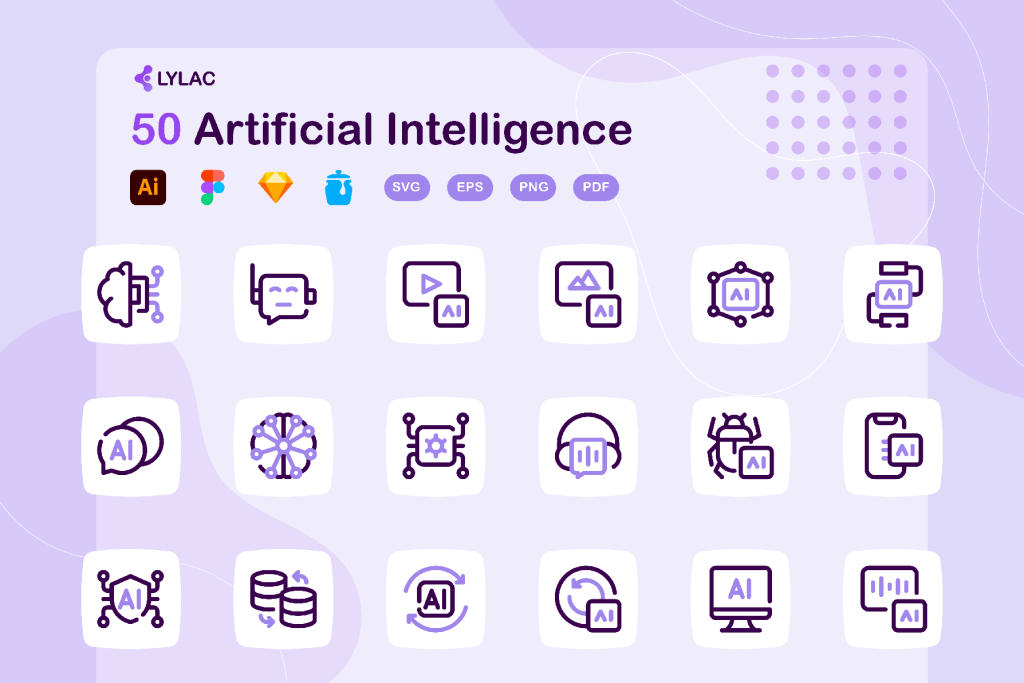
Artificial Intelligence – ai icons
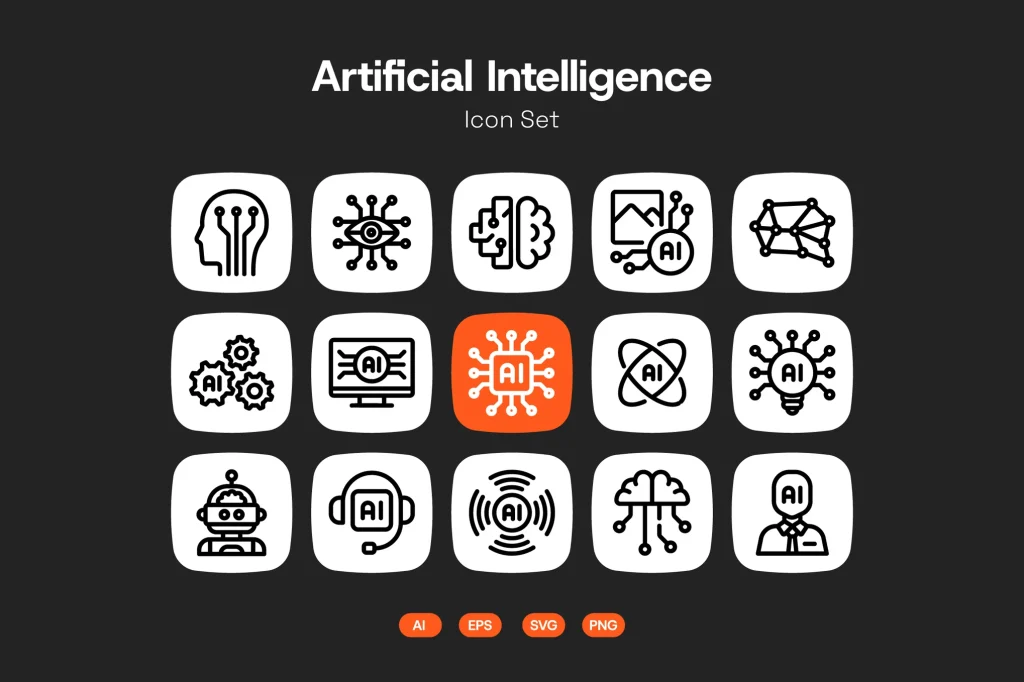
Artificial Intelligence Icon Set
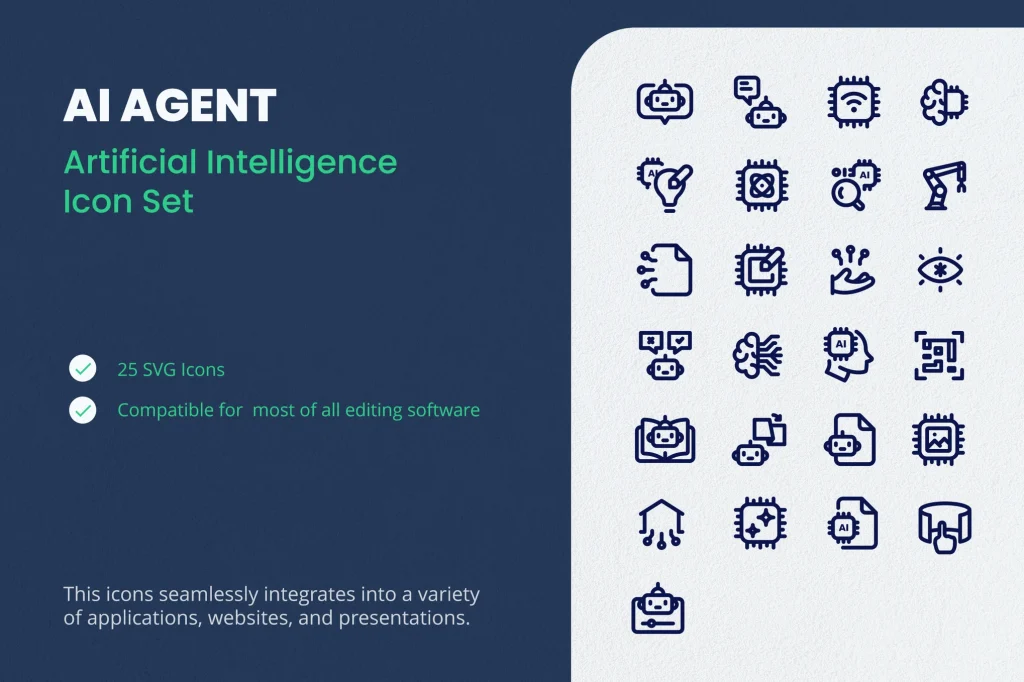
AI Agent – Icon Set
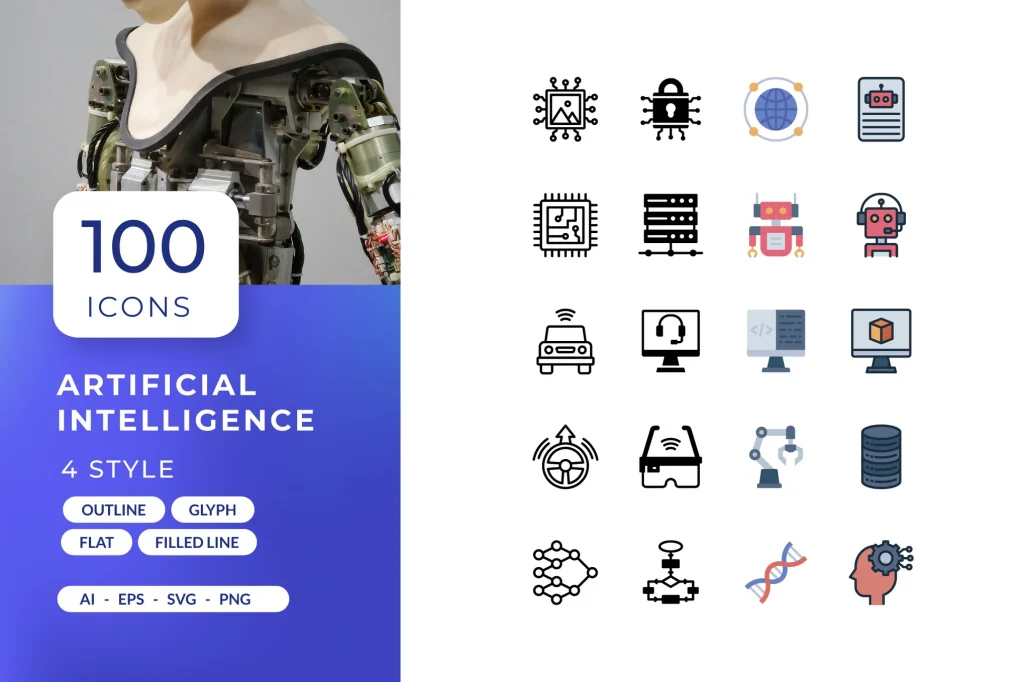
Artificial Intelligence Icons
In today’s fast-evolving digital landscape, Artificial Intelligence Icons have become an essential part of modern UI/UX design. As businesses increasingly adopt AI technologies, designers need clear, intuitive, and visually appealing ways to communicate complex concepts such as automation, machine learning, neural networks, chatbots, analytics, and data processing. That’s where high-quality AI icons come in—they work as the universal visual language that helps users instantly understand AI-powered features across apps, websites, dashboards, and software interfaces.
Whether you are designing a mobile application or building a SaaS product, using the right AI icons significantly improves user clarity, reduces cognitive load, and enhances the overall user experience. Let’s explore why these icons matter, what makes them effective, and how designers can use them to elevate their projects.
Why Artificial Intelligence Icons Are Essential in Modern Design
Artificial Intelligence is no longer just a futuristic concept—it has seamlessly blended into everyday digital interactions. From predictive search to automated customer support, AI-powered features need easy recognition. Artificial Intelligence Icons ensure instant identification of these functionalities without long text explanations.
Here’s why they are key:
1. Communicate Complex Concepts Quickly
AI involves abstract ideas such as deep learning, big data, and automation. Representing them visually helps users grasp functionality at a glance. A simple robot head icon instantly signals chatbot features, while a neural network icon communicates smart processing.
2. Improve User Navigation
In dashboards or SaaS platforms filled with data, AI icons guide the user by highlighting important actions like insights, predictions, or automation triggers. They make navigation easier and more intuitive.
3. Maintain a Modern Digital Identity
Modern brands strive for sleek, tech-forward designs. AI-themed icons enhance the futuristic look of websites and apps, helping brands appear innovative and tech-savvy.
4. Enhance Accessibility
Well-designed icons support visual learners and users with language barriers. A matching set of Artificial Intelligence Icons ensures a consistent and accessible user experience across devices.
What Makes a Good Artificial Intelligence Icon Set?
Not all icons are designed equally. For AI-themed visuals, designers must ensure clarity, recognizability, and consistency.
1. Clear Symbolism
Effective Artificial Intelligence Icons should instantly represent what they are meant to symbolize—robotics, deep learning, analytics, automation, etc. Clear linework and familiar shapes help users connect icons with meaning instantly.
2. Consistent Style
Whether minimal, outline, bold, or filled style, consistency across all icons enhances the professional appearance of any UI. A mismatched set disrupts the user experience and makes the design feel fragmented.
3. Scalable Vector Design
AI icons should remain crisp at any size—whether used in a mobile app, website hero section, or large dashboard screen. Vector formats like SVG and AI files ensure they scale without losing quality.
4. Customizable Features
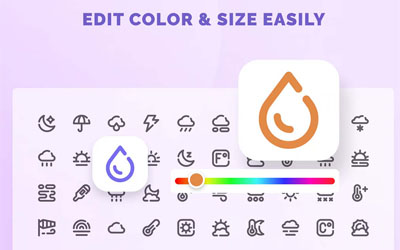
Good icon sets allow easy customization of colors, stroke width, and size. Designers often adjust icons to match brand identity, making flexibility an important feature.
5. Futuristic Aesthetic
Artificial Intelligence Icons typically include elements like circuits, robot faces, networks, and digital patterns. A futuristic look strengthens the association with technology and innovation.
Popular Themes in Artificial Intelligence Icons
AI icons usually revolve around certain visual themes that help communicate specific AI functions. Some of the most widely used include:
Robotics
Robot heads, mechanical arms, and digital assistants represent automated processes or chatbot features.
Brain & Neural Networks
These visuals symbolize machine learning, deep learning, and complex data processing.
Microchips and Circuit Patterns
Often used for hardware-based AI or system-level intelligence, these icons depict computing power and integration.
Data, Analytics, and Graphs
When representing AI-driven insights, prediction models, or analytics dashboards, designers use graphs, charts, and data-flow visuals.
Automation Wheels or Gears
Automation symbols depict workflows or processes handled automatically by AI algorithms.
These themes help users instantly understand the purpose of different tools and features, making them essential in interface design.
How Designers Use AI Icons in Real-world Projects
Artificial Intelligence Icons are highly versatile and can be integrated across various digital products:
Mobile Apps
AI icons help highlight smart features like voice assistants, predictive text, intelligent image processing, or task automation.
Websites
AI-powered recommendation systems, smart search, or interactive chatbots are often represented using visually appealing icons for better user guidance.
SaaS Dashboards
Icons for insights, forecasts, anomaly detection, and automation help users navigate dense data interfaces easily.
Branding & Marketing
In branding materials, AI icons help convey innovation and technological advancement, especially for companies offering AI-based solutions.
Presentations & Infographics
AI icons visually enhance business presentations, making complex tech concepts easier to understand.
Choosing the Best Artificial Intelligence Icons for Your Project
When selecting an icon set, ensure it aligns with your brand style and user needs. Consider these tips:
- Pick icons that match your color palette and typography.
- Look for SVG or vector formats for easy customization.
- Ensure the icons cover a wide range of AI concepts you plan to use.
- Choose designs that enhance your interface without overwhelming it.
- Prioritize clarity and simplicity over overly detailed visuals.
Using a cohesive collection of AI icons ensures a cleaner, more professional UI that resonates with users.
Final Thoughts
Artificial Intelligence Icons play a significant role in modern digital design. They simplify user interactions, communicate complex ideas quickly, and elevate the overall visual identity of any platform. As AI continues to grow across industries, the demand for high-quality AI icons will only increase. Selecting the right visuals not only improves usability but also helps users trust and engage with technology more comfortably.
Whether you’re a developer, designer, or business owner, investing in professionally designed Artificial Intelligence Icons can greatly enhance the clarity and effectiveness of your digital experience.