Open Box Mockups: The Perfect Tool for Packaging Design and Brand Presentation
In today’s competitive design industry, presentation plays a key role in how clients and customers perceive a product. Whether you’re designing packaging for an e-commerce brand, a luxury product, or a retail item, the open box mockup has become one of the most effective tools for designers to visualize and present their ideas. These mockups not only showcase your packaging design but also reveal how your creative concept looks when the box is opened—offering a more realistic and engaging perspective.
What Are Open Box Mockups?
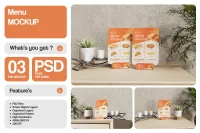
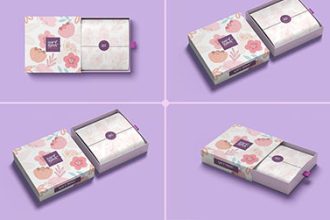
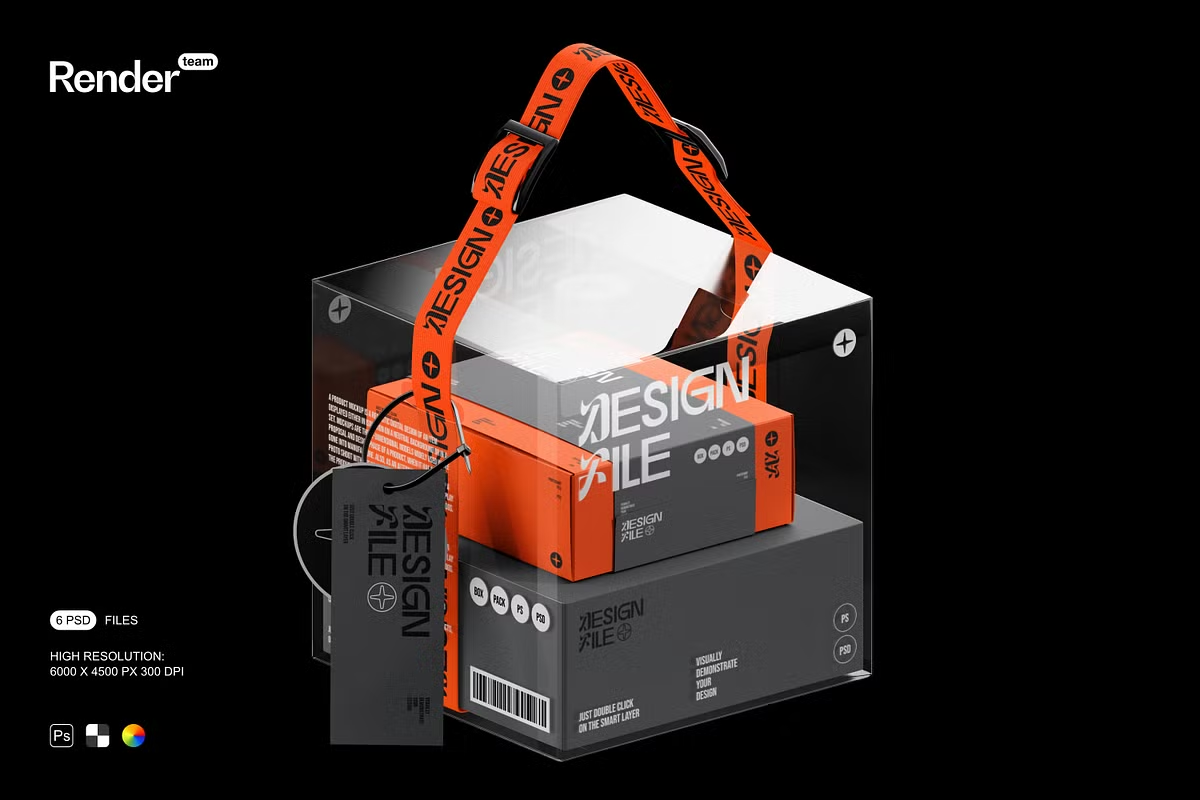
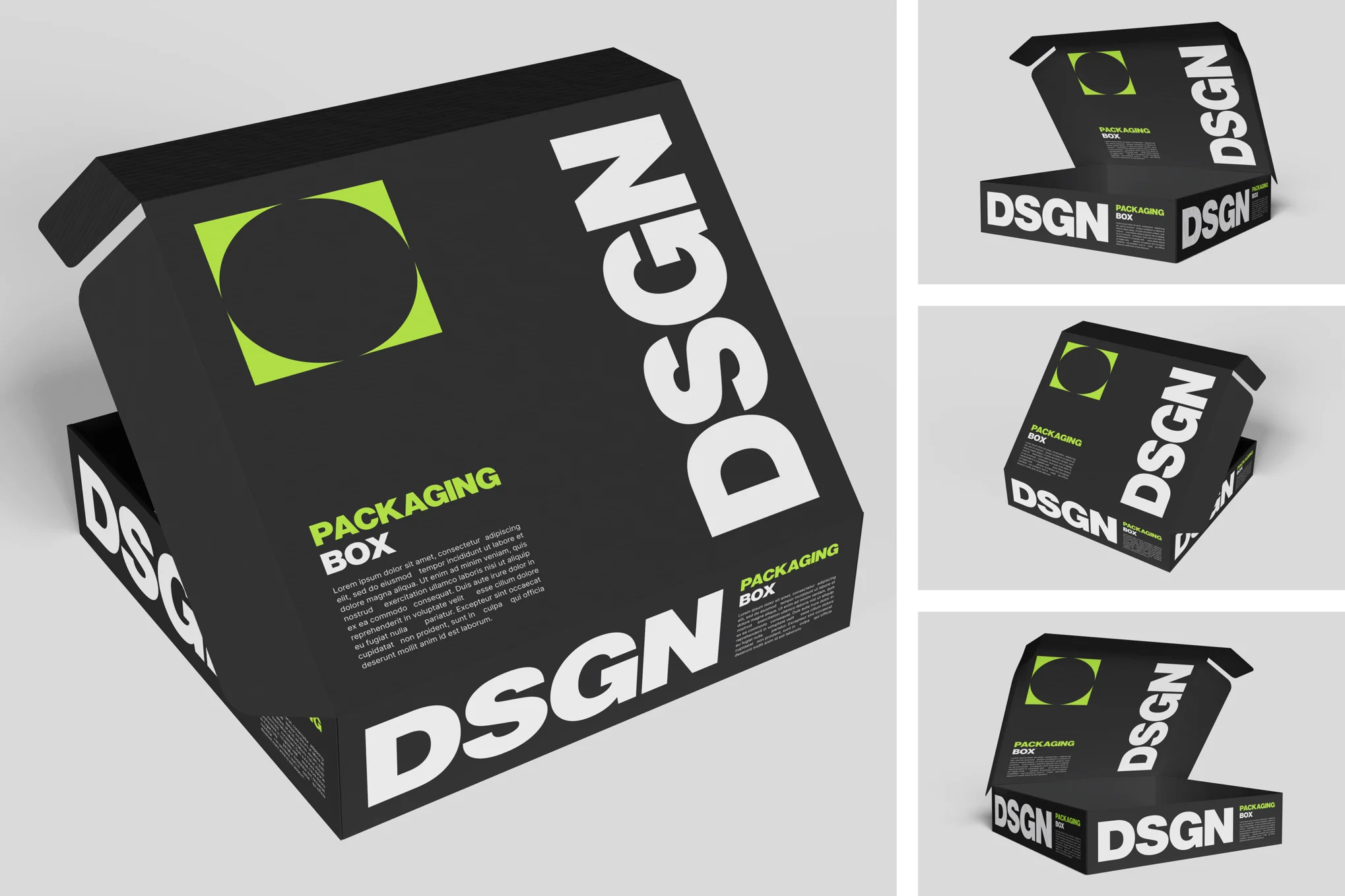
An open box mockup is a pre-designed digital template that allows designers to display their packaging artwork in a real-life setting. Unlike flat or closed box mockups, an open box mockup shows the inner and outer sides of the packaging. This perspective helps demonstrate how a product will appear when unboxed—an essential visual for both designers and clients who want to understand the customer’s unboxing experience.
Typically available in PSD format with smart object layers, open box mockups make it easy to insert your design, adjust shadows, textures, and lighting, and create a photorealistic image in just a few clicks.
Open Box Mockups

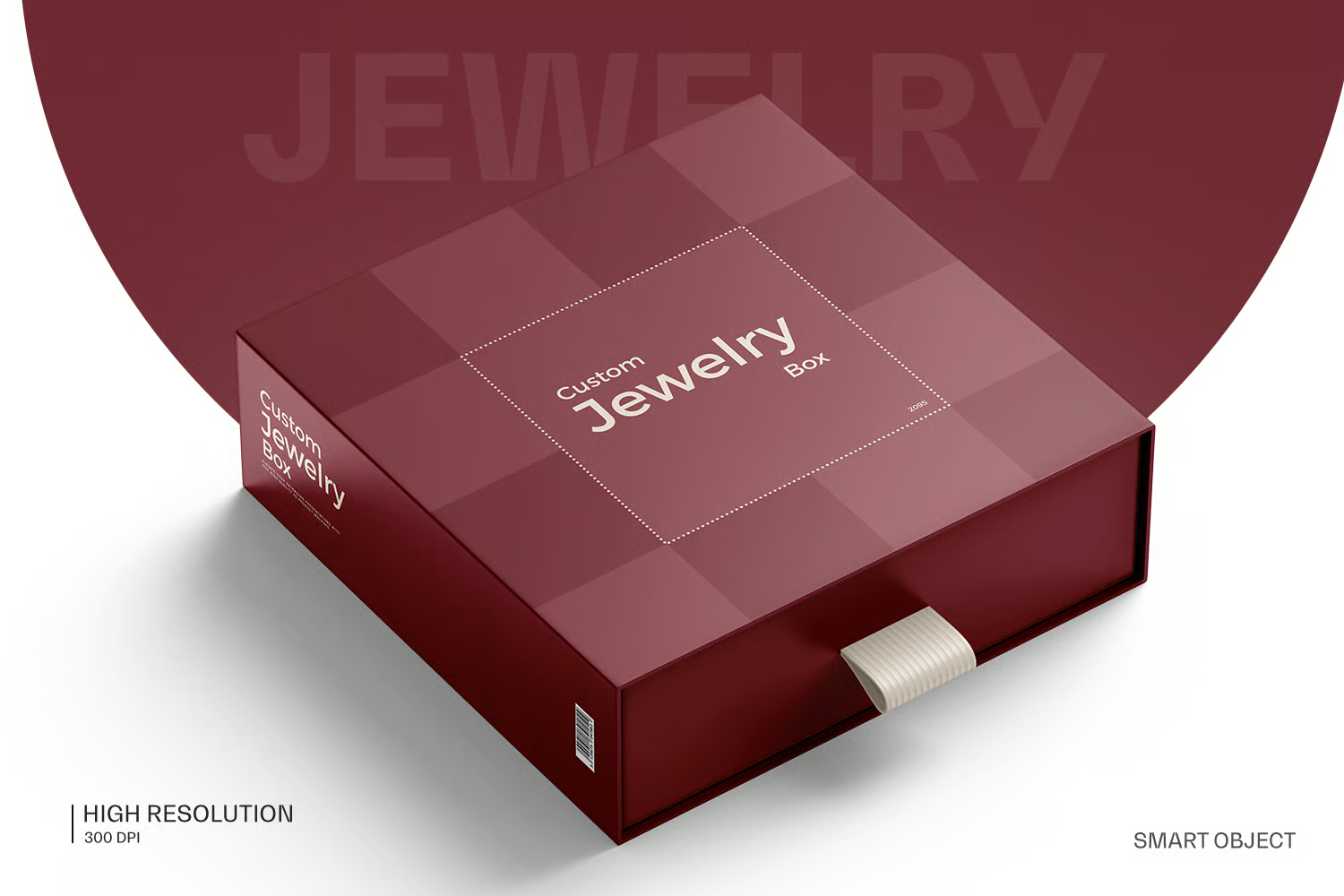
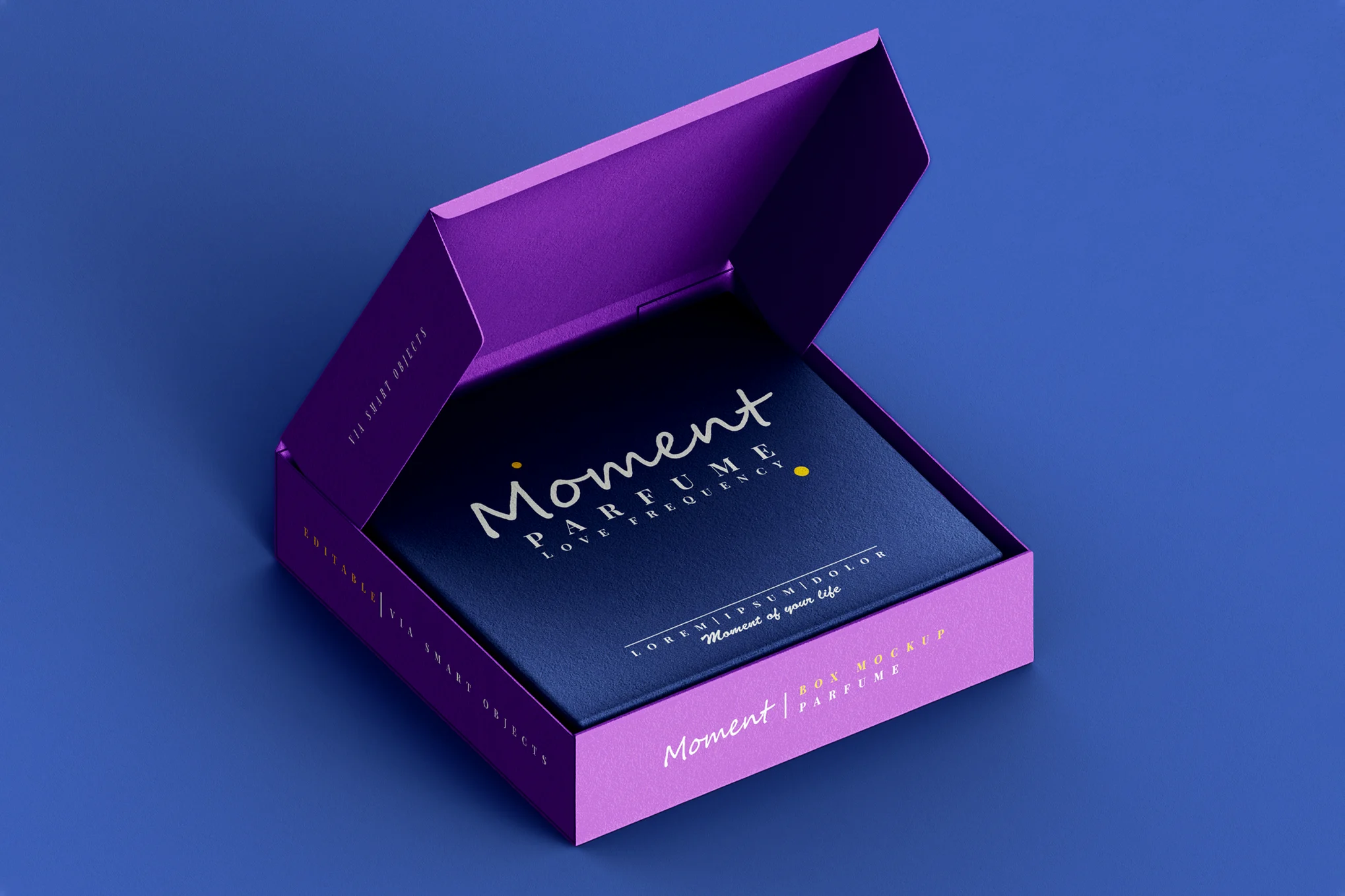
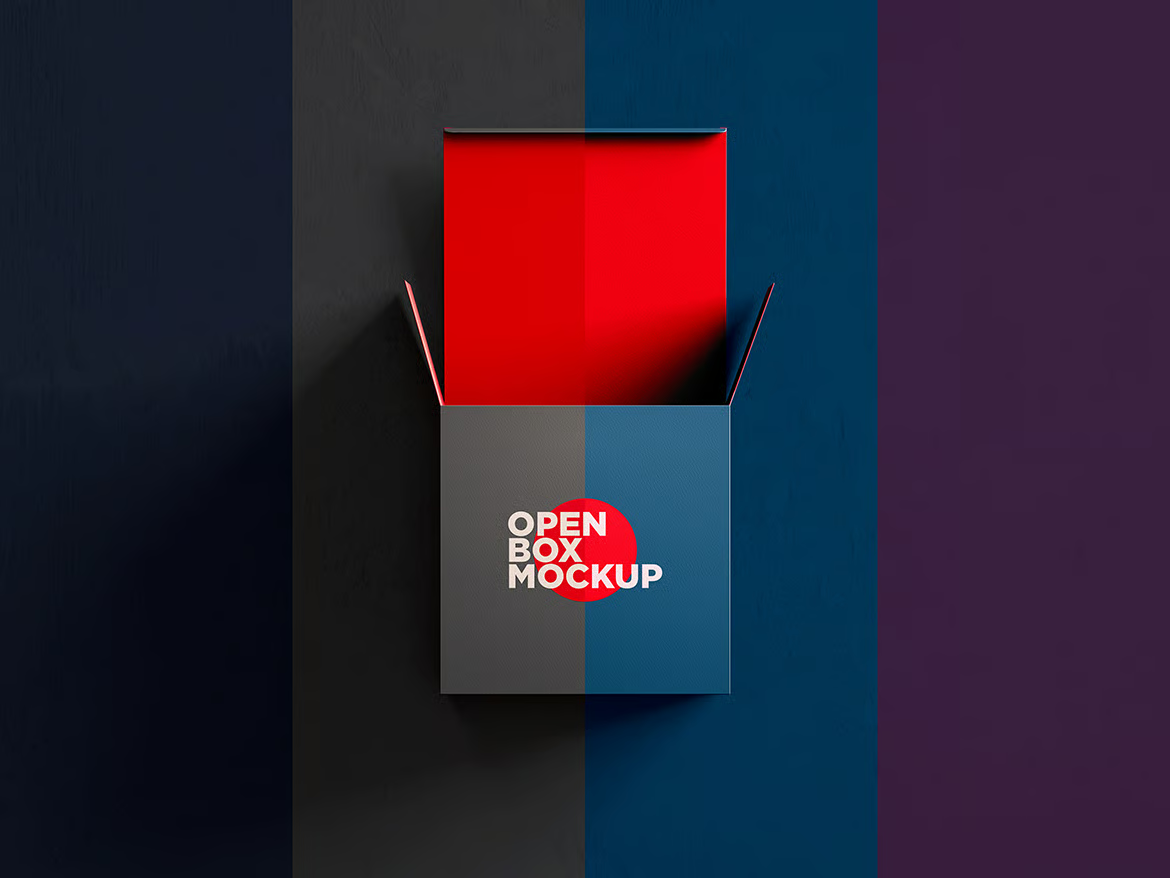
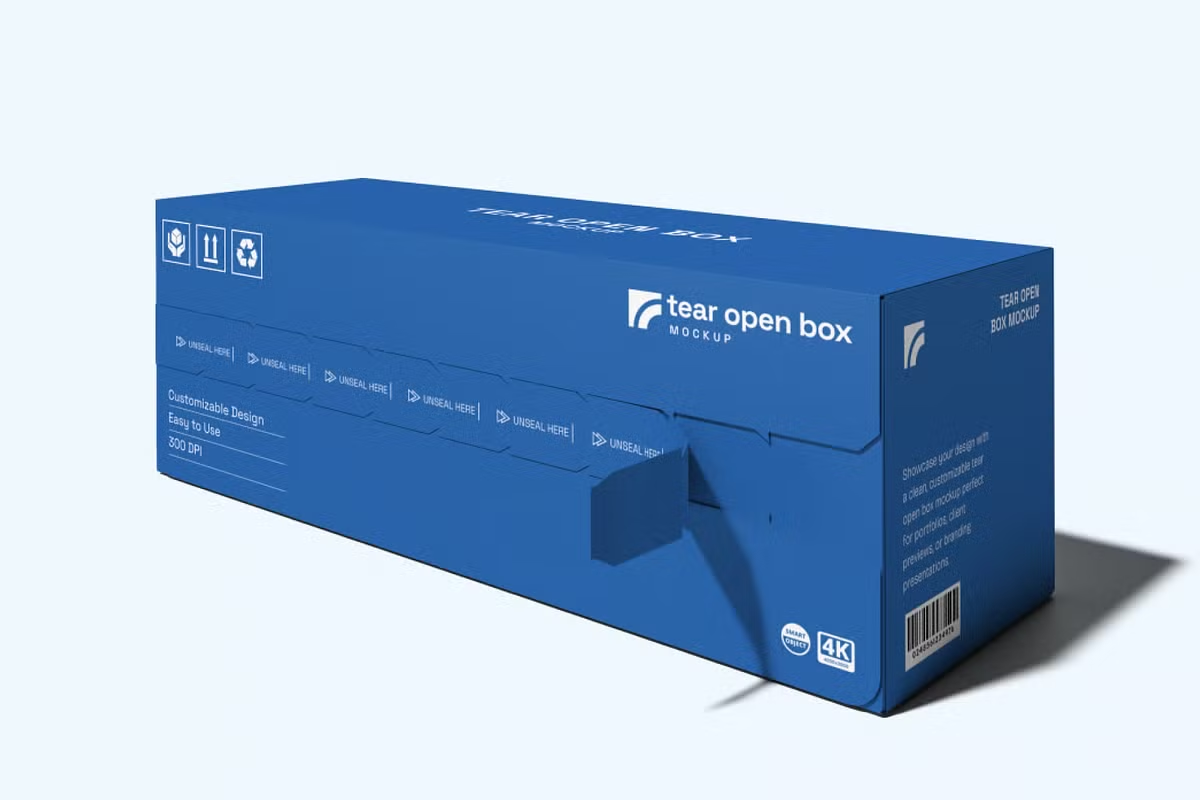
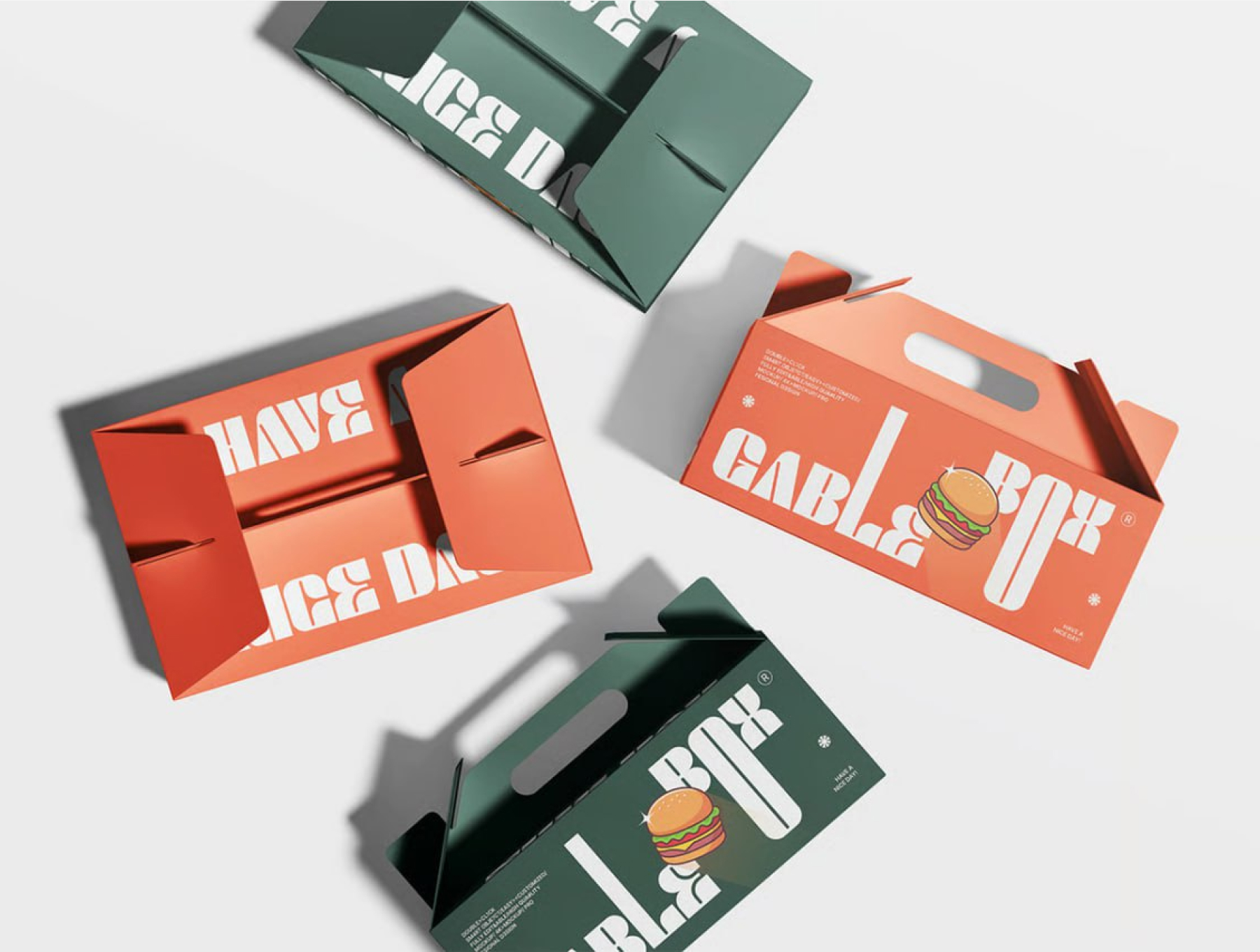
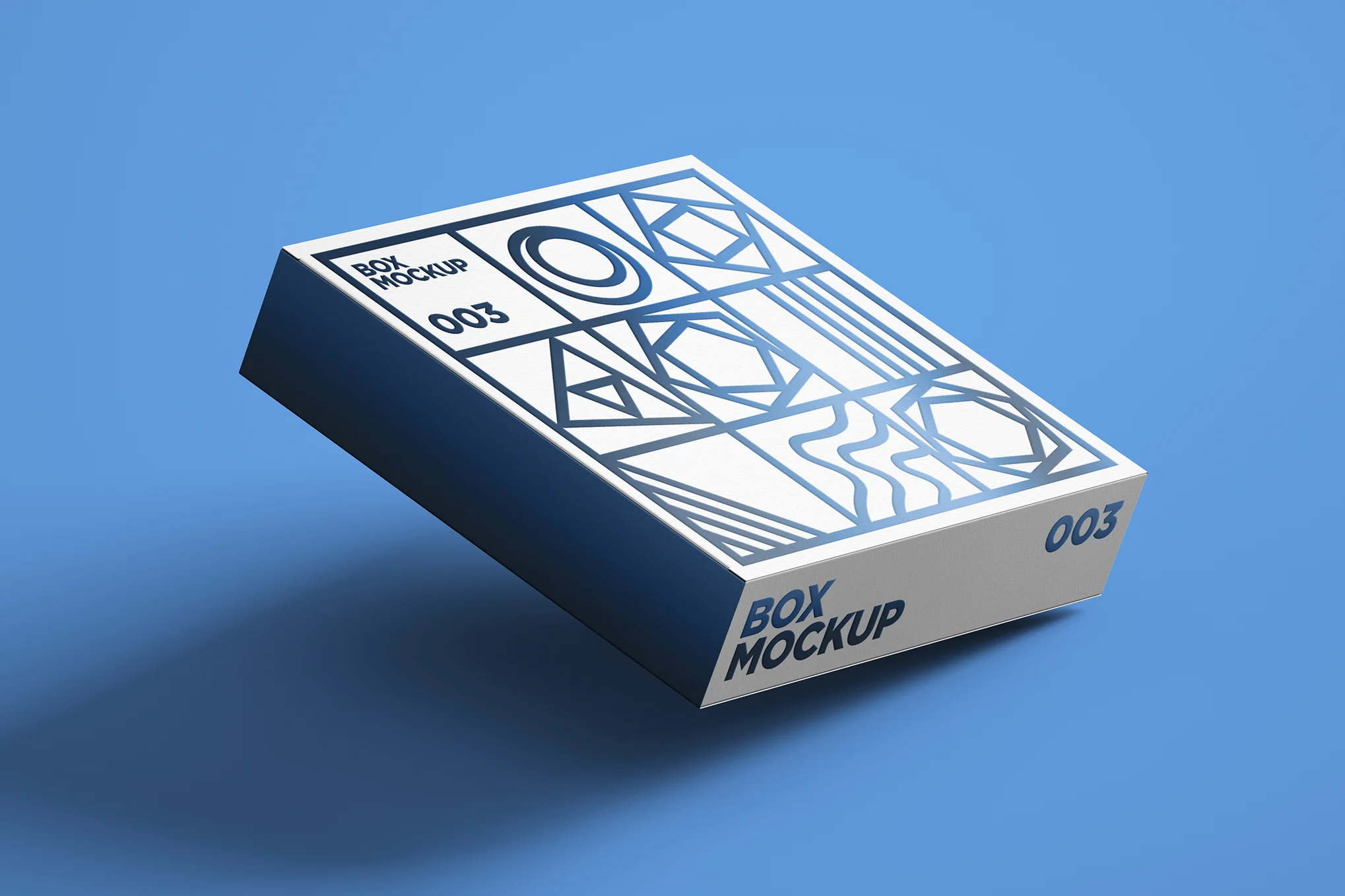
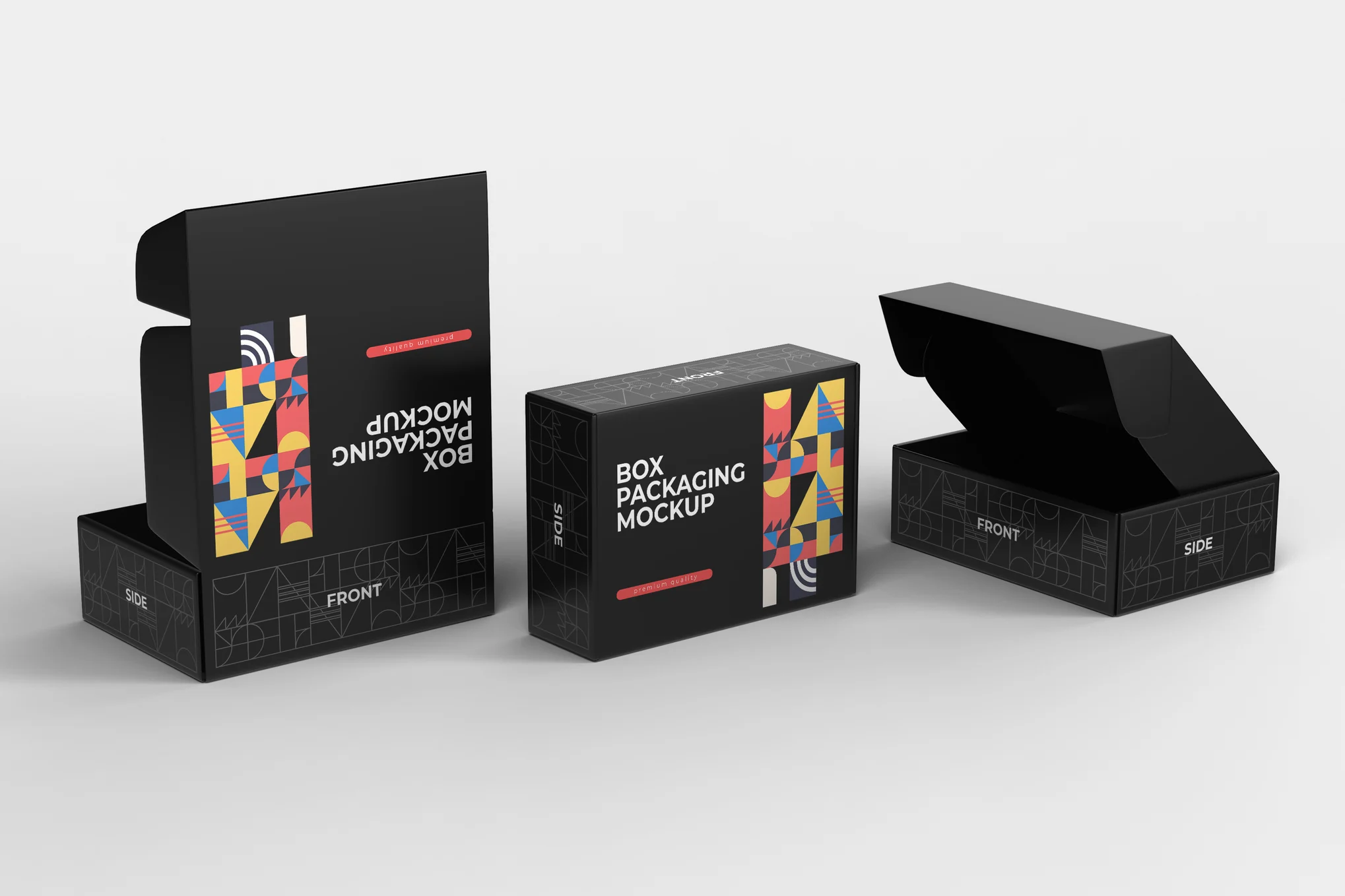
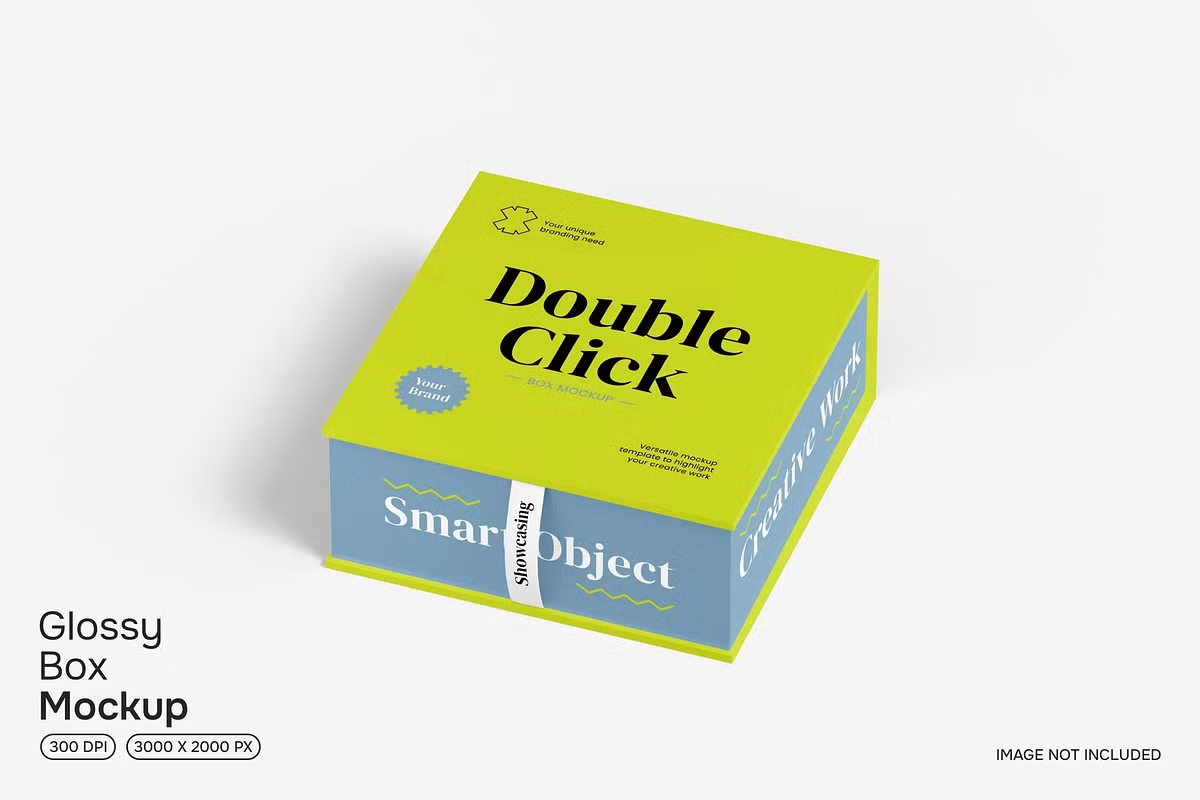
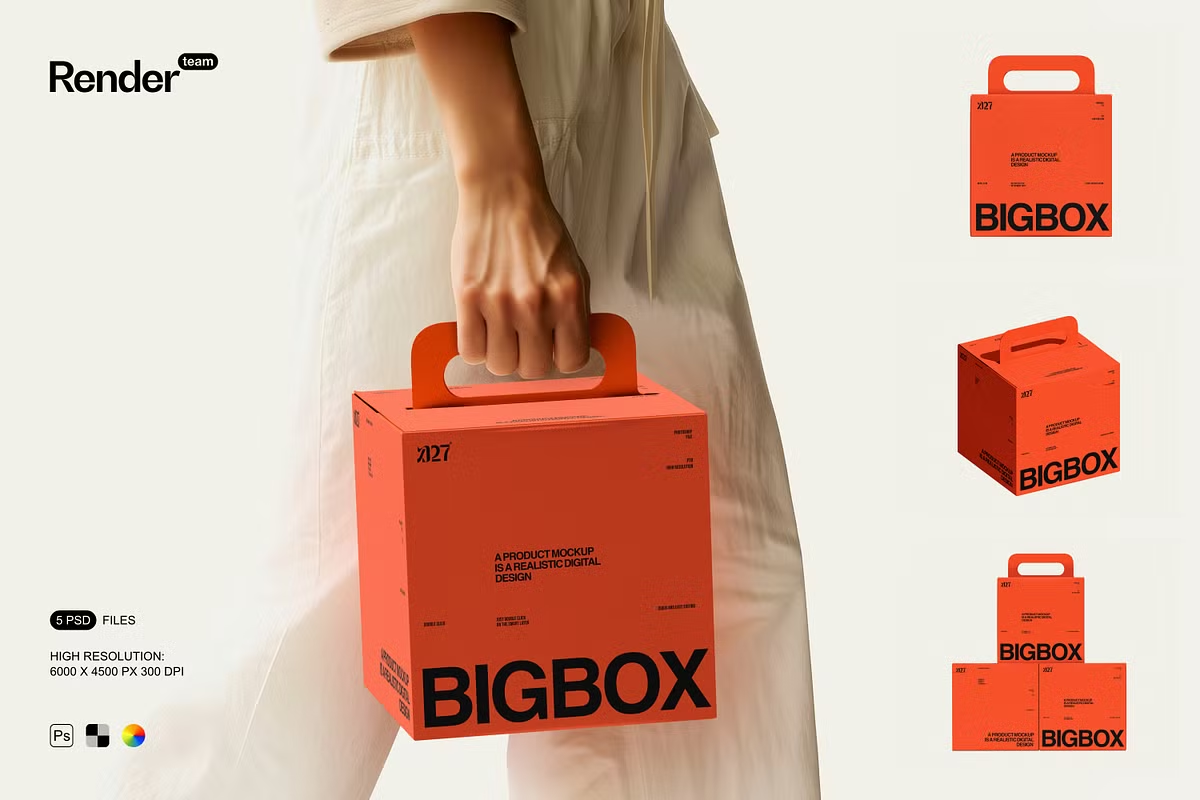
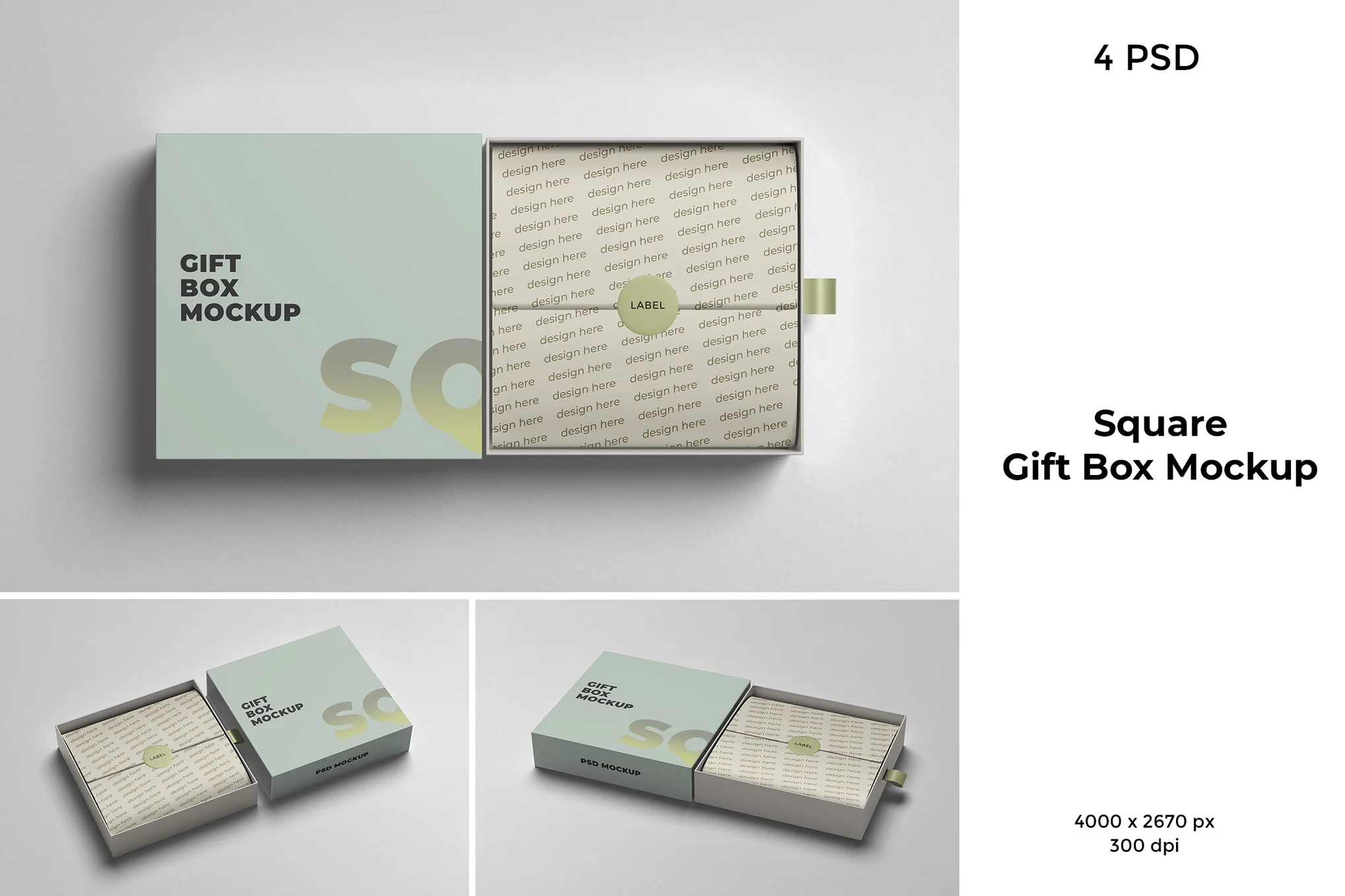

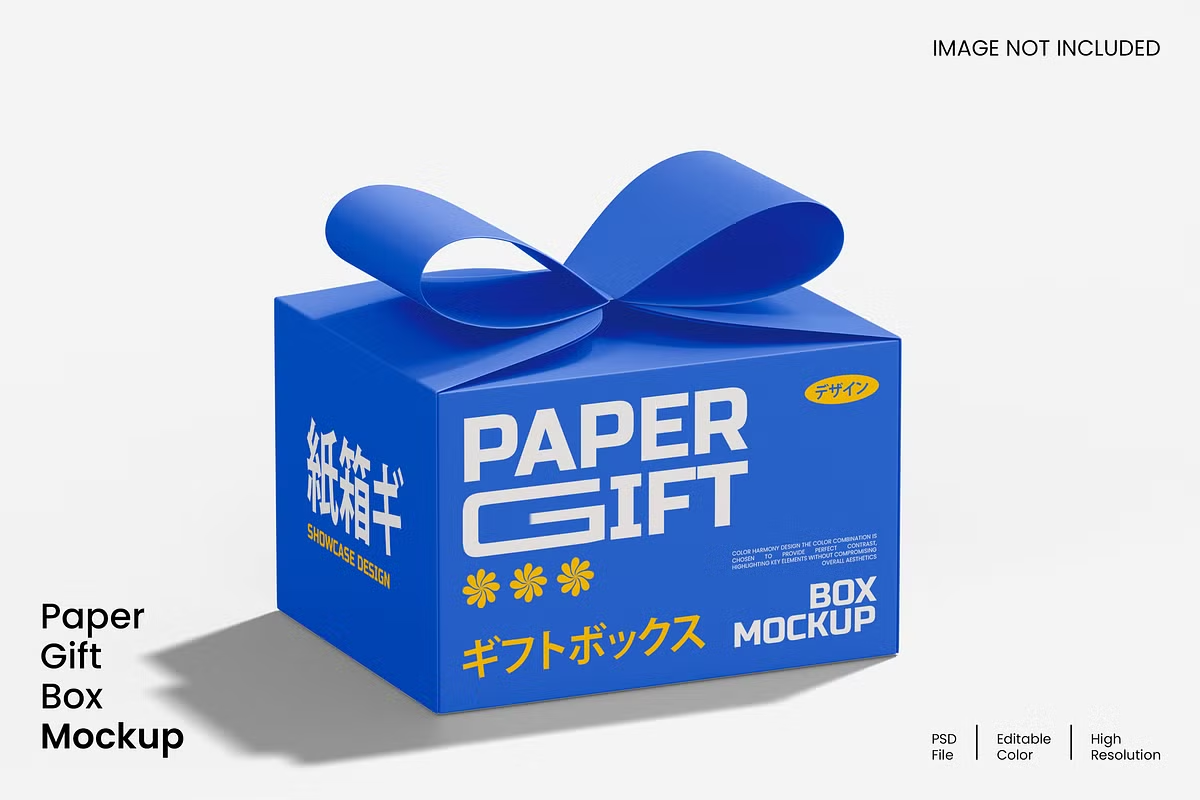
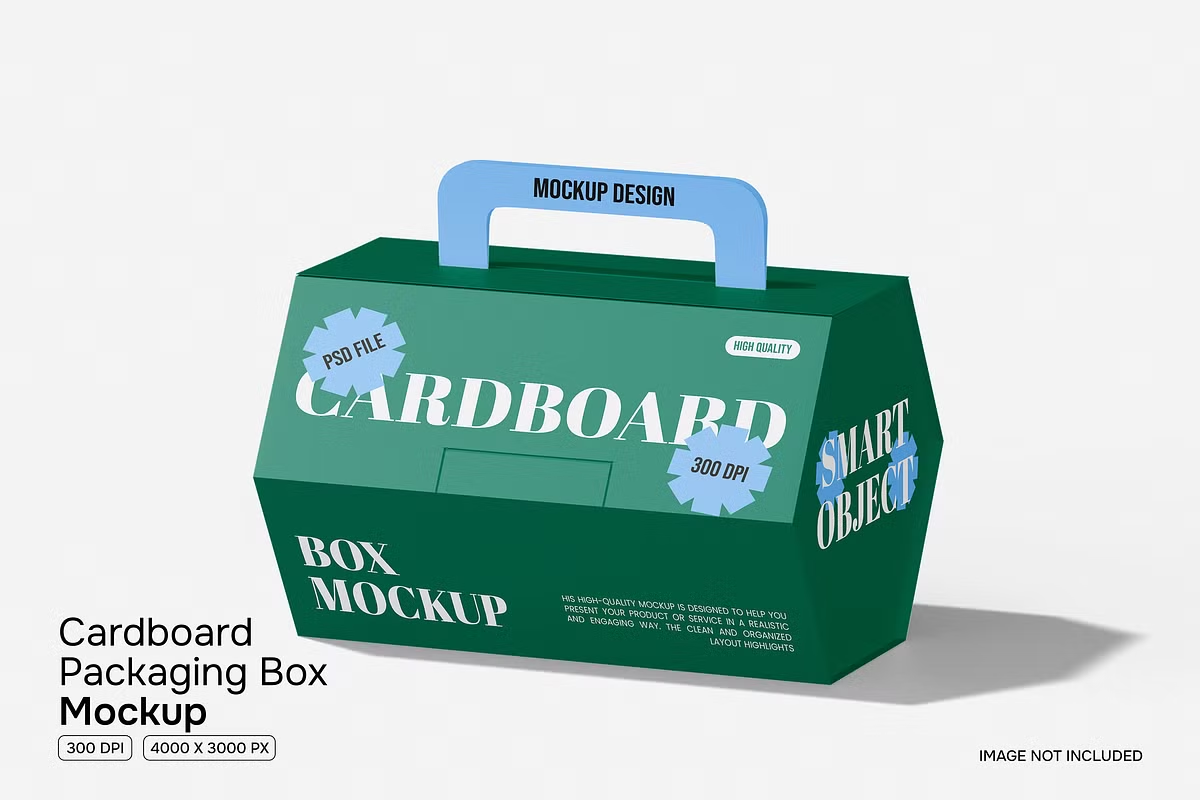
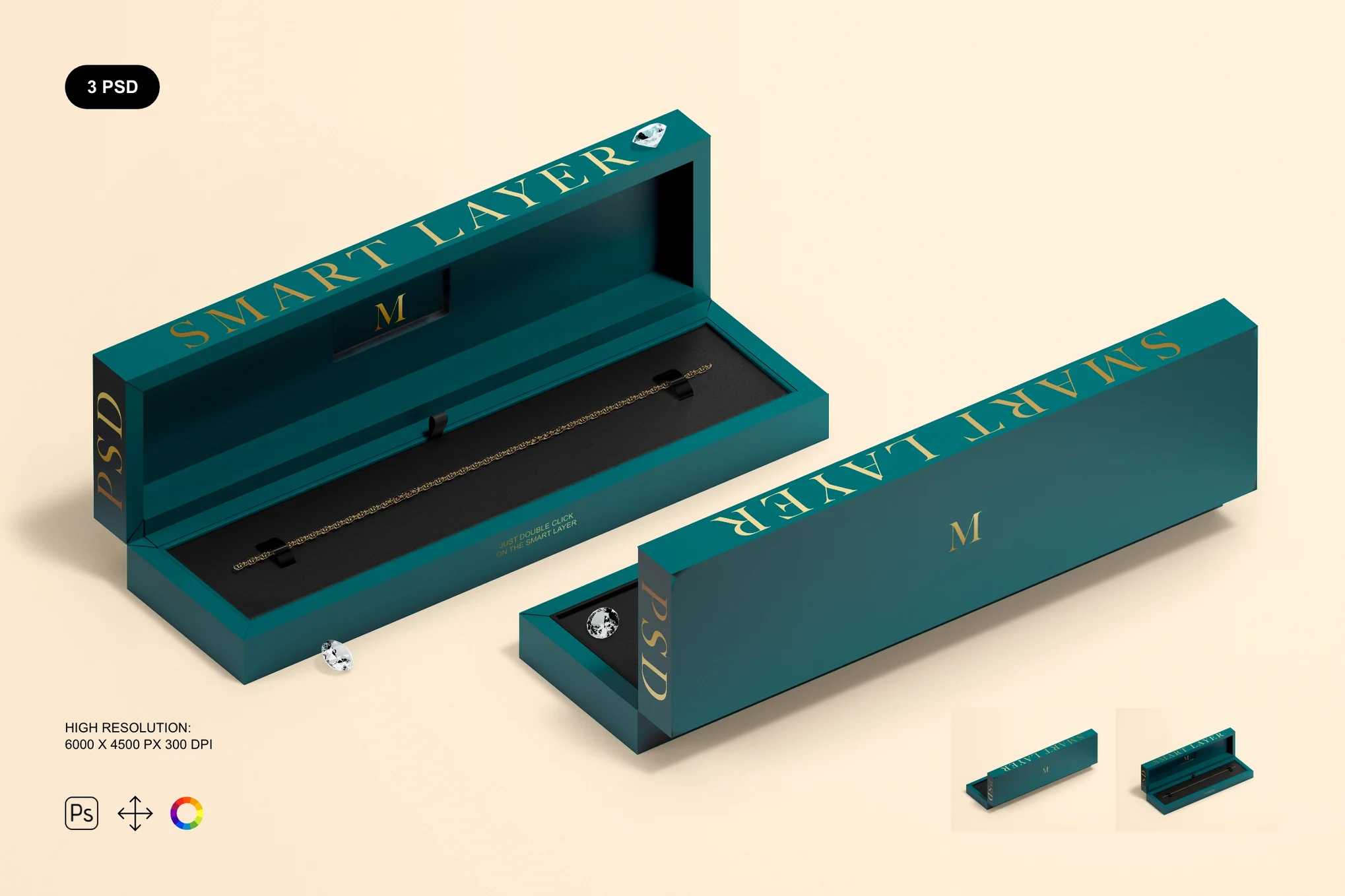
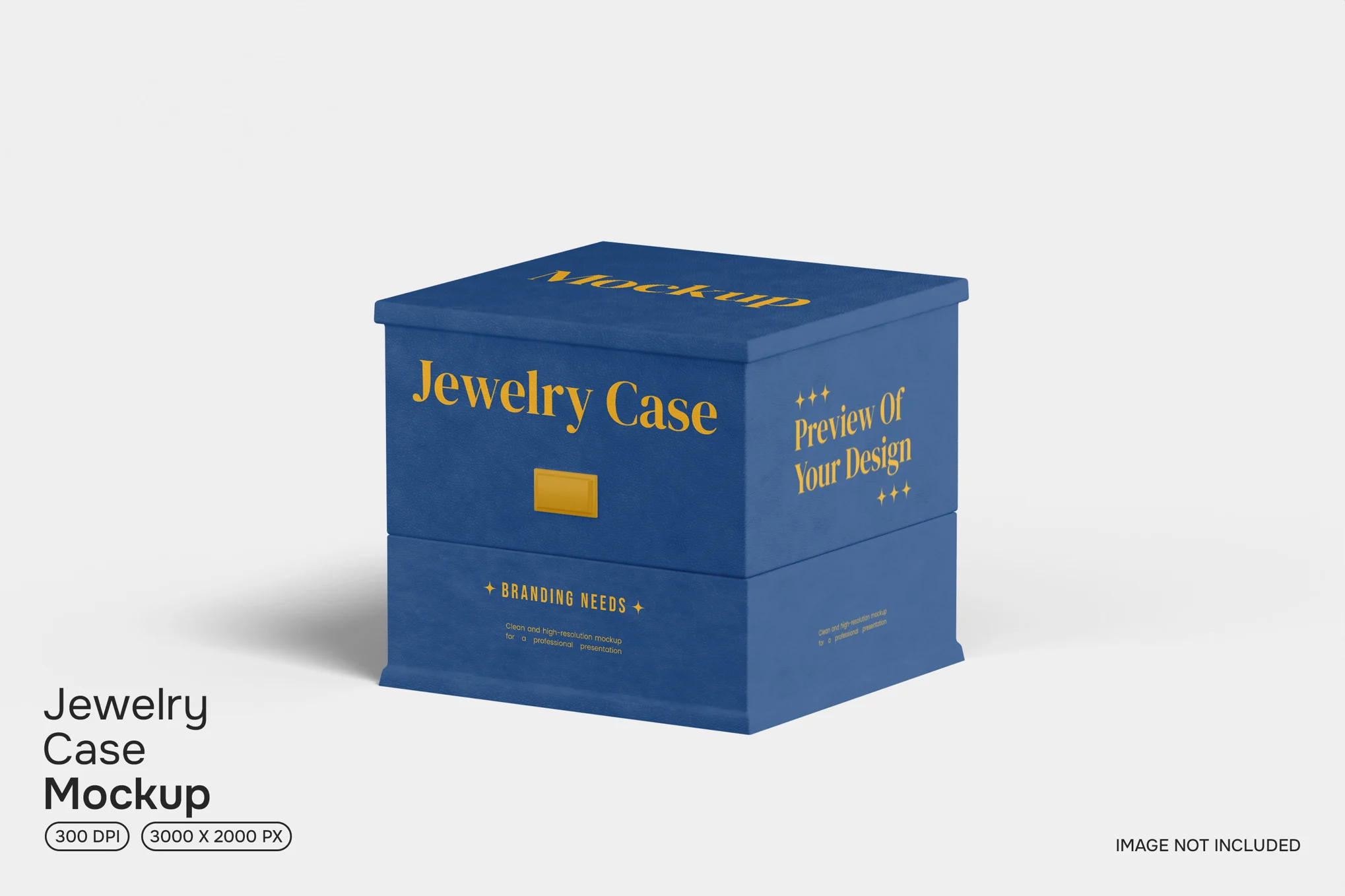
Why Designers Prefer Open Box Mockups
Open box mockups go beyond just aesthetics—they add storytelling and functionality to your presentation. When customers open a box, they experience the brand at a deeper emotional level. Designers use open box mockups to replicate this experience digitally before the packaging goes into production.
Here’s why they’re highly popular among branding professionals and product designers:
- Realistic Visualization:
Open box mockups let you preview how both the interior and exterior of your box will look. This helps identify design inconsistencies and ensures color and texture harmony across all surfaces. - Enhanced Client Presentation:
Instead of showing flat design files, you can use open box mockups to make your project look professional and polished. It helps clients instantly visualize the final outcome, often leading to quicker approvals. - Perfect for E-commerce and Product Display:
If you’re selling products online, realistic mockups can help you display your packaging design directly on your store or portfolio site. They create a more immersive visual for potential buyers and help build trust in your brand. - Customizable and Time-Saving:
Most open box mockups come with editable layers, allowing you to modify background colors, shadows, textures, and lighting. This gives you creative flexibility while saving hours of manual rendering work.
Types of Open Box Mockups
Open box mockups come in various styles and orientations to suit different industries and product categories. Some of the most common types include:
- Cardboard Box Mockups: Ideal for shipping boxes, storage packaging, or subscription boxes.
- Gift Box Mockups: Perfect for luxury, cosmetic, and jewelry packaging.
- Food and Beverage Box Mockups: Commonly used for bakery, tea, or snack packaging presentations.
- Electronics Box Mockups: Used by tech brands for gadgets, accessories, or premium devices.
- Eco-Friendly Box Mockups: Designed to highlight sustainable materials and minimalistic packaging concepts.
By choosing the right type of open box mockup, you can align your visual presentation with your brand’s tone and product category.
How to Use an Open Box Mockup
Using an open box mockup is simple, even for beginners. Most mockups are designed for use in Adobe Photoshop, where you can replace placeholder designs with your artwork via smart objects. Here’s a quick workflow:
- Open the PSD File: Download the open box mockup and open it in Photoshop.
- Locate the Smart Object Layer: Double-click on the smart object to open it in a new window.
- Insert Your Design: Paste your packaging design onto the template and adjust placement.
- Save and Close: Once saved, your design automatically updates in the main mockup.
- Adjust Lighting and Background: Customize the final look by tweaking the lighting or adding a gradient or texture background.
This process allows you to create realistic visuals without investing time in 3D modeling or photography.
Benefits for Branding and Marketing
Open box mockups aren’t just for design approval—they also serve a valuable role in marketing and branding. You can use these visuals for:
- Portfolio Displays: Showcase your packaging designs in a professional way.
- Client Presentations: Impress clients with realistic visuals of your creative ideas.
- Social Media Promotion: Share eye-catching mockup images on platforms like Behance, Dribbble, and Instagram.
- E-commerce Product Pages: Use open box visuals to demonstrate what customers can expect inside the packaging.
- Advertising Campaigns: Integrate mockup visuals into promotional banners and ads for a consistent brand look.
By incorporating open box mockups into your creative workflow, you can bridge the gap between concept and reality—delivering not just a design, but an experience.
Where to Find High-Quality Open Box Mockups
There are many design marketplaces and resources where you can download open box mockups, both free and premium. Popular platforms like Envato Elements, Creative Market, and GraphicRiver offer a wide selection of customizable mockups for different product types. Free resources can also be found on design-sharing platforms and mockup communities.
When selecting a mockup, ensure that it offers high resolution, multiple angles, and editable smart layers for easy customization.
Final Thoughts
An open box mockup is more than a design tool—it’s a storytelling medium. It helps you visualize how your brand interacts with customers at the most crucial moment: unboxing. From concept validation to marketing visuals, these mockups save time, enhance presentation quality, and help build a strong brand impression.
Whether you’re a packaging designer, brand strategist, or e-commerce entrepreneur, integrating open box mockups into your design process will elevate your creativity and professionalism to the next level.