Paper Cup Mockups: The Ultimate Tool for Stunning Branding Presentations
In today’s competitive design world, first impressions matter more than ever. Whether you’re launching a new coffee brand, promoting an eco-friendly café, or designing packaging for a client, Paper Cup Mockups can make all the difference. They allow designers to present their concepts in realistic, professional, and visually appealing ways — without printing a single cup. Let’s explore why Paper Cup Mockups are essential for designers, what makes them effective, and how to choose the perfect one for your project.
What Are Paper Cup Mockups?
A paper cup mockup is a digital template that allows designers to showcase their artwork or logo on a realistic paper cup model. Instead of spending money on printing prototypes, mockups let you visualize how your branding will look in the real world. These mockups are usually created in PSD format (Adobe Photoshop) and come with smart object layers, enabling quick customization with just a few clicks.
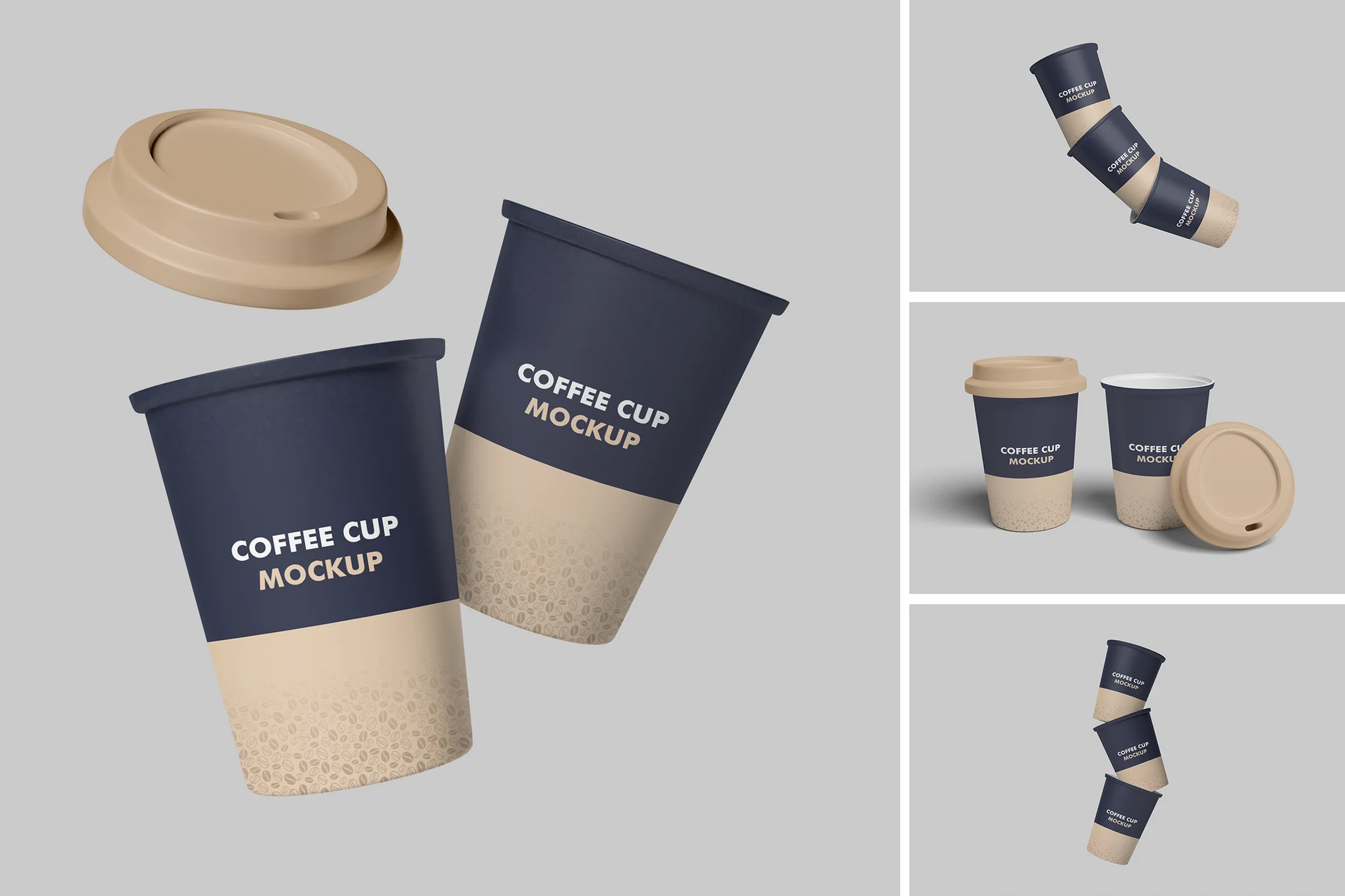
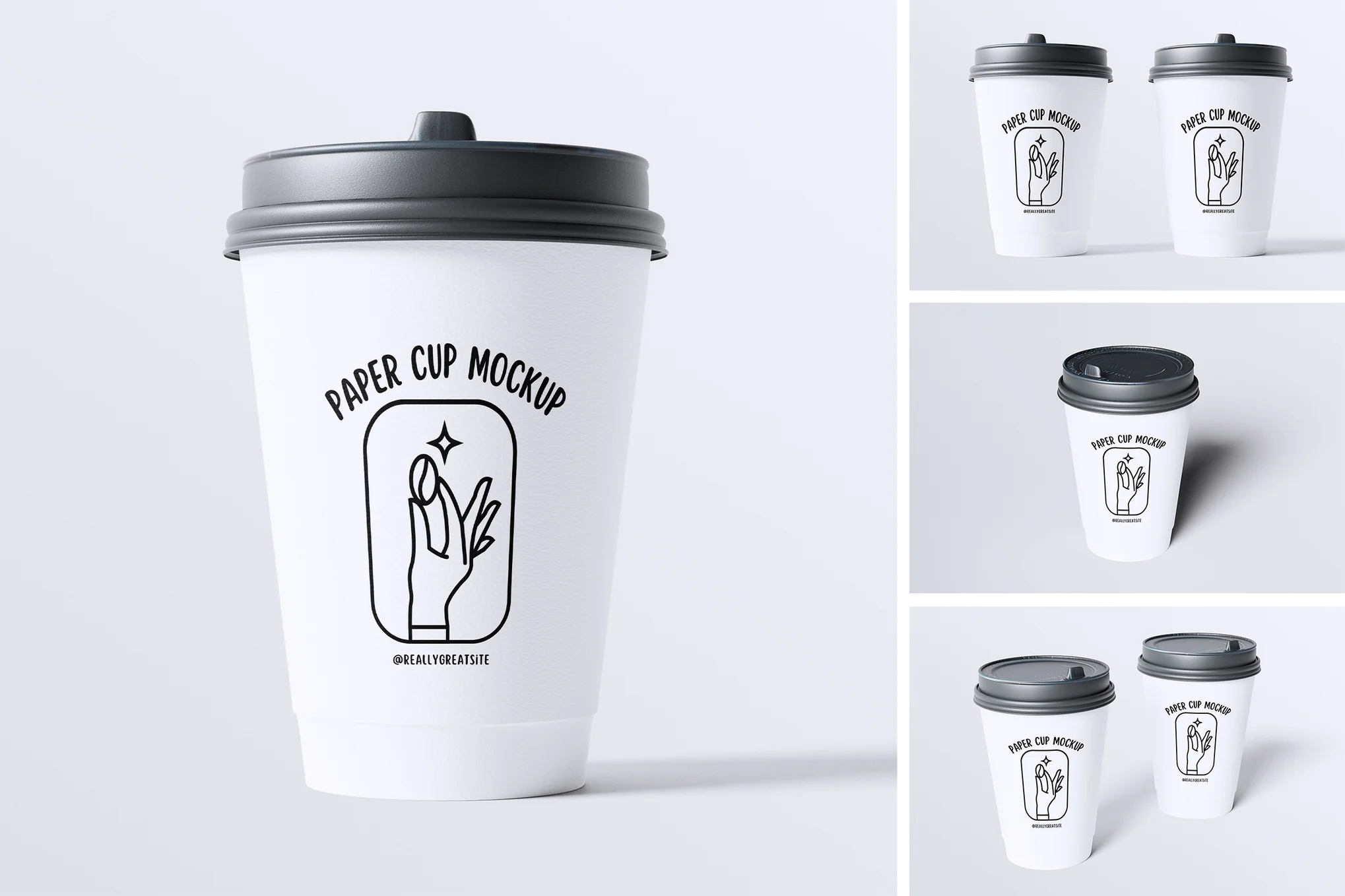
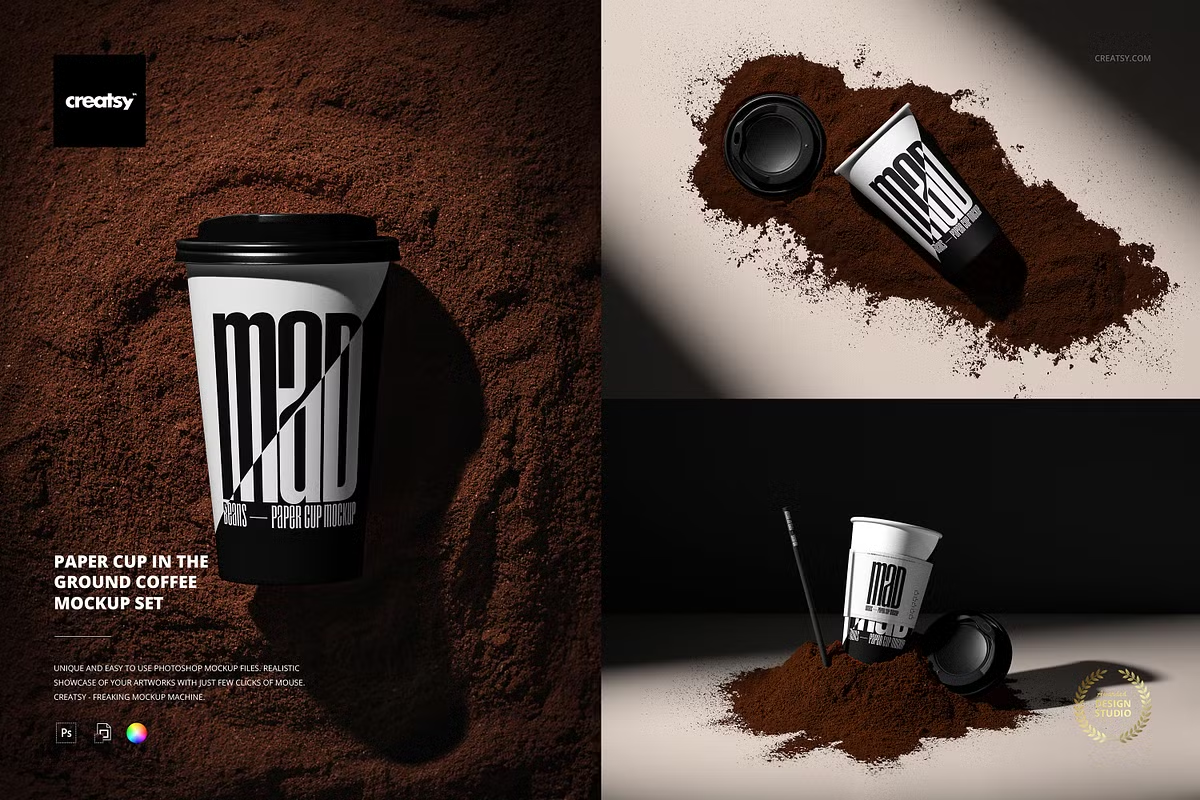
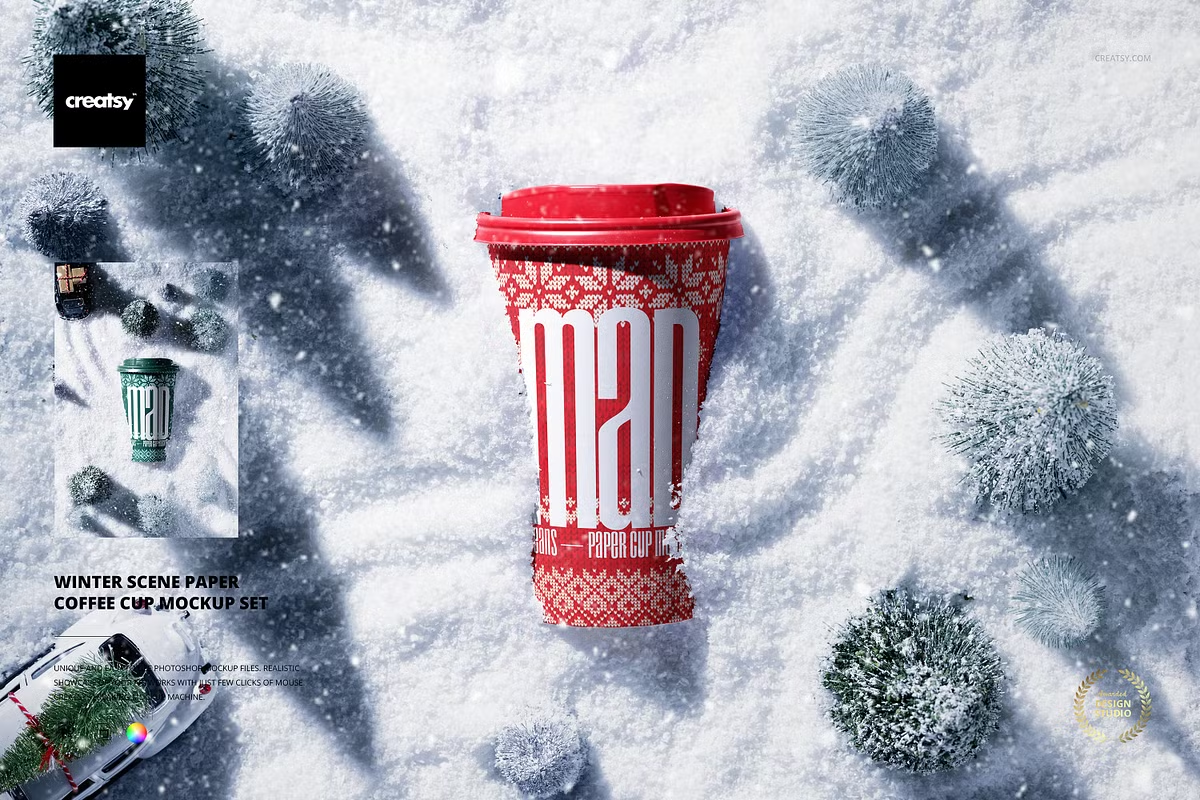
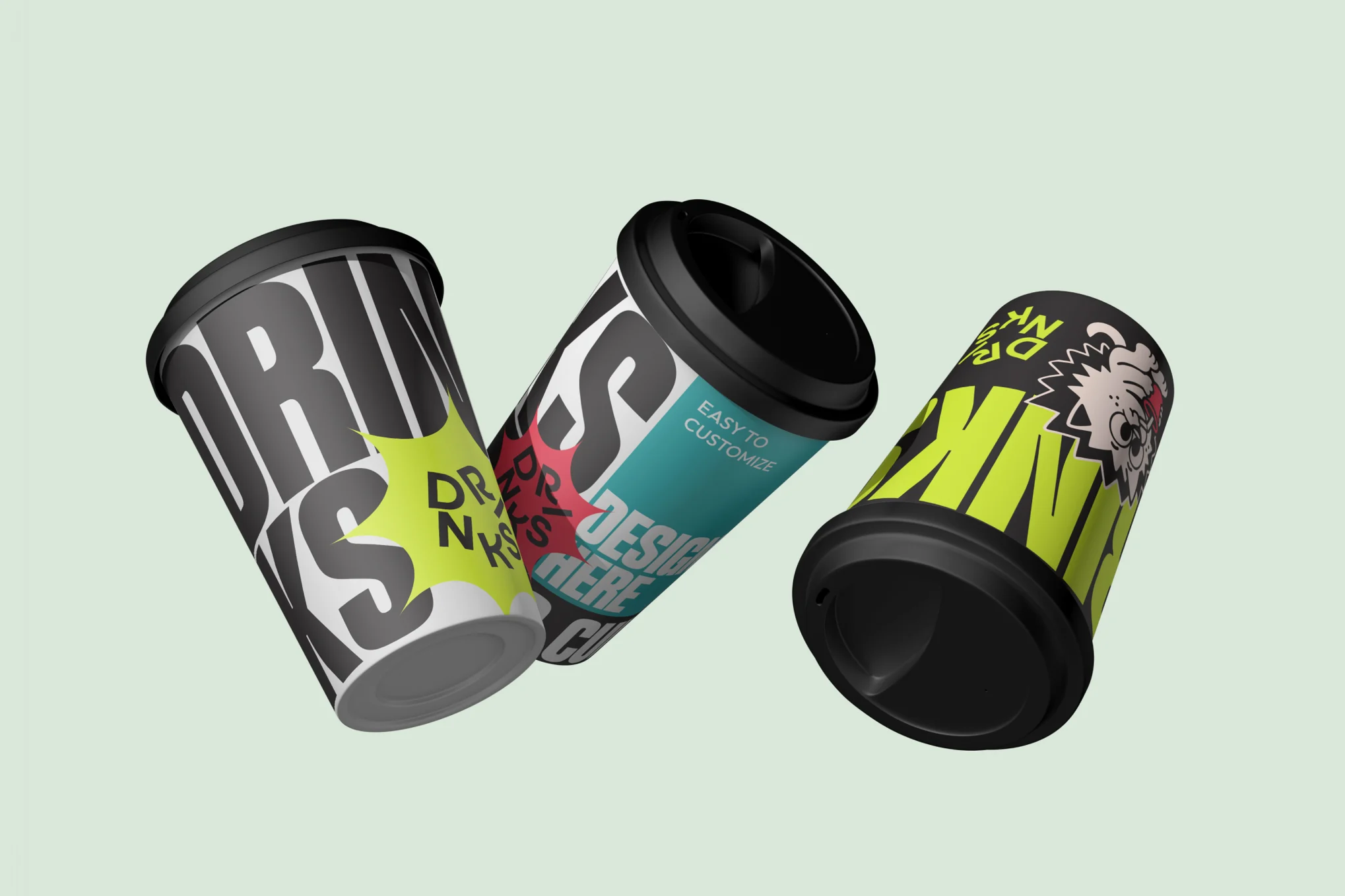
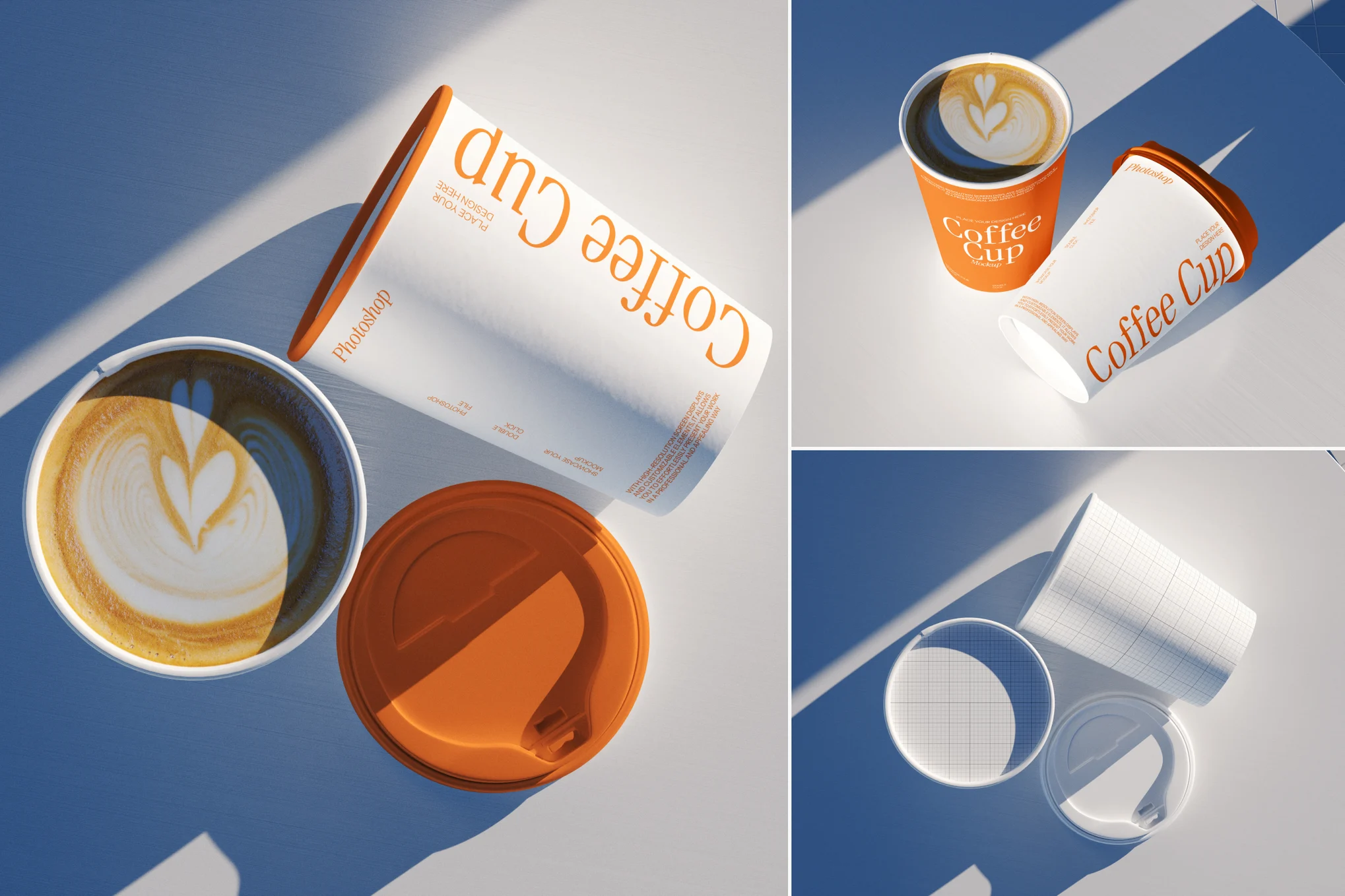
Paper cup mockups often include different perspectives—like top views, side angles, and hand-holding views—so you can present your design in multiple contexts. Some even include customizable backgrounds, shadows, and lighting effects to make your presentation stand out.
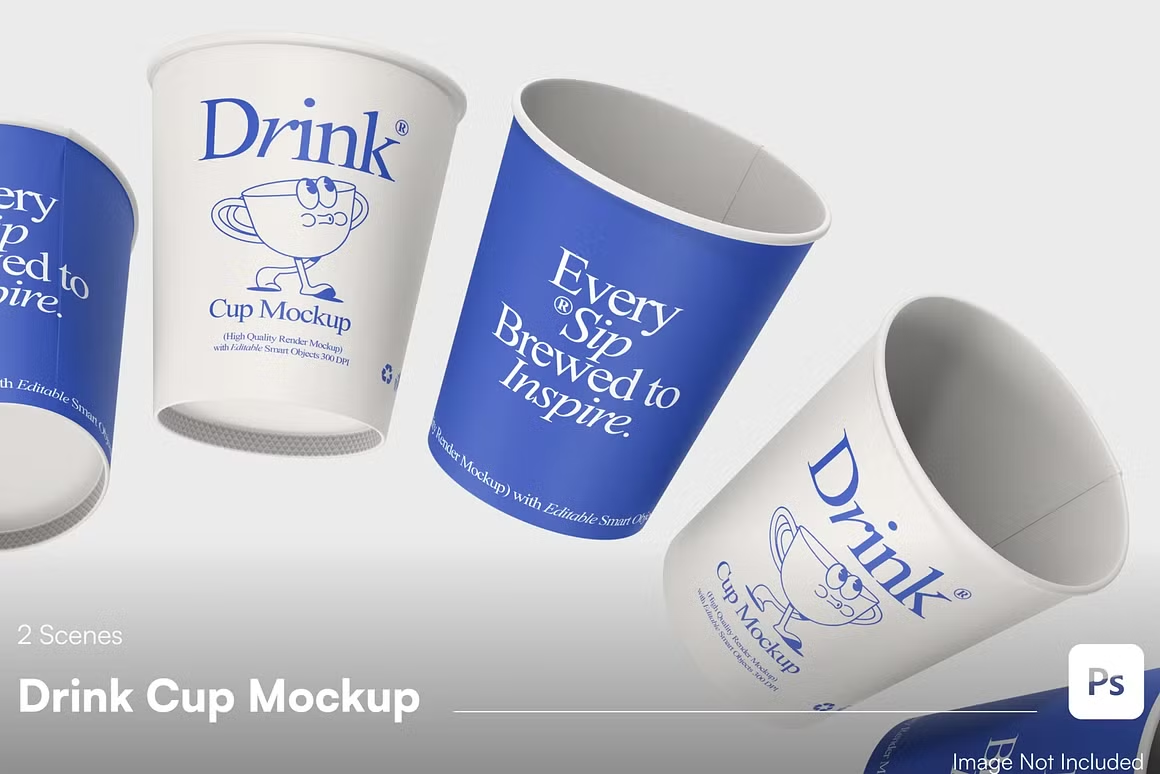
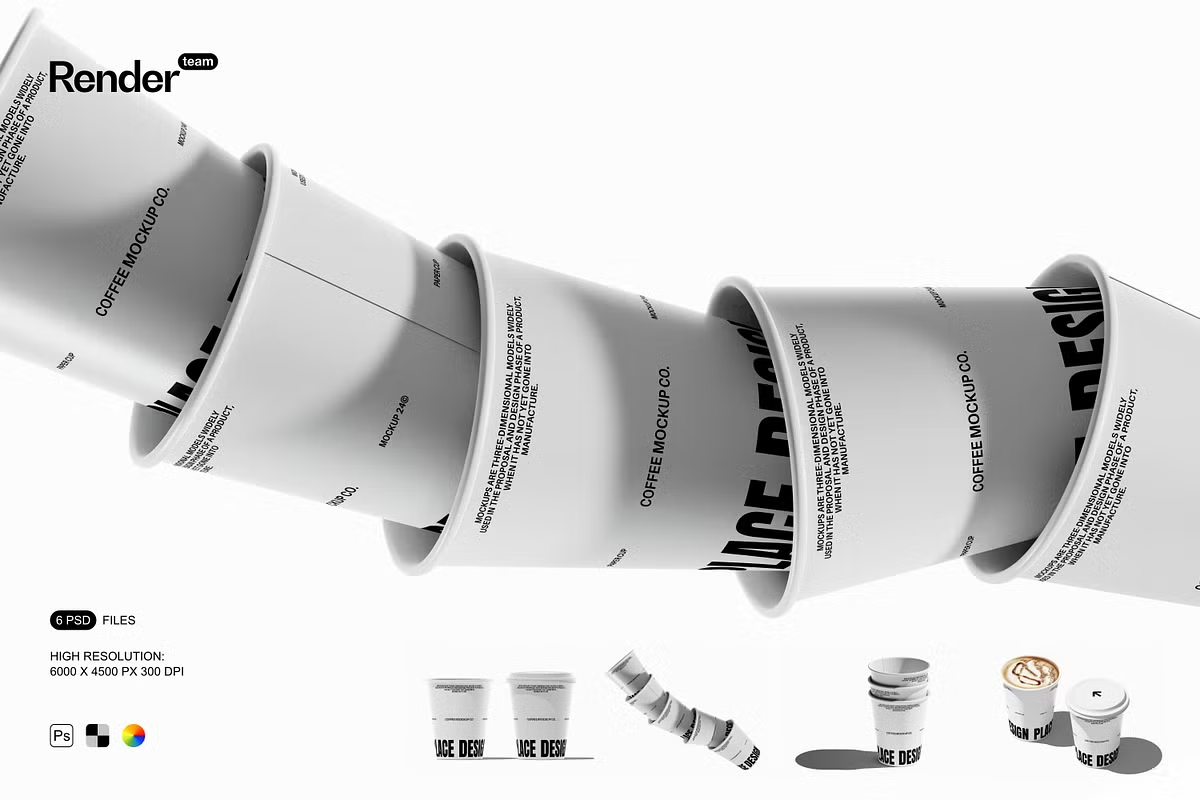
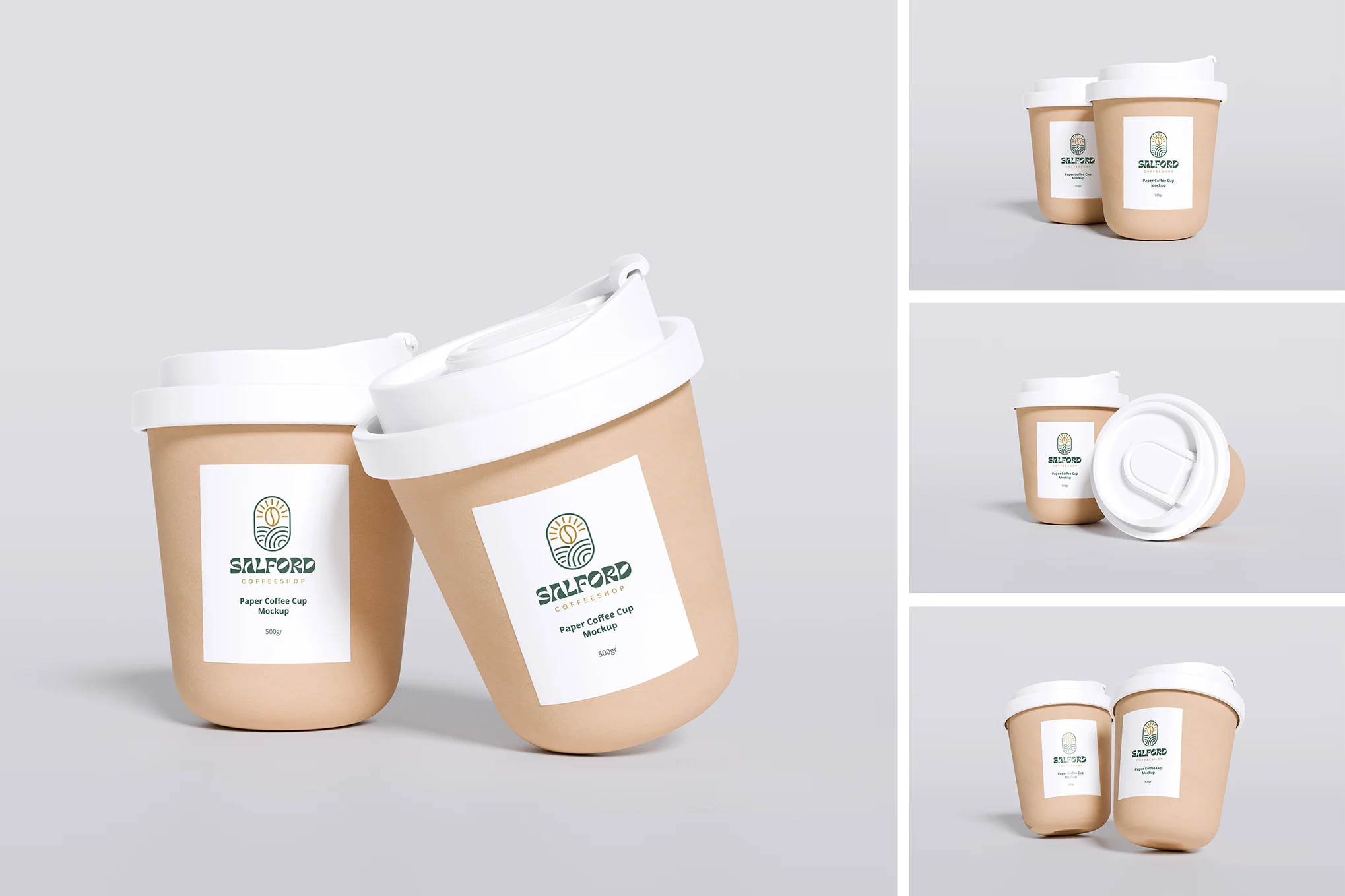
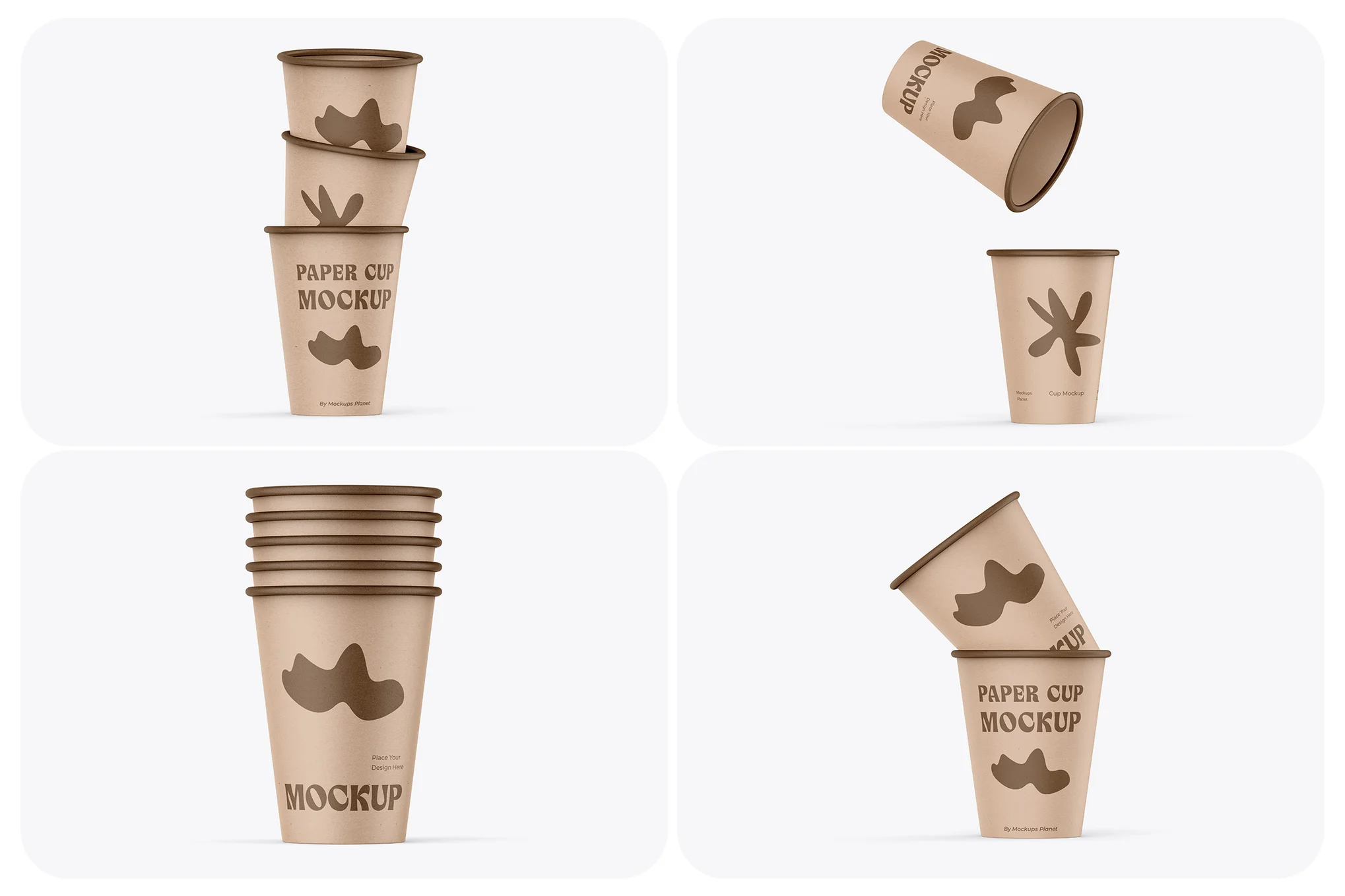
Paper Cup Mockups:
Why Designers Love Paper Cup Mockups
1. Realistic Brand Visualization
One of the biggest advantages of Paper Cup Mockups is their ability to bring your design to life. Instead of showing a flat logo on a screen, you can present your branding as it would appear in real use. This realistic approach helps clients better understand how your design will look in cafés, events, or retail spaces.
2. Saves Time and Money
Printing prototypes for every design iteration can be expensive and time-consuming. With mockups, you can test different designs, colors, and layouts digitally before committing to production. It’s an efficient way to experiment with multiple ideas while saving resources.
3. Enhances Professional Presentations
Whether you’re creating a design portfolio or pitching to a client, presentation is key. Paper Cup Mockups add a professional touch to your work. A well-chosen mockup can transform a simple design into a polished, realistic visualization that impresses clients and stakeholders.
4. Perfect for Marketing and Social Media
Paper cup mockups aren’t just for designers—they’re also great for marketers. You can use them to create promotional materials, social media posts, or advertisements showcasing your brand. Mockups help maintain consistency in your branding visuals across platforms.
Key Features to Look for in a Paper Cup Mockup
Not all mockups are created equal. When choosing the right paper cup mockup, consider the following features:
- High Resolution: Look for mockups with at least 3000×2000 px resolution. This ensures your designs look crisp and detailed, even in print or zoomed-in views.
- Smart Object Layers: PSD mockups with smart objects make it easy to replace existing artwork. Simply drag and drop your design, save the changes, and your cup updates instantly.
- Customizable Backgrounds: Being able to adjust background color, texture, or lighting helps match the mockup to your brand theme.
- Multiple Angles: Choose mockups that offer several perspectives—like front view, tilted cup, stack of cups, or hand-holding shots—for a more versatile presentation.
- Shadow and Light Control: Realistic lighting and adjustable shadows give your mockup depth and authenticity.
Types of Paper Cup Mockups
1. Single Cup Mockups
These mockups focus on one cup and are perfect for highlighting the main logo or brand design. They’re commonly used for presentations or product listings.
2. Stack Cup Mockups
Stacked paper cup mockups give a sense of volume and are great for coffee shop branding or wholesale packaging design.
3. Hand-Held Cup Mockups
Want a lifestyle feel? Choose mockups showing a hand holding the cup. These are ideal for social media and marketing visuals where human interaction adds warmth and realism.
4. Cup and Lid Combinations
Some paper cup mockups include both cup and lid elements, allowing you to present complete packaging concepts for coffee or cold beverages.
5. Scene Mockups
Scene mockups display your cup alongside props like coffee beans, napkins, or wooden tables. These add storytelling elements and make your presentation visually engaging.
How to Customize a Paper Cup Mockup
Customizing a mockup is simple—even if you’re not a Photoshop expert. Here’s a quick guide:
- Open the PSD File in Photoshop.
- Locate the Smart Object Layer (usually labeled “Your Design Here” or “Cup Design”).
- Double-Click the Layer to open it in a new tab.
- Paste Your Artwork or Logo. Adjust its placement and size as needed.
- Save and Close the Smart Object Tab. Your design automatically appears on the mockup.
- Adjust Backgrounds, Shadows, and Colors to match your branding.
In a few minutes, you’ll have a realistic cup design ready for presentations or marketing use.
Where to Find the Best Paper Cup Mockups
You can find high-quality paper cup mockups on popular design marketplaces like:
- Creative Market
- GraphicRiver
- Envato Elements
- Freepik
- Mockup World
Many of these platforms offer both free and premium options. For commercial branding projects, premium mockups are recommended—they provide better resolution, flexibility, and professional quality.
Conclusion
Paper Cup Mockups are more than just design templates—they’re powerful tools for branding visualization. They help designers, marketers, and business owners bring creative ideas to life without costly printing. Whether you’re presenting a new coffee logo, eco-friendly packaging, or a seasonal café theme, a realistic paper cup mockup adds the final polish your project deserves.
By investing in high-quality mockups and customizing them to match your brand’s aesthetics, you can impress clients, attract customers, and elevate your overall design presentation. If you’re looking to stand out in the world of beverage branding, Paper Cup Mockups are the perfect way to showcase your creativity and professionalism.