Presentation Templates: The Smart Way to Create Impressive Slides
In today’s fast-paced digital world, presentations play a vital role in communication. Whether you are pitching a business idea, sharing project updates, or teaching a class, the way you present your content makes a lasting impression. Presentation templates are the perfect solution to create professional, engaging, and visually appealing slides without spending hours designing from scratch. With the right template, you can save time, maintain design consistency, and deliver your message more effectively.
Why Presentation Templates Matter
A well-designed presentation speaks louder than words. If slides look cluttered or inconsistent, even the best content can lose impact. This is where presentation templates shine. They provide pre-designed slide layouts that combine color schemes, typography, and graphic elements seamlessly. By using templates, you don’t need advanced design skills—you just focus on your content and let the template handle the visuals.
Templates are especially helpful for businesses, educators, marketers, and students who want to impress their audience. They are designed with a professional approach, ensuring that every detail looks polished. From corporate reports to creative storytelling, presentation templates bring ideas to life.
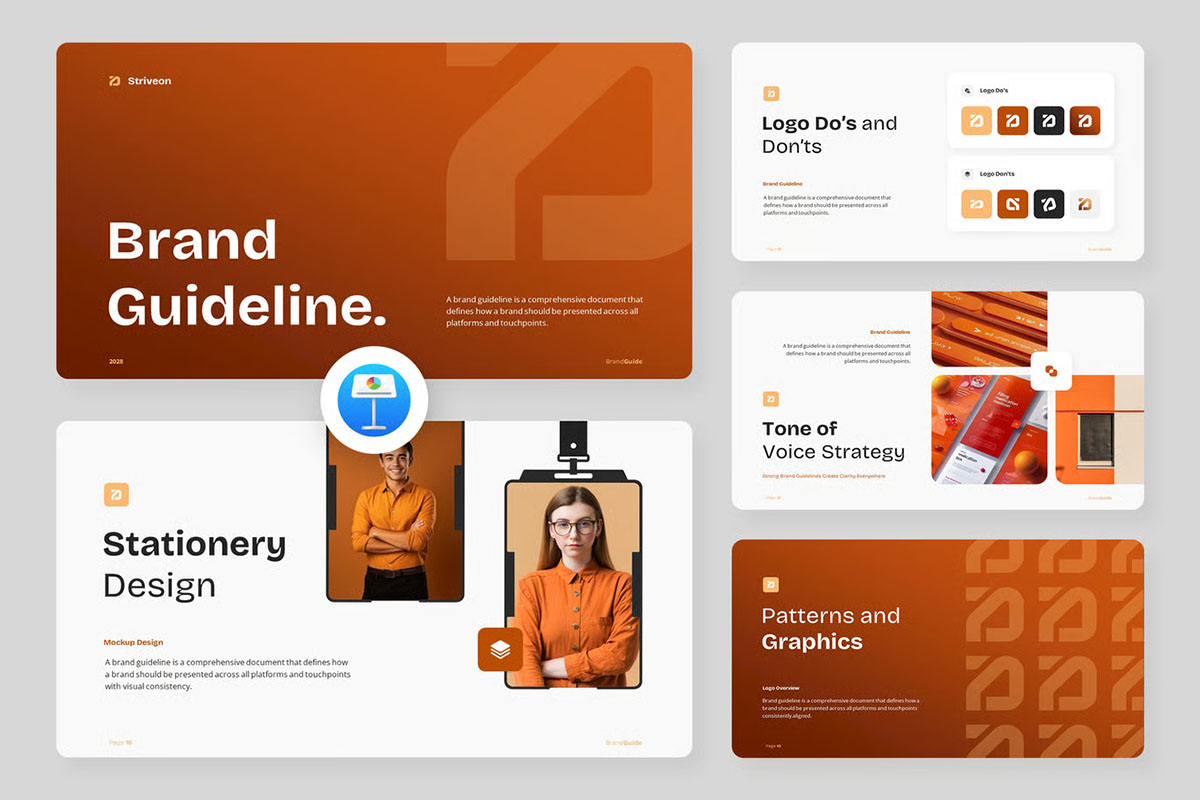
Brand Guideline Presentation Templates
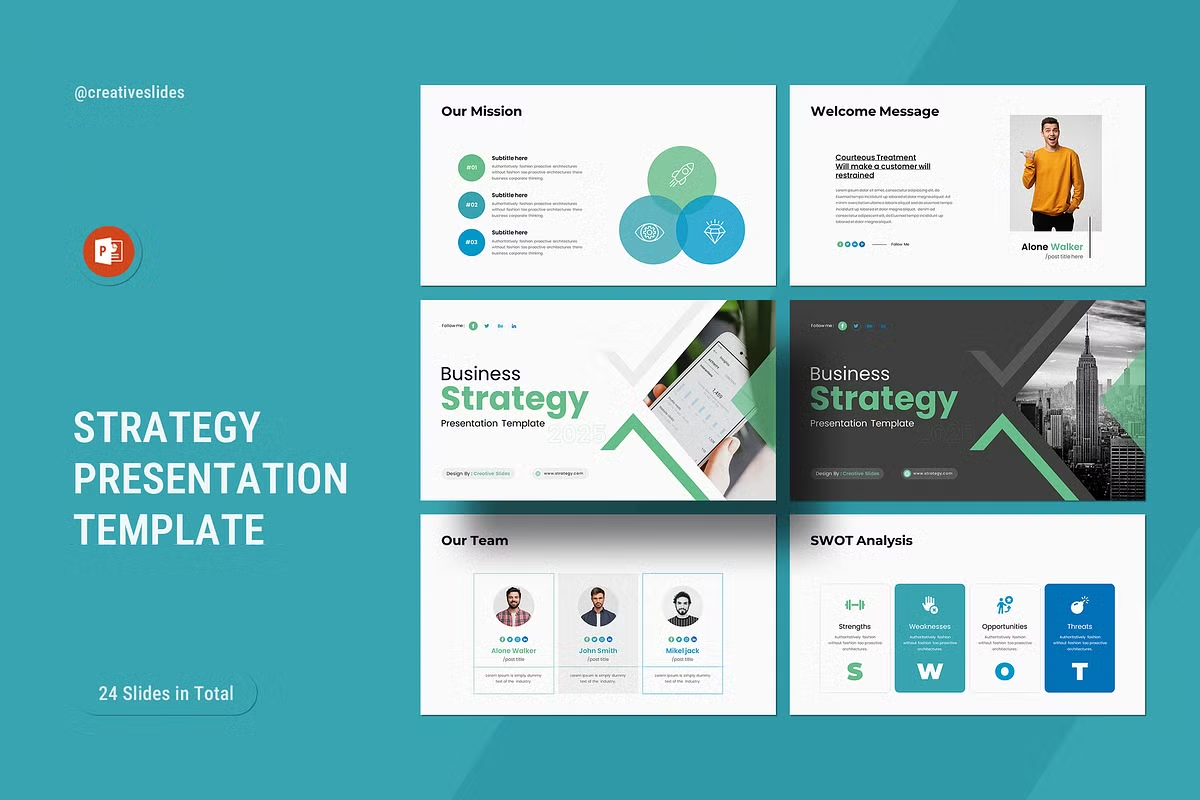
Strategy Presentation Templates
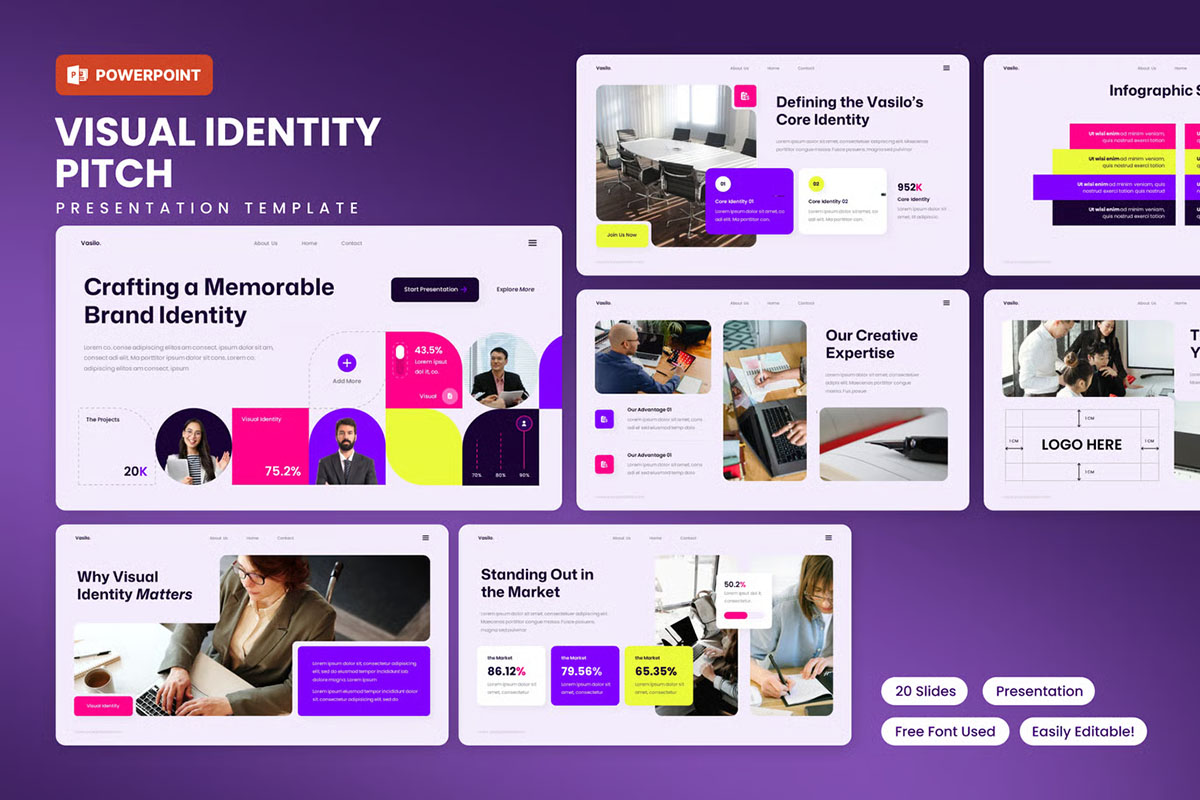
Visual Brand Identity Presentation Templates
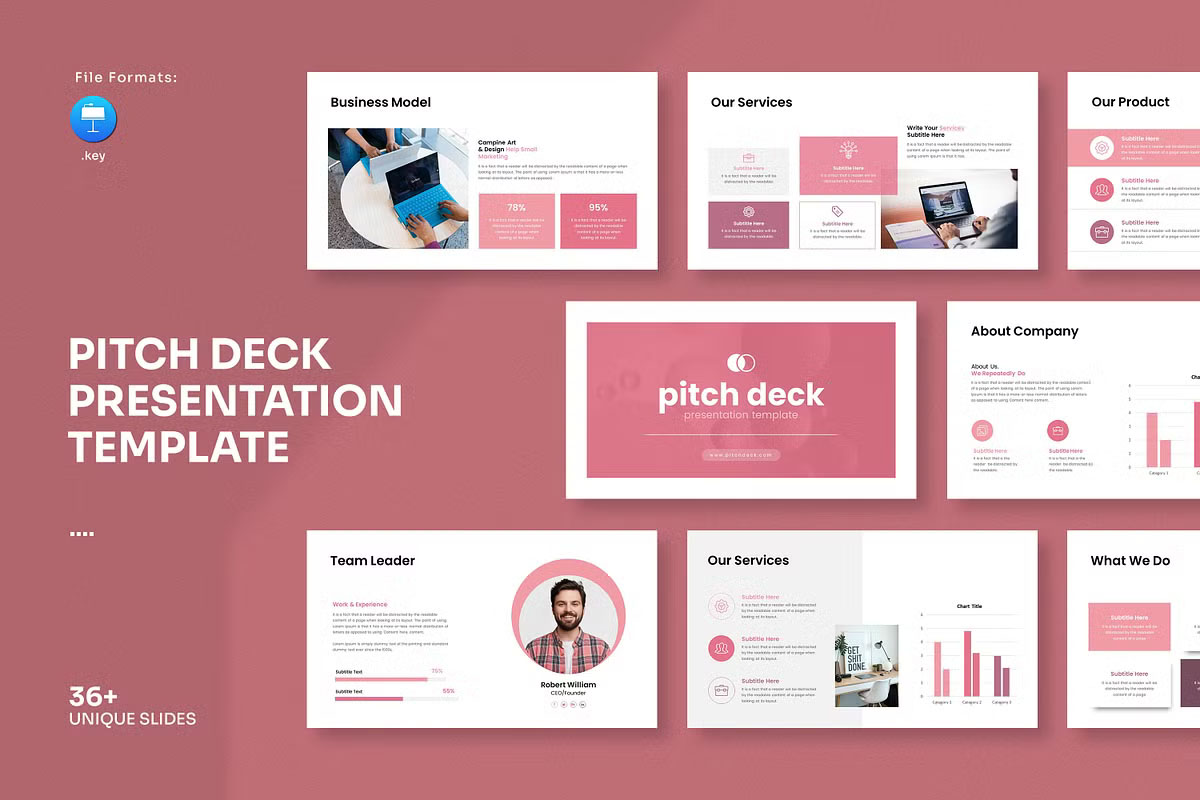
Pitch Deck Presentation Templates
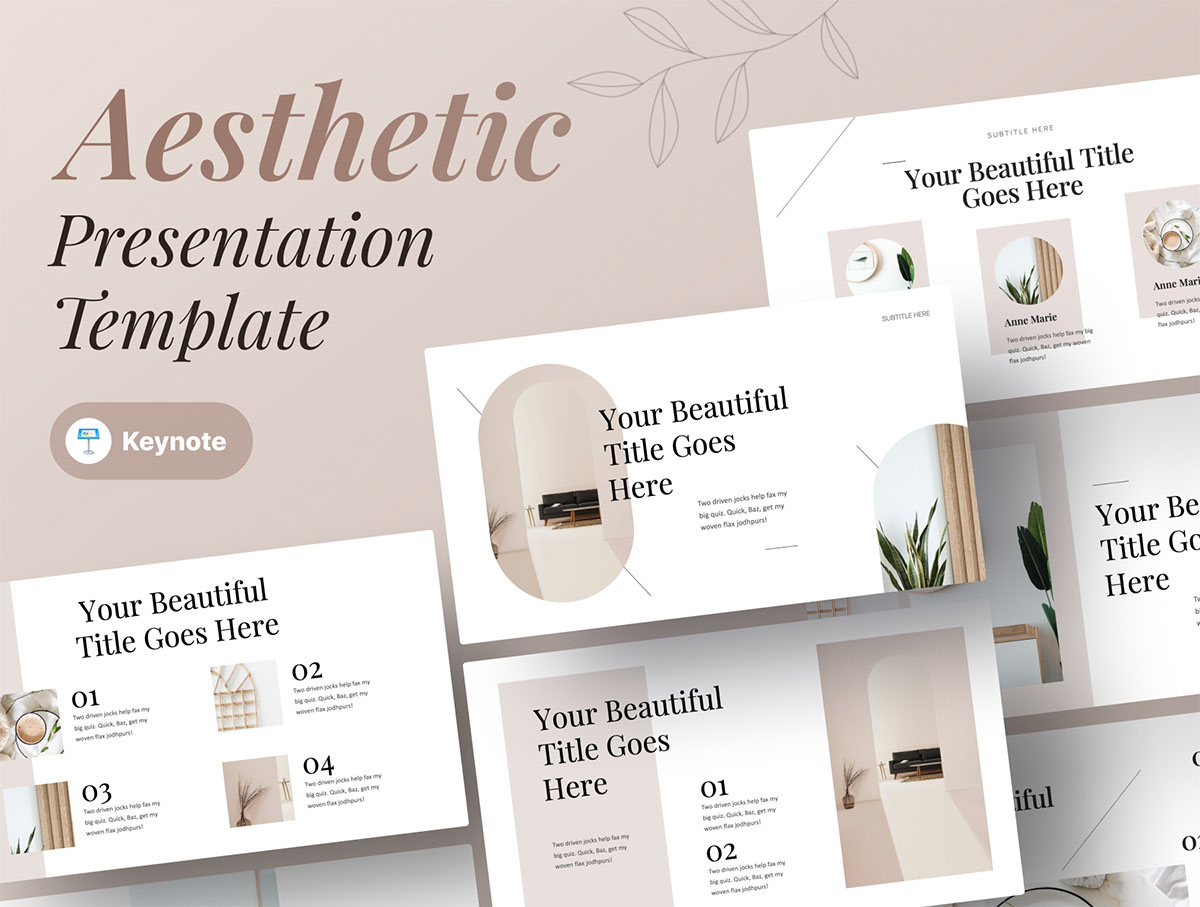
Aesthetic Keynote Presentation Template
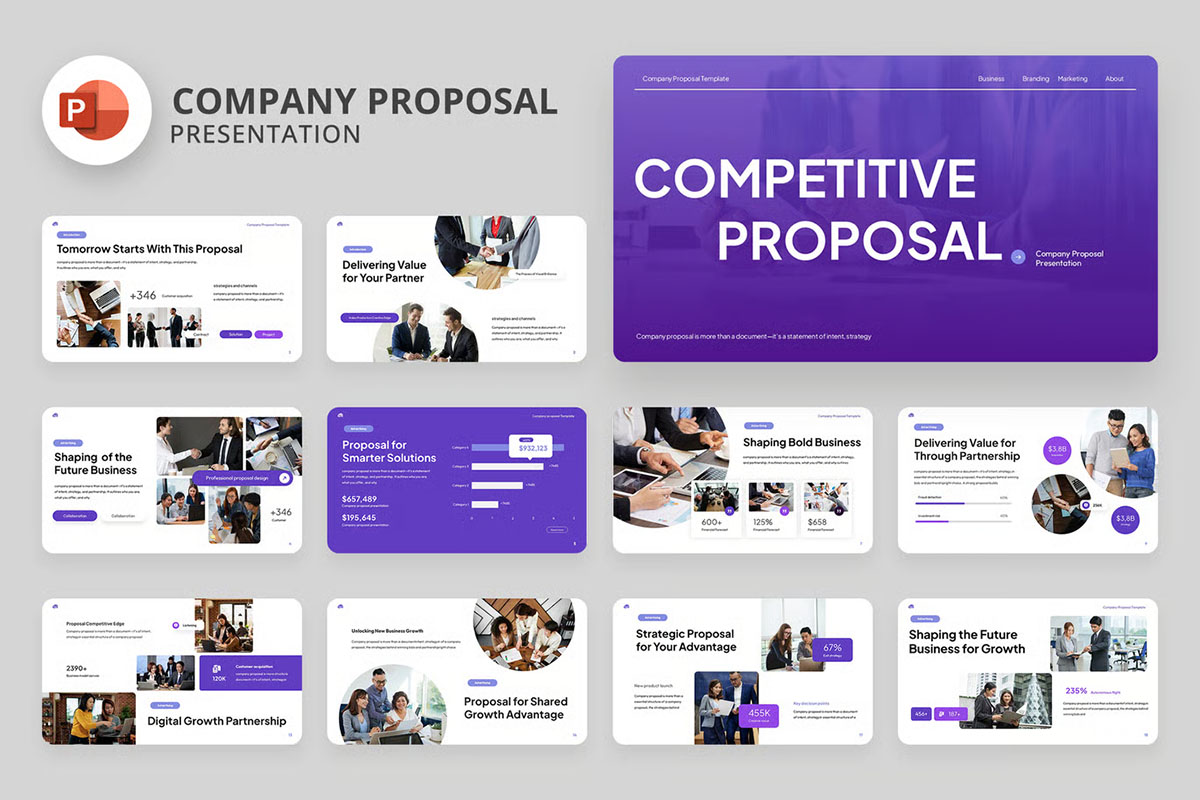
Company Proposal Presentation Templates
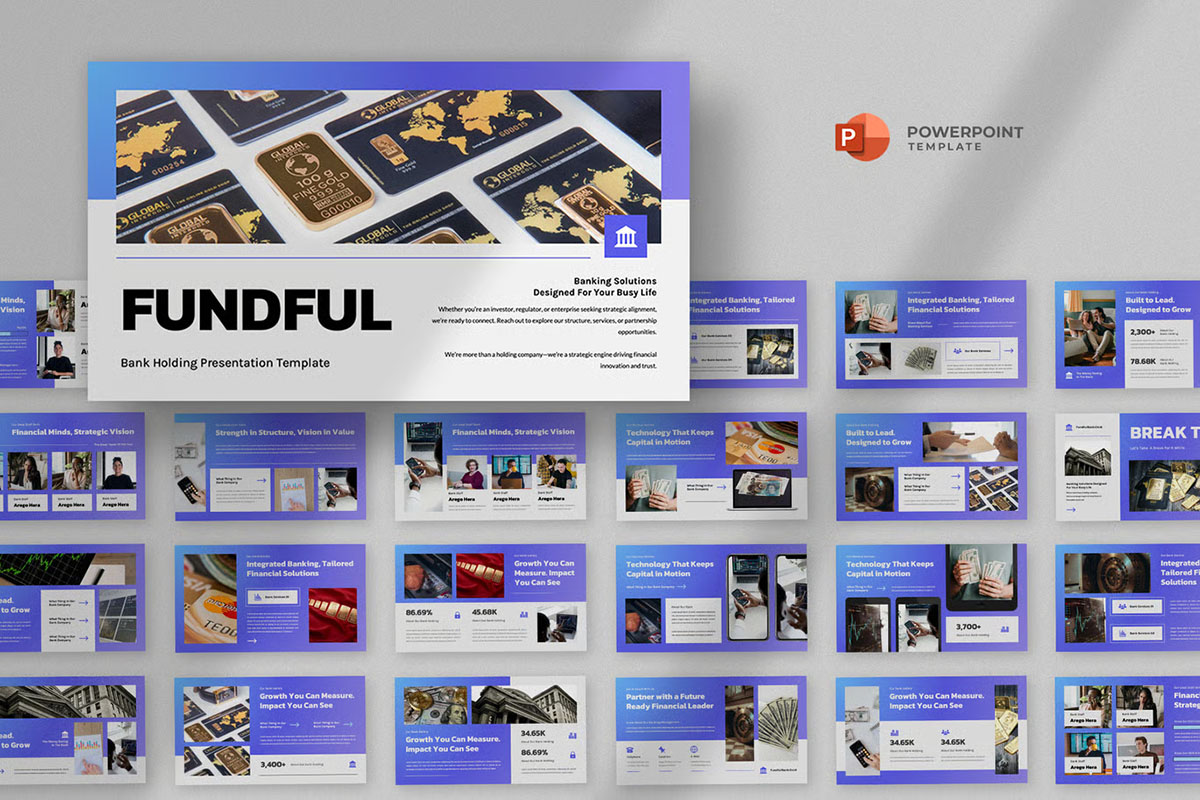
Bank & Finance Presentation Templates
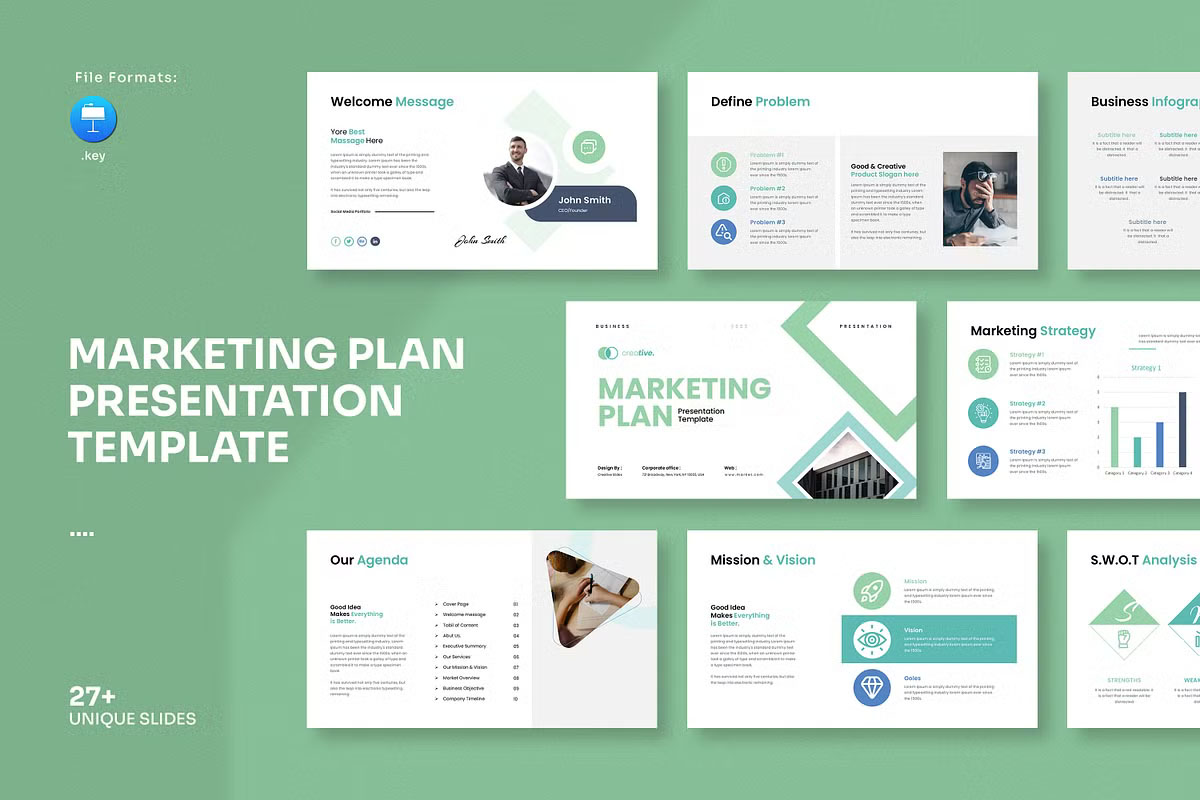
Marketing Plan Presentation Template
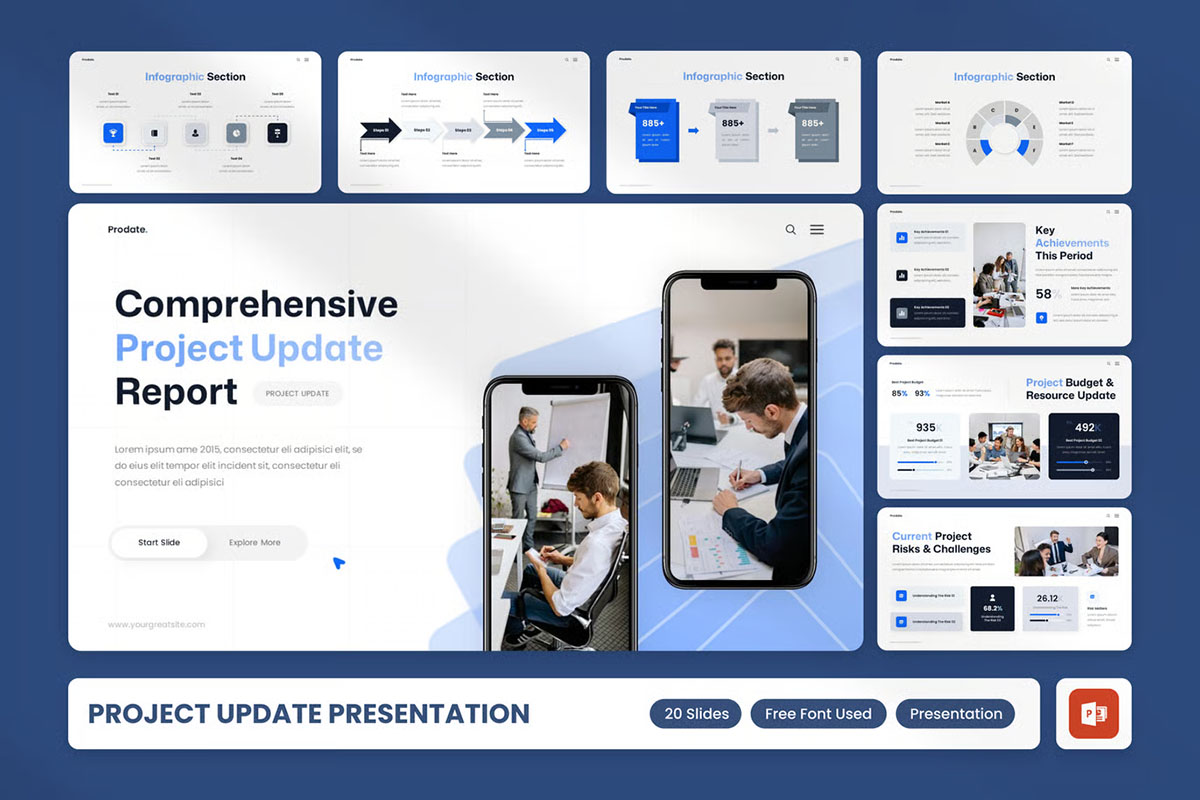
Project Update Report Presentation Template
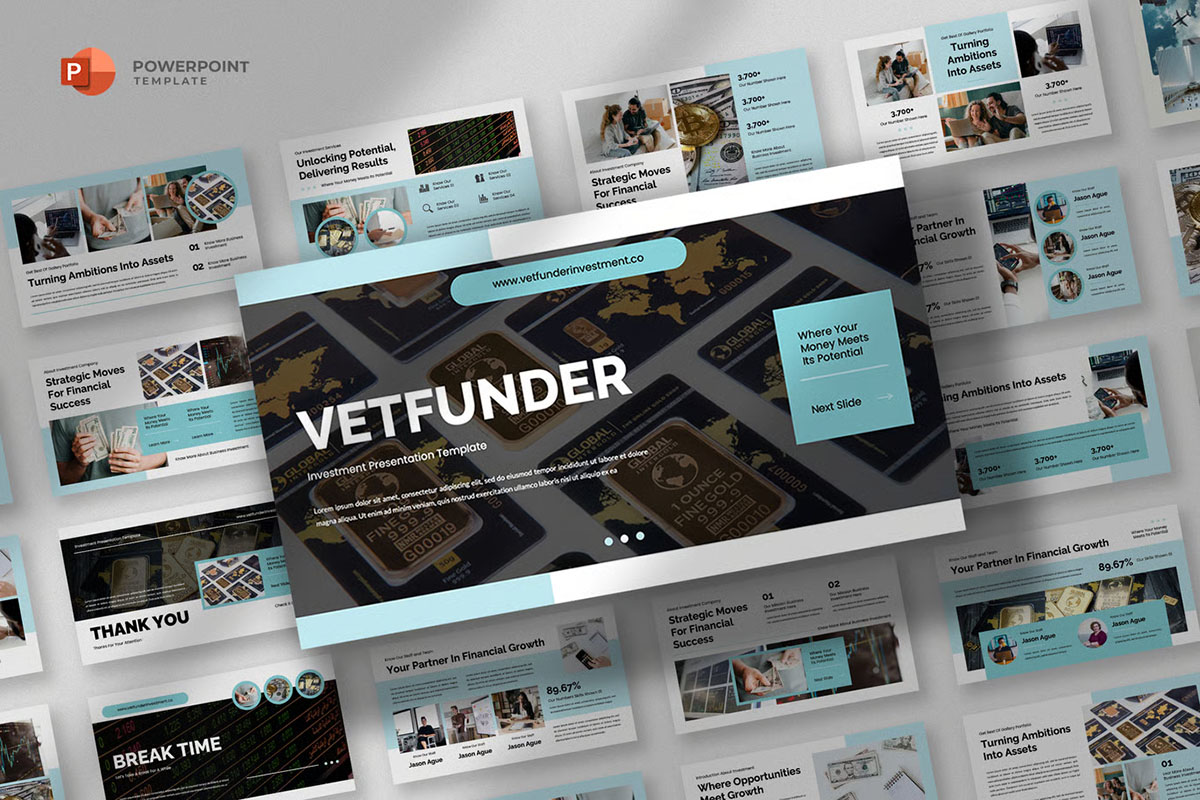
Investment & Financial Presentation Template
Benefits of Using Presentation Templates
Presentation templates are more than just time savers. They have some clear benefits that make them a must-have tool:
- Time Efficiency: Instead of designing each slide manually, you can choose from pre-built layouts that streamline your process.
- Professional Appearance: Templates are designed by experts, giving your presentation a polished, high-quality look.
- Consistency: The biggest advantage of a template is visual consistency. Colors, fonts, and formats remain the same throughout the presentation.
- Customization: While templates provide structure, they’re also flexible. You can edit colors, add images, change icons, and adjust layouts to suit your content.
- Versatility: There are templates for every purpose—business meetings, conferences, classrooms, marketing campaigns, or personal storytelling.
Types of Presentation Templates
Every presentation has a different purpose, and templates are designed to match that need. Some popular types include:
- Business Presentation Templates: Professional layouts for company profiles, startup pitches, project updates, and strategy reports.
- Creative Presentation Templates: Unique designs with bold graphics and visuals for storytelling, portfolio showcases, or design proposals.
- Educational Presentation Templates: clean and simple formats that make lessons more interactive and easier to understand for students.
- Marketing and Sales Templates: Designed to highlight data, research insights, and sales growth in an attractive way.
- Minimalist Templates: Simple and modern designs that ensure your audience focuses on the content without distractions.
How to Choose the Right Template
With so many options available, selecting the right presentation template can feel overwhelming. The key is to match the style of the template with your purpose. For example, if you are pitching an idea to investors, use a sleek and professional design. If you’re giving a creative talk, choose something bold and colorful. Always consider font readability, chart designs, and image placeholders to make your slides practical and engaging.
Tips for Making the Most of Templates
Using a template is just the first step. To make your presentations truly effective:
- Keep slides simple with one key idea per slide.
- Use visuals such as icons, graphs, and images to break down complex information.
- Stay consistent with your brand colors and fonts.
- Avoid overcrowding slides with too much text.
- Rehearse your presentation so your delivery matches your polished design.
The Future of Presentations
As technology evolves, presentation templates continue to become smarter. Many modern templates are compatible with tools like PowerPoint, Google Slides, and Keynote. Some even include animations, video placeholders, and infographic elements to enrich storytelling. Templates are not just about design anymore—they are becoming interactive tools that elevate the entire presentation experience.
Conclusion
Presentation templates are more than shortcuts; they are powerful tools that help professionals and students communicate with clarity, confidence, and creativity. By using them, you can create impressive, consistent, and visually appealing slides that leave an unforgettable impression. Whether you need a corporate pitch deck, an educational slideshow, or a creative portfolio, the right presentation template will always give you a head start.
For anyone looking to make impactful and engaging slides, using pre-designed templates is the smart and effective choice.